Blood Glucose Monitoring System - User’s Manual
Diagnostic Devices, Inc www.prodigymeter.com 1.800.243.2636
12
PREPARATION BEFORE USE
• Battery Replacement
Your meter comes with two (2) 1.5V AAA size alkaline batteries.
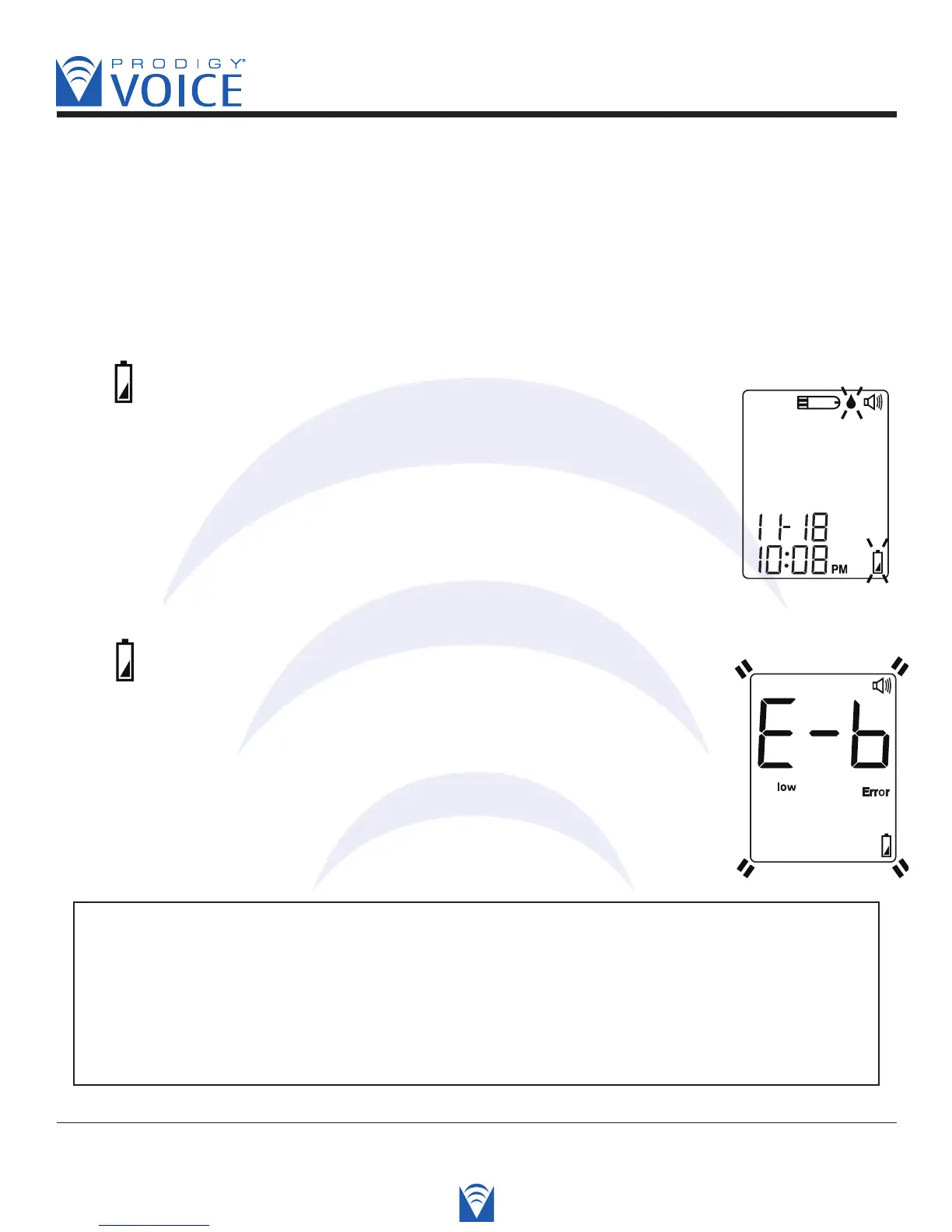
The meter will alert you when the power is getting low by
displaying two different messages:
1. The symbol appears together with other display messages: the
meter is functional and the result remains accurate, but it is time to
change the batteries.
Voice SPEAKS: “Battery is low, please replace.”
2. The symbol appears with the “E-b” symbol, “Error” and “low”:
the batteries can not provide enough power to do a test. You must
change the batteries immediately. (Whole screen is blinking).
Voice SPEAKS: “Battery is dead, please replace.”
PLEASE NOTE
• Replacing the batteries does not affect the test results stored in memory. However,
the time, date and unit settings may need to be re-set.
• Batteries might leak chemicals if not used for a long time. Remove the batteries if you
are not going to use the device for an extended period (i.e., 3 months or more).
• Please discard dead batteries properly.



 To Next Page