OB7 Collaborative Robot User Manual Version 0.6
OB7 Control Functions / 83
MOVE TILE
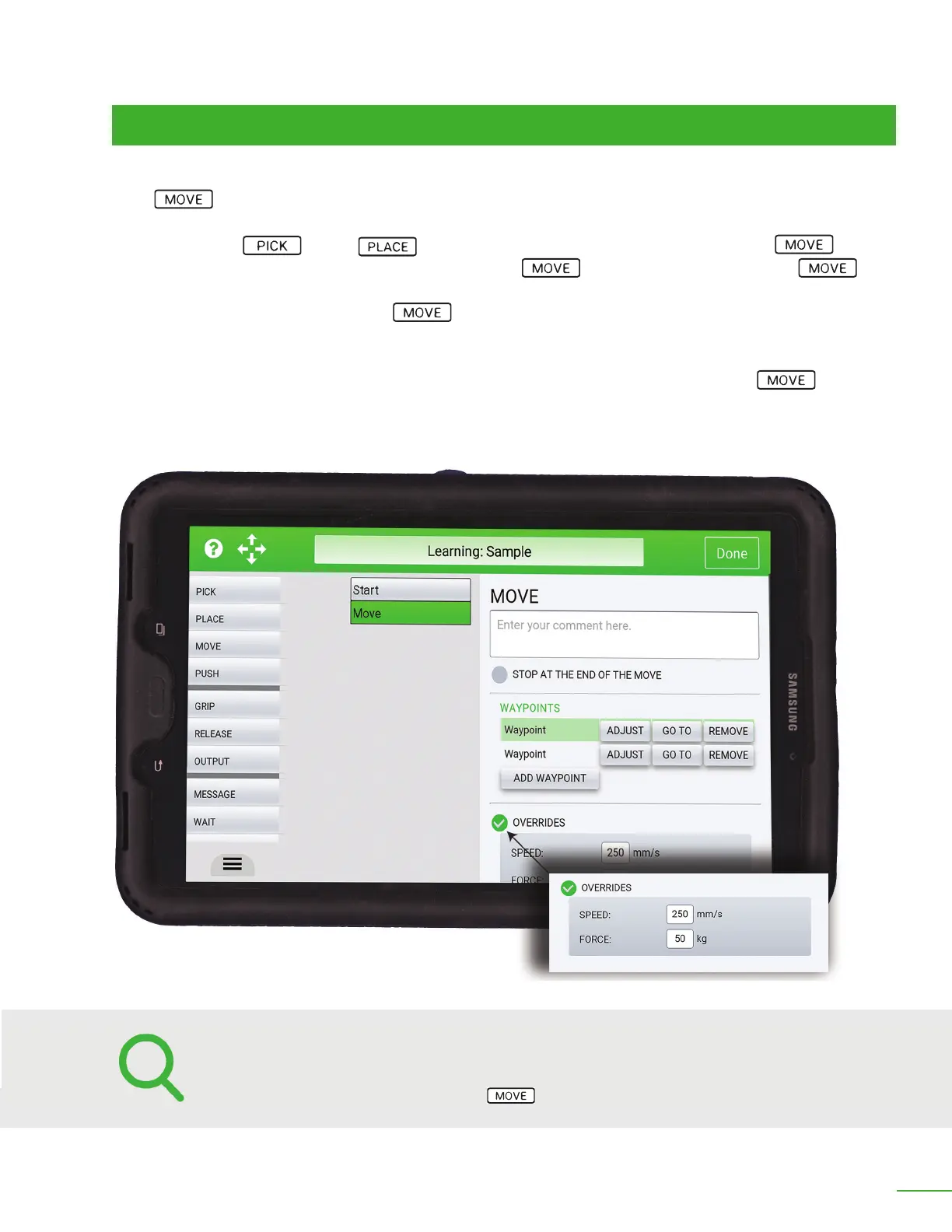
The move tile is added when it is necessary for OB7 to move through a complex or circuitous
path. (In many cases it is unnecessary add this tile or to specify a particular move path. OB7 moves
automatically to PICK and PLACE positions without the need to add a specic MOVE .)
When a more complex path is necessary in a job, the MOVE tile is used. Normally, the MOVE tile
and path will be added automatically as OB7 learns the job. This happens when the “move position”
button on the handle is pressed. A MOVE tile may have as many positions or as complex a path
as needed. Each time the move button on the gripper is pressed, OB7 learns to move through this
position. The paths which OB7 moves through may be as simple as a direct move in a straight line,
or may be along a very complex. As OB7 learns it’s move, it stores the details in the move tile. In
most cases the best practice is to specify as few move positions as possible. OB7 will automatically
move smoothly through the positions.
It is NOT necessary to tell OB7 explicitly where to move. OB7 will automatically nd its own way
between positions. For example: In a Pick and Place operation, OB7 will nd its own way from the Pick
up position to the Place position. In some cases, there may be obstacles between these locations.
When this occurs, you can instruct OB7 to MOVE around the obstacle.



 To Next Page