OB7 Collaborative Robot User Manual Version 0.6
OB7 Control Functions / 84
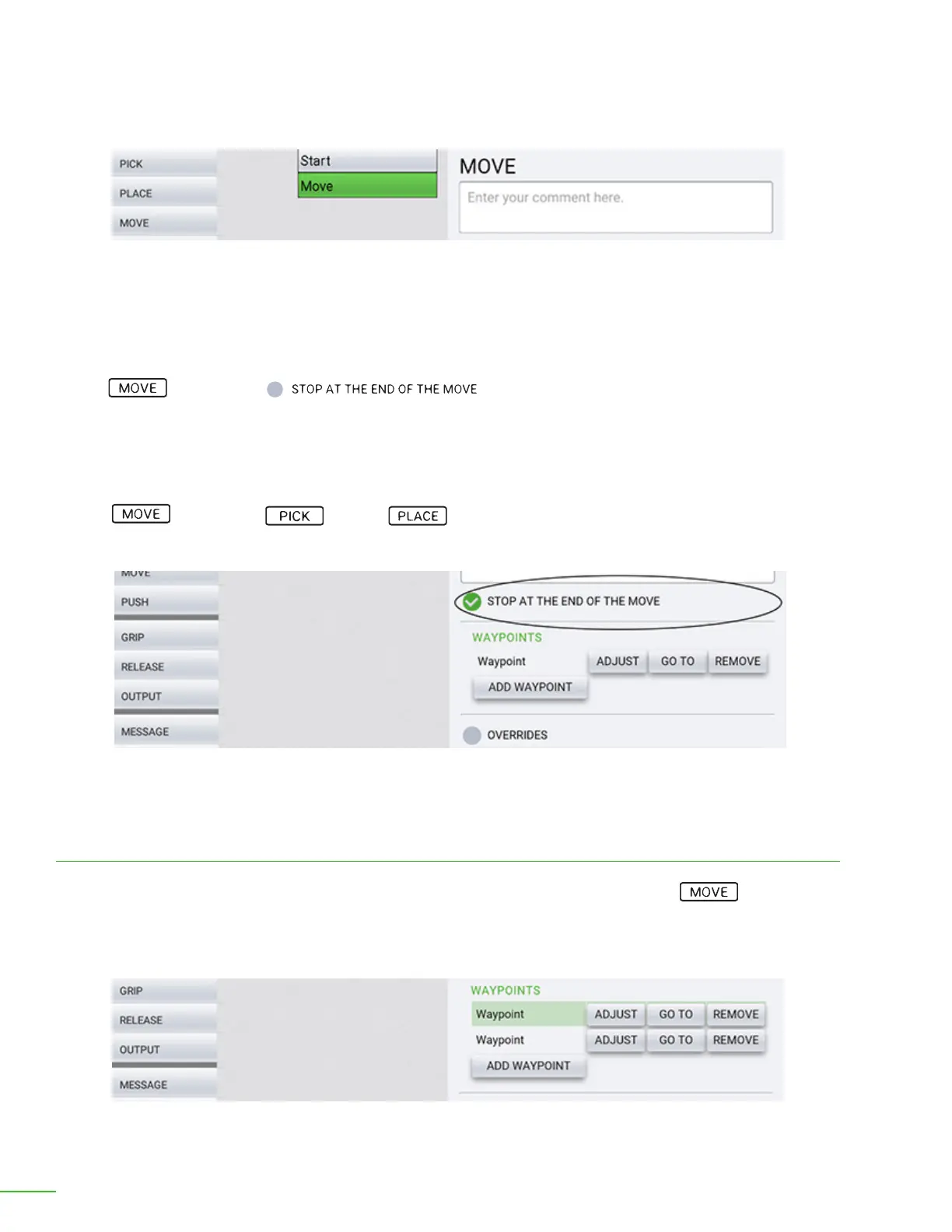
Enter descriptive comment.
Stop at end of move.
Comments: You can enter a comment or description of the job here.
You may also specify how you would like OB7 to move. The details include:
Stop At End of Move: OB7 will move smoothly at a constant speed through the move positions set
in this MOVE tile. If the STOP AT END OF MOVE: option is selected OB7 will gently come to
a stop briey at the end of the move, before proceeding with the rest of the job. If this option is not
selected, OB7 will proceed directly with the rest of the job when this move is nished. In most cases
this option is NOT selected.
This option pertains only when the move is followed by another movement. For example, you may
have a Move between a Pick and a Place . In this example, checking this option will tell
OB7 that it must stop briey before approaching the position where it will Place the object.
OB7 will move smoothly and continuously through all the “waypoints” set in the move tile. Each
waypoint may be given a name if desired. It is also possible to move directly to a particular waypoint
while teaching OB7 in order to inspect it. The waypoint may also be moved, or deleted while teaching
the job to OB7.
Waypoints
Specify the waypoints.



 To Next Page