9
CROMOBEAM250
- 3 - FUNCTION AND SETTINGS
3.1 OPERATION
Connect the supplied main cable to a socket (200-240V~/50-60Hz). Switch on the unit with the power
switch (6) . Shortly after that the CROMOBEAM250 is ready for operation.
After operation, switch o the unit with the power switch.
3.2 BASIC
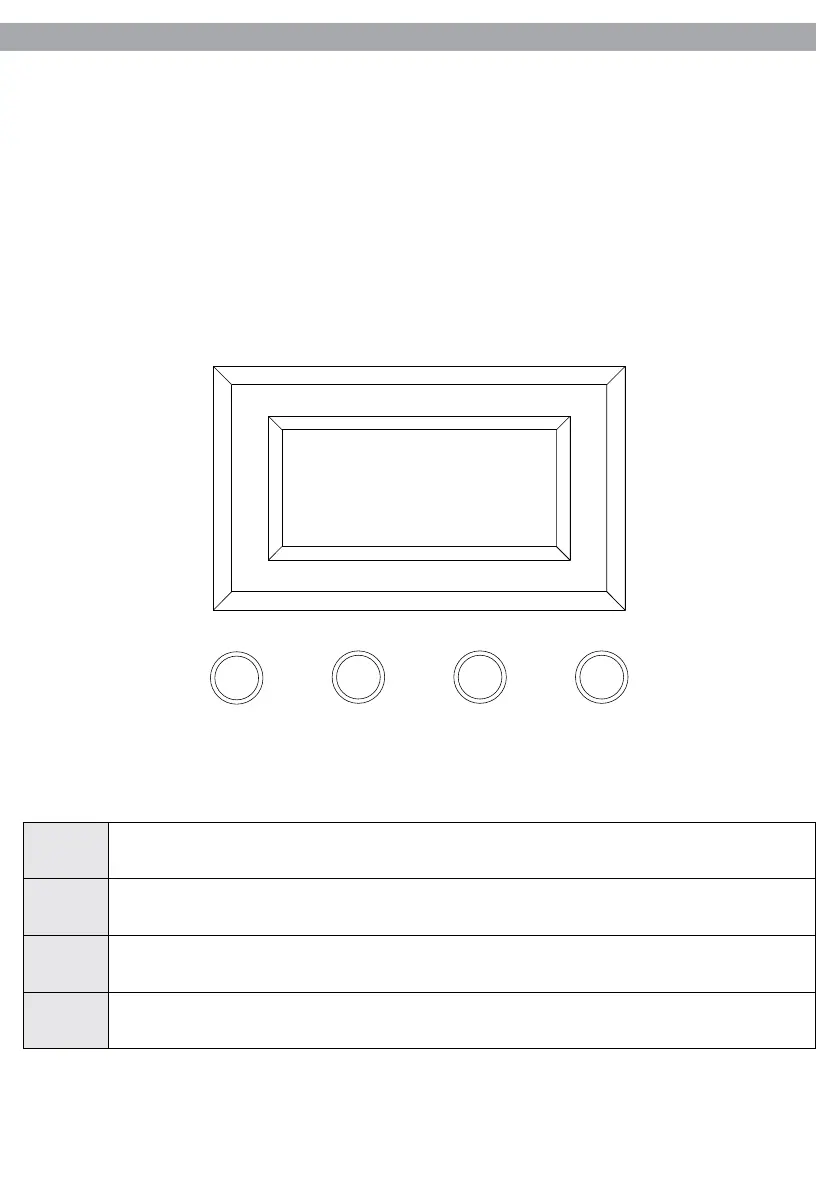
The CROMOBEAM250 has a LCD display and 4 button used to access the control panel functions and man-
age them (g.5).
MENU
ENTER DOWN
UP
Welcome
ADD:001
Fig.5
MENU Exits from the current menu or function.
ENTER
Enables the currently displayed menu or sets the currently selected value into the current
function.
DOWN
Navigates downwards through the menu list and decreases the numeric value when in a
function.
UP Navigates upwards through the menu list and increases the numeric value when in a function.



 To Next Page