CROMOBEAM250
16
3.13 EDIT CUSTOM
• Press the MENU button, select the [Edit] menu voice and press the ENTER button to conrm the choice.
• Edit the custom programs by adjusting the value of [Step], [Pan], [Tilt], [Speed], [Color], [Gobo1], [Gobo1 Rot],
[Dimmer], [Strobe] and [Time].
• Press the ENTER button to conrm.
• Enter [Use] and select [Yes] to run the steps user need.
CROMOBEAM250 will execute all the steps in the custom program and it will stop. To make the xture to
start over add a last step whose duration is 0 second.
Example
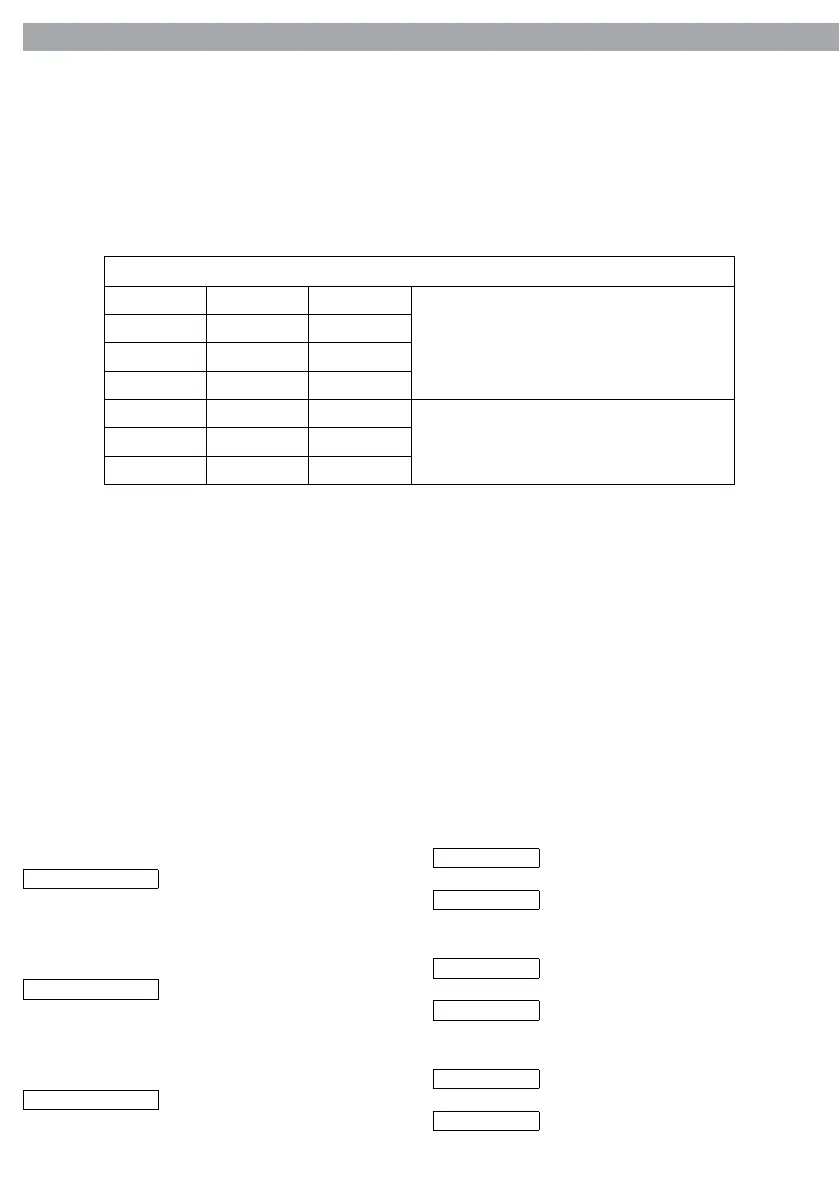
Step1: Time=5 Use= Yes
This step creates a loop
Step2: Time=4 Use= Yes
Step3: Time=6 Use= Yes
Step4: Time=0 Use= Yes
Step5: Time=0 Use= No
Unused steps
... ... ...
Step255: Time=0 Use= No
To disable
To enable
Reverse
Reverse
Linear
Normal
Normal
Step
Used for reversing Pan
movement
Pan
To disable
To enable
Used for reversing Tilt
movement
Tilt
Color movement mode
Color
Step mode
Linear mode
NOTE. CROMOBEAM250 will execute all the steps in the custom program in the stand-alone operation
mode.
• Go to MENU > [Intro] . Enter [Run] to select the operation mode: [Custom].
3.14 FIXTURE SETTINGS
It is possible to change the parameter value in the following way:
Invert function
• Press the MENU button, select the [Invert] menu voice and press the ENTER button to conrm the choice.
• Select the parameter to be changed between [Pan], [Tilt] and [Color] and press the ENTER button to con-
rm.
• Set the desired parameter value using the UP and DOWN buttons and press the ENTER button to conrm
the setting.
• Press the MENU button to go back or wait 30 seconds for automatic exit from the menu.
• Enter [Use] and set [Yes] to run the new setting.



 To Next Page