PROLiNK® PEN1201 Wireless-N 300Mbps Range Extender II
Page 15
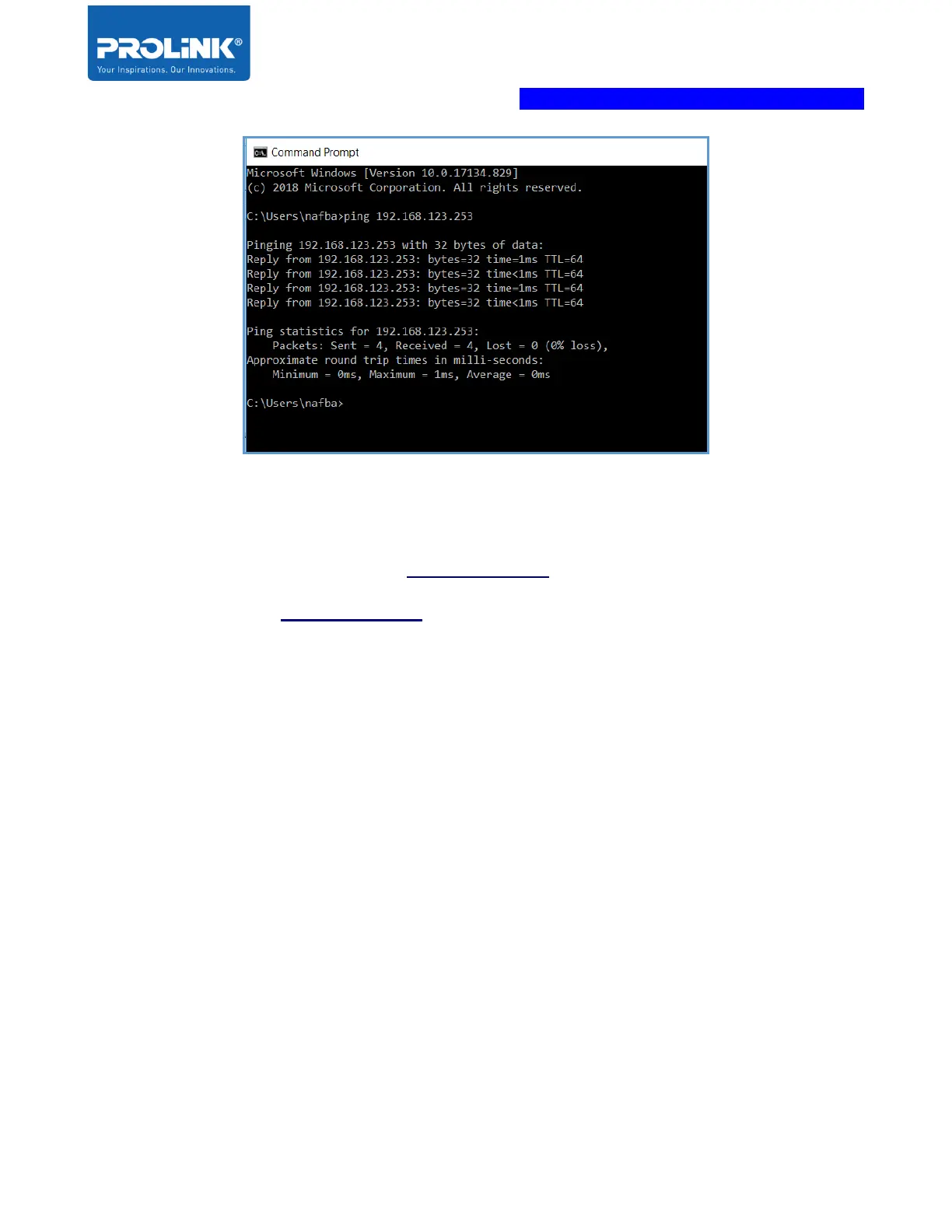
If you encounter different result from the above, it indicates your connection between Computer
and PEN1201 probably failed. You may follow below steps in order to try rectifying the issue:
1. Please recheck and ensure the Hardware Setup is correct
2. Try to follow the Hardware Setup, but with another Client (PC / Laptop / mobile phone)
3. Ensure that the client devices are not using Fixed IP Address



 To Next Page