PROLiNK® PEN1201 Wireless-N 300Mbps Range Extender II
Page 27
Access Point (AP) Wizard
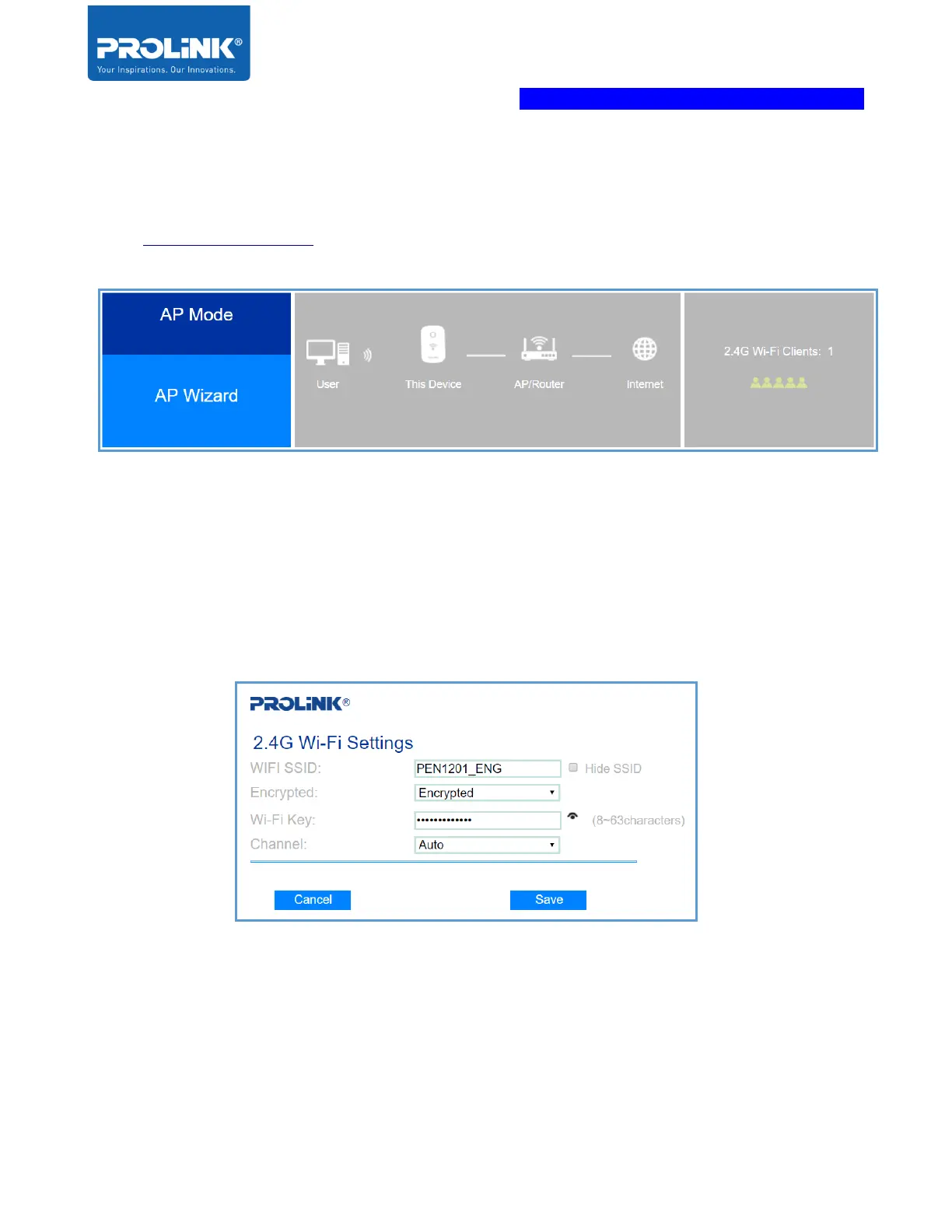
1. Set Operation Mode Switch to AP. Proceed to click AP Wizard after logging into
http://pen1201.setup to start the setup
2. Make sure that the Internet source is connected to PEN1201 WAN port. Set your
preferred Wi-Fi SSID and Wi-Fi Password. Set the Channel to Auto, or to any of the
desired Wi-Fi Channel number. Click Save to proceed, it will reboot the PEN1201 and in
approximately 60 seconds; you can now connect wirelessly to the newly set SSID and
password.



 To Next Page