PROLiNK® PEN1201 Wireless-N 300Mbps Range Extender II
Page 28
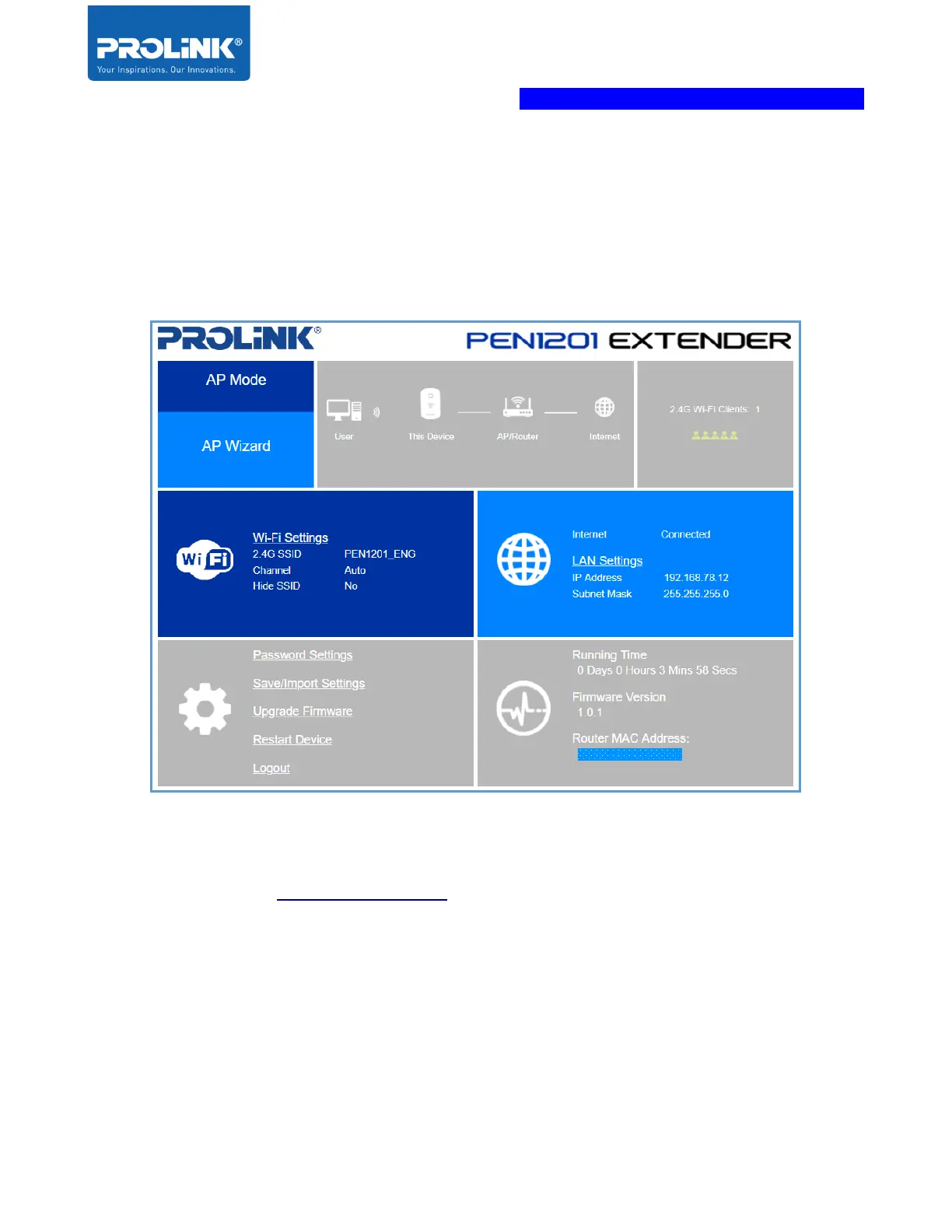
3. The homepage of the AP shows the status of the internet connection. It it disconnected,
please check your Host/Main Router connection or contact your ISP regarding the
internet connection.
Note: After Setup, to access PEN1201 web interface, please connect to PEN1201’s set
SSID and enter http://pen1201.setup at your Internet Browser Address bar.



 To Next Page