PROLiNK® PEN1201 Wireless-N 300Mbps Range Extender II
Page 39
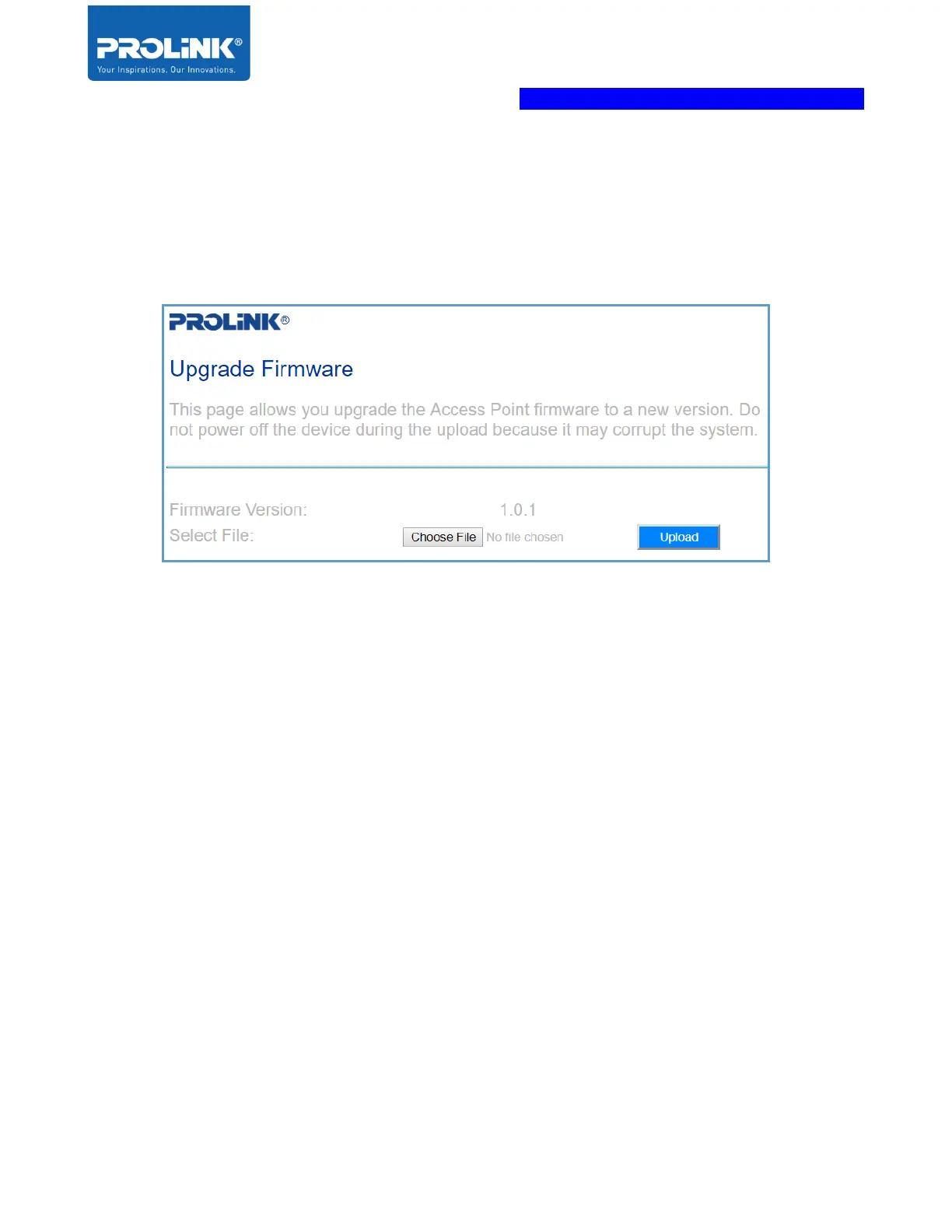
Upgrade Firmware
Click on Upgrade Firmware to upgrade Extender PEN1201 firmware to new version.
To Upgrade Firmware, click Choose File > point to the provided firmware file > click Upload
Note: DO NOT Disconnect or power off the PEN1201 during the upgrade as it will become
corrupted and unusable.
Restart Device
Click Restart Device to reboot the PEN1201. It will take about a 60 second to finish up the
booting process.
Logout
Click to logout from the PEN1201 Web Interface



 To Next Page