PROLiNK® PEN1201 Wireless-N 300Mbps Range Extender II
Page 17
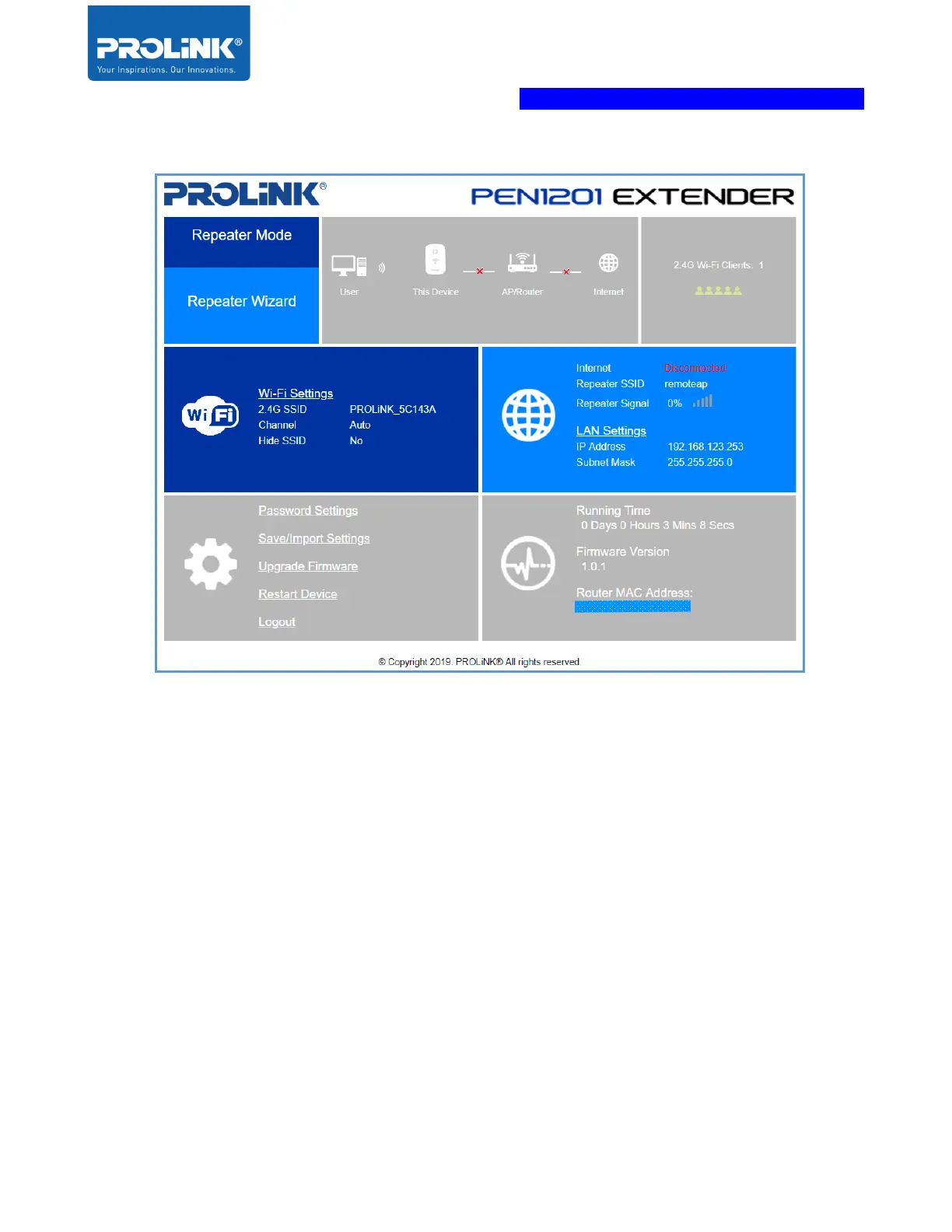
Log-in to PEN1201 Web Interface through Mobile Phone
PROLiNK PEN1201 configuration can also be set through Android / IOS Web Browser.
The following steps is to enter the Mobile Web Configuration in mobile web browser. By default,
PEN1201 Wi-Fi SSID is “PROLiNK_XXXXXX” and the default Wi-Fi password is
“password12345”. This information can also be found at Product Label. If you have previously
changed or set the PEN1201 as any mode with different Wi-Fi SSID and password, please do
connect based on the last set configuration.



 To Next Page