PROLiNK® PEN1201 Wireless-N 300Mbps Range Extender II
Page 29
4 Web User Interface (UI) Configuration
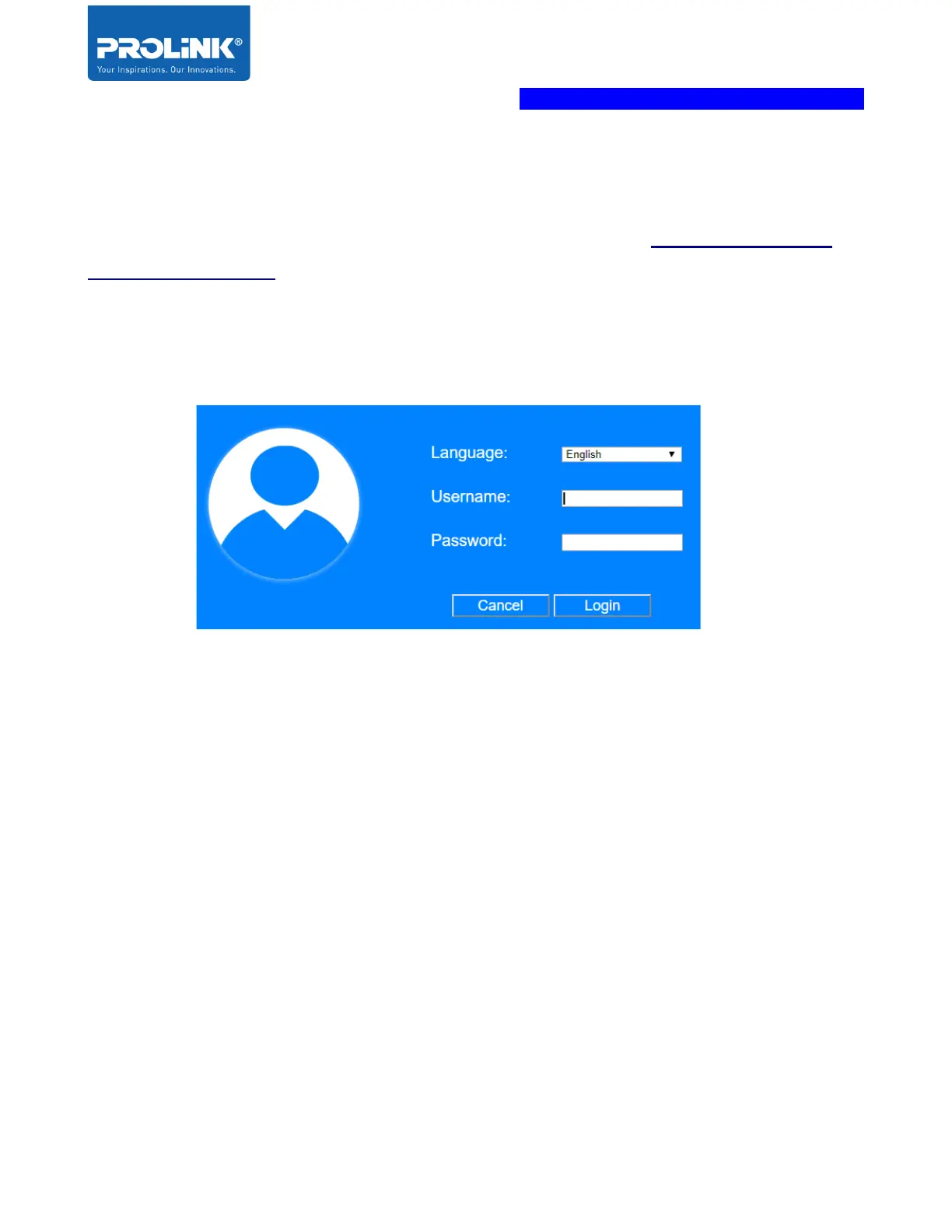
This chapter is about to enter the Web UI configuration page by using a web browser on desktop
or mobile phone. You may access the Web Interface via http://pen1201.setup or
http://192.168.123.253 .
Please note that ‘192.168.123.253’ is a default IP Address of the PEN1201 and it will change
after you have completed your setup wizard (Repeater mode / AP mode / Router mode)
Enter the default GUI username and password (username: admin, password: password).
If you forgot the password, factory reset the PEN1201 by press and hold the Reset button for
10 seconds. Reset button is located at the side of the unit.
The First page shows up after login successfully is a Home Page. The home page displays the
current status of the network connection status, Mode selected, Mode Wizard, Wi-Fi Clients,
Wi-Fi Setting, Device Firmware Status and Device management. Each option has its
configuration to configure manually.



 To Next Page