PROLiNK® PEN1201 Wireless-N 300Mbps Range Extender II
Page 16
3.2 Log-in into the Web User Interface Configuration
PEN1201 is equipped with Web-based Utility configuration specially design for Desktop and
also for Mobile Phone. If you have previously changed or set the PEN1201 as any mode with
different Wi-Fi SSID and password, please do connect based on the last set configuration
Log-in to PEN1201 Web Interface through PC / Laptop
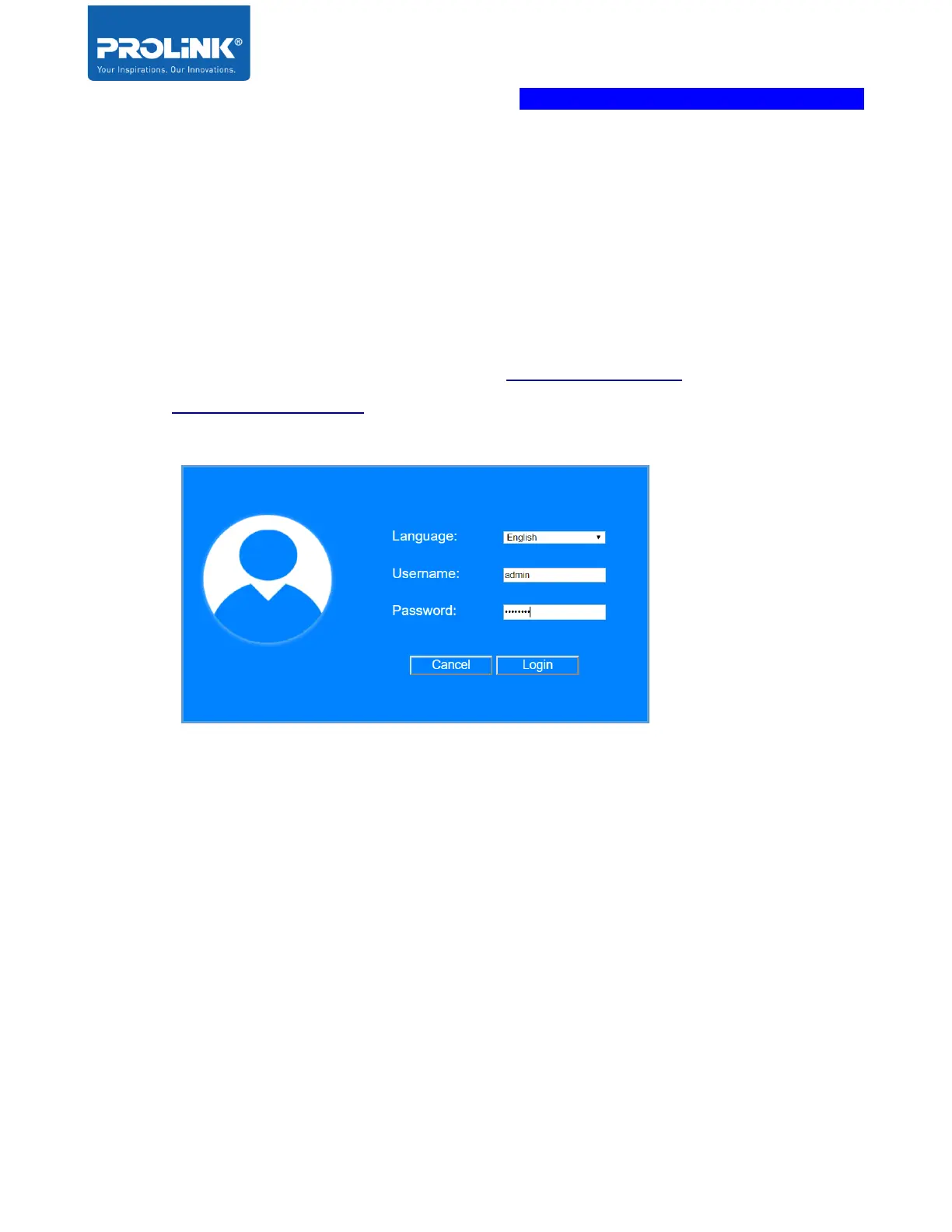
1. Launch an Internet Browser and access http://pen1201.setup/ or
http://192.168.123.253.
2. Key in Username as admin and password as password
3. After Successfully login, it will show the current Operation Mode. By default the
PEN1201 is set in Repeater Mode.



 To Next Page