PROLiNK® PEN1201 Wireless-N 300Mbps Range Extender II
Page 20
3.3 Setup Wizard
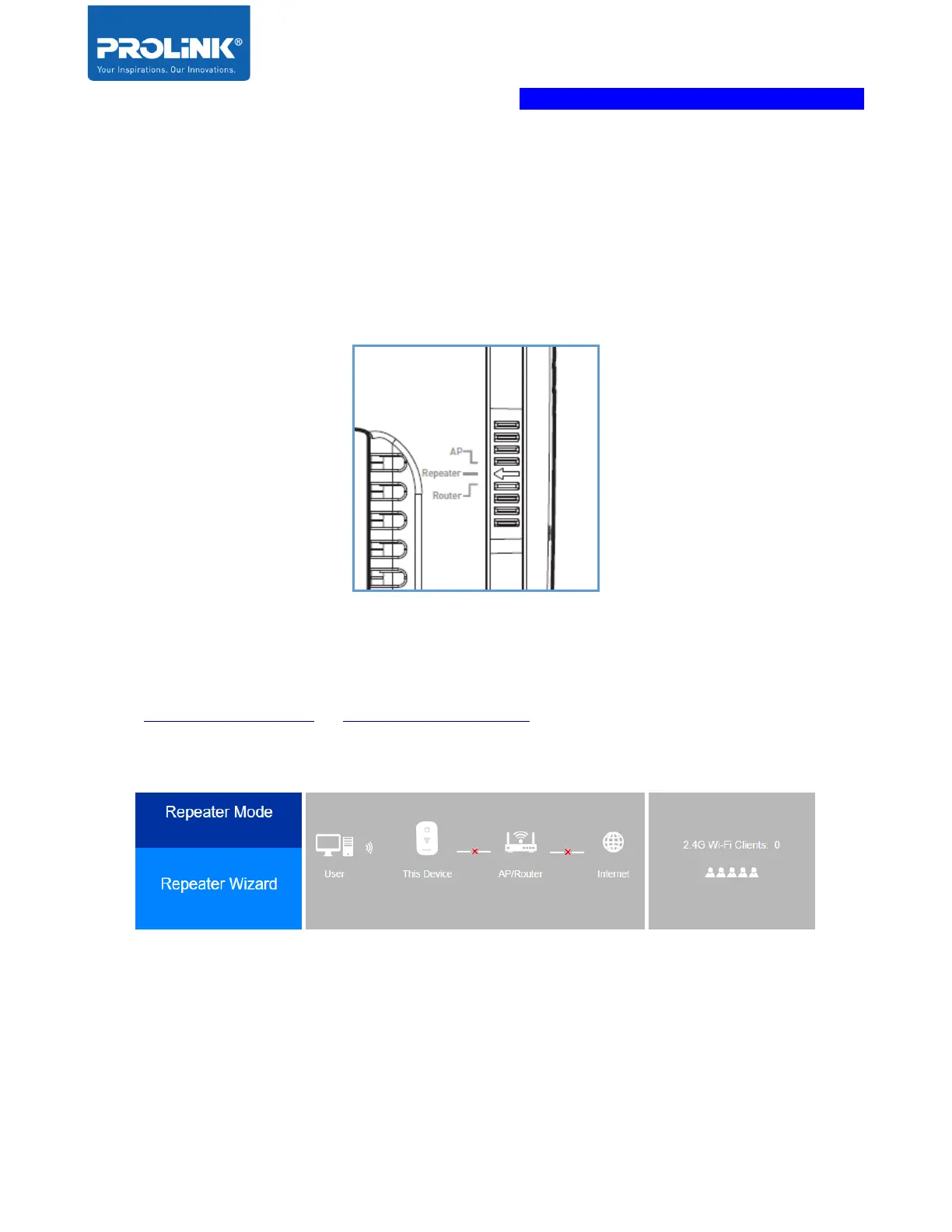
PROLiNK PEN1201 comes with three operation mode available for user to choose based on
preference and network infrastructure. Supported Operation Modes: Repeater Mode, Router
Mode and Access Point (AP) Mode. It is recommended to first ensure Operation Mode Switch
is switched to desired mode before turning the unit on and start to configure. By default,
PROLiNK PEN1201 is set to Repeater Mode.
Repeater Wizard
1. After setting the Operation Mode Switch to Repeater mode , followed by logging into
http://pen1201.setup or http://192.168.123.253. It will show that it is in Repeater Mode.
Click Repeater Wizard to start the setup.
2. Select your main router Wi-Fi SSID and key in the Wi-Fi password.
[Optional] Click “Refresh” to scan the host network again if your main router Wi-Fi SSID
is not in the list.



 To Next Page