PROLiNK® PEN1201 Wireless-N 300Mbps Range Extender II
Page 41
6 Frequently Asked Questions
1. How to set the PEN1201 as a Repeater / Extender
Ans. Refer to Repeater Mode Setup, followed by Repeater Wizard
2. How do I set the PEN1201 as an AP (Access Point)
Ans. Refer to AP Mode Setup, followed by AP Wizard
3. How do I set the PEN1201 as a Router
Ans. Refer to Router Mode Setup, followed by Router Wizard
4. How do I access the PEN1201 in order to change configuration
Ans. Connect your PC/Mobile Client to the PEN1201, after which type and go to
http://pen1201.setup . Note: please remember to type http:// onto your Web Browser.
5. How do I change the repeater SSID after I have successfully set it in Repeater / AP
/ Router mode
Ans.
Step1. Connect your PC/Mobile Client to the PEN1201,
Step2. Launch a Web Browser, type http://pen1201.setup onto the address bar
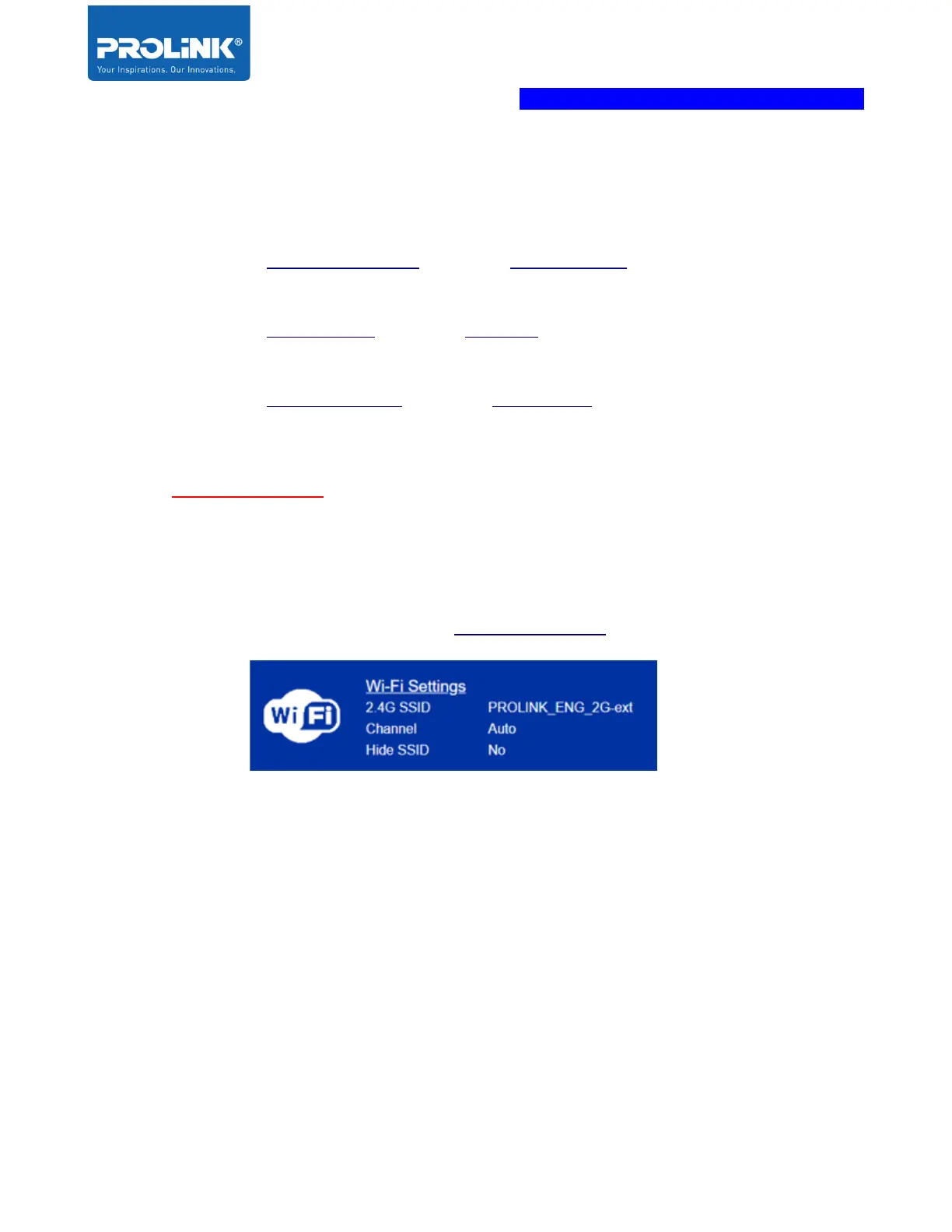
Step3. Login to the Web interface, Locate and click Wi-Fi Settings located on the left-hand side
Step4. Set your new Wi-Fi SSID, Password (WiFi Key) and click Save



 To Previous Page