M714_User_Master.doc
Updated Aug. 25, 2015 45
3.10 Modifying Variable Cycles 2 of 2
.
.
.
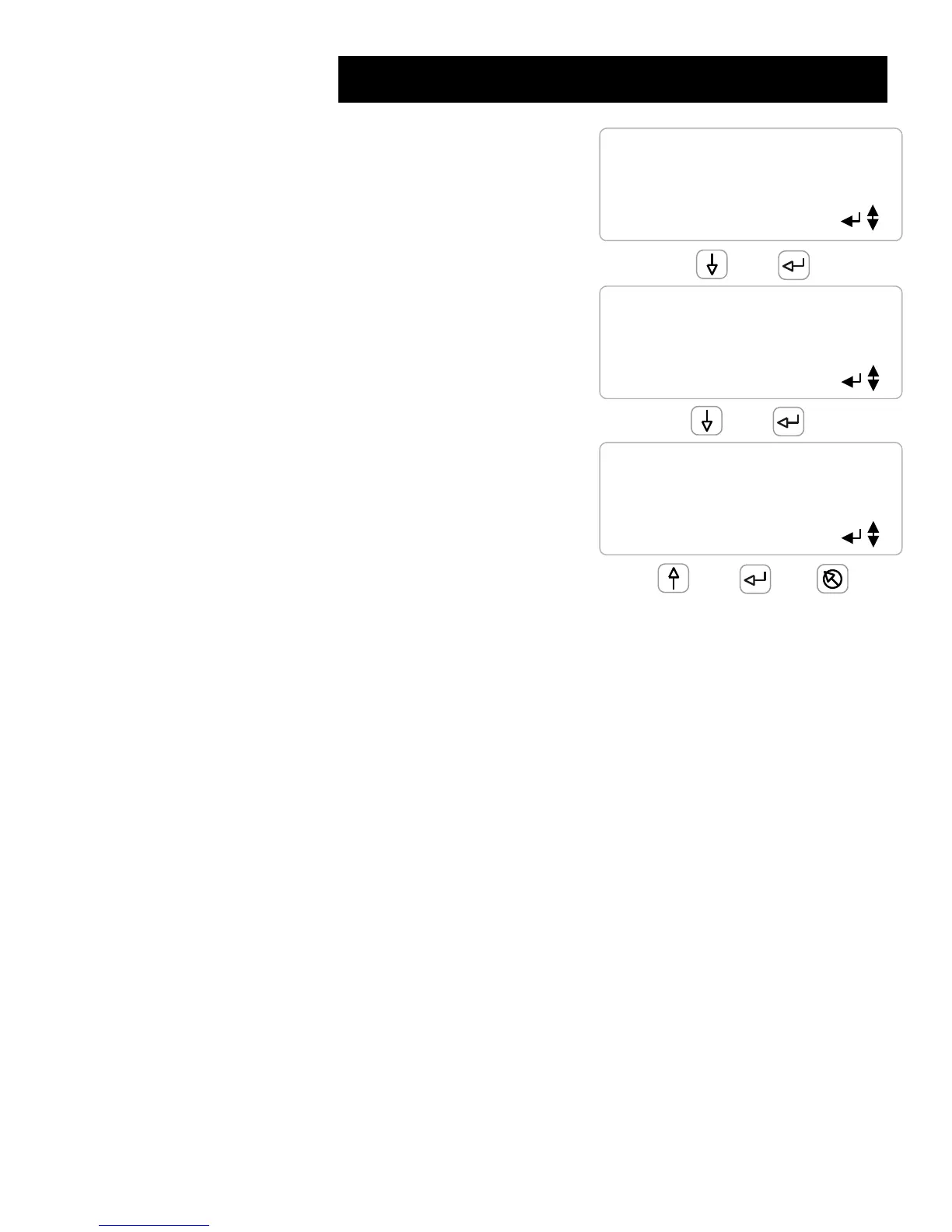
Key ENTER to modify High Range
.
.
When the Make-up Conductivity is
less than High Range & greater than Med. Range
Bleed is controlled at High Cycles
.
.
Key ENTER to modify the High Cycles
.
.
.
When the Tower Conductivity exceeds
Maximum Conductivity the
Bleed is controlled at Max Conductivity
.
.
Key ENTER to modify the Maximum Conductivity
.
.
Variable Cycles Primer
.
Variable Cycles must be set to YES in the Bleed control Configure menu option
The bleed relay must be controlled by a conductivity ratio.
Example: Control Equation is E/F where E = Tower Conductivity & F = Makeup Conductivity.
The Control Equation may be modified in the Bleed control Configure menu option
.
Variable Cycles modifies bleed setpoints as make-up conductivity changes
Setpoint adjustment is blocked when Variable Cycles is controlling.
Bleed Setpoint units are set to ‘cycles’ when Variable Cycles are selected.
.
You will need to modify the Range and Cycle Setpoints for your site
makeup water chemistry and water treatment program






 To Next Page