M714_User_Master.doc
Updated Aug. 25, 2015 9
1.3 Checking & Changing Setpoints
.
.
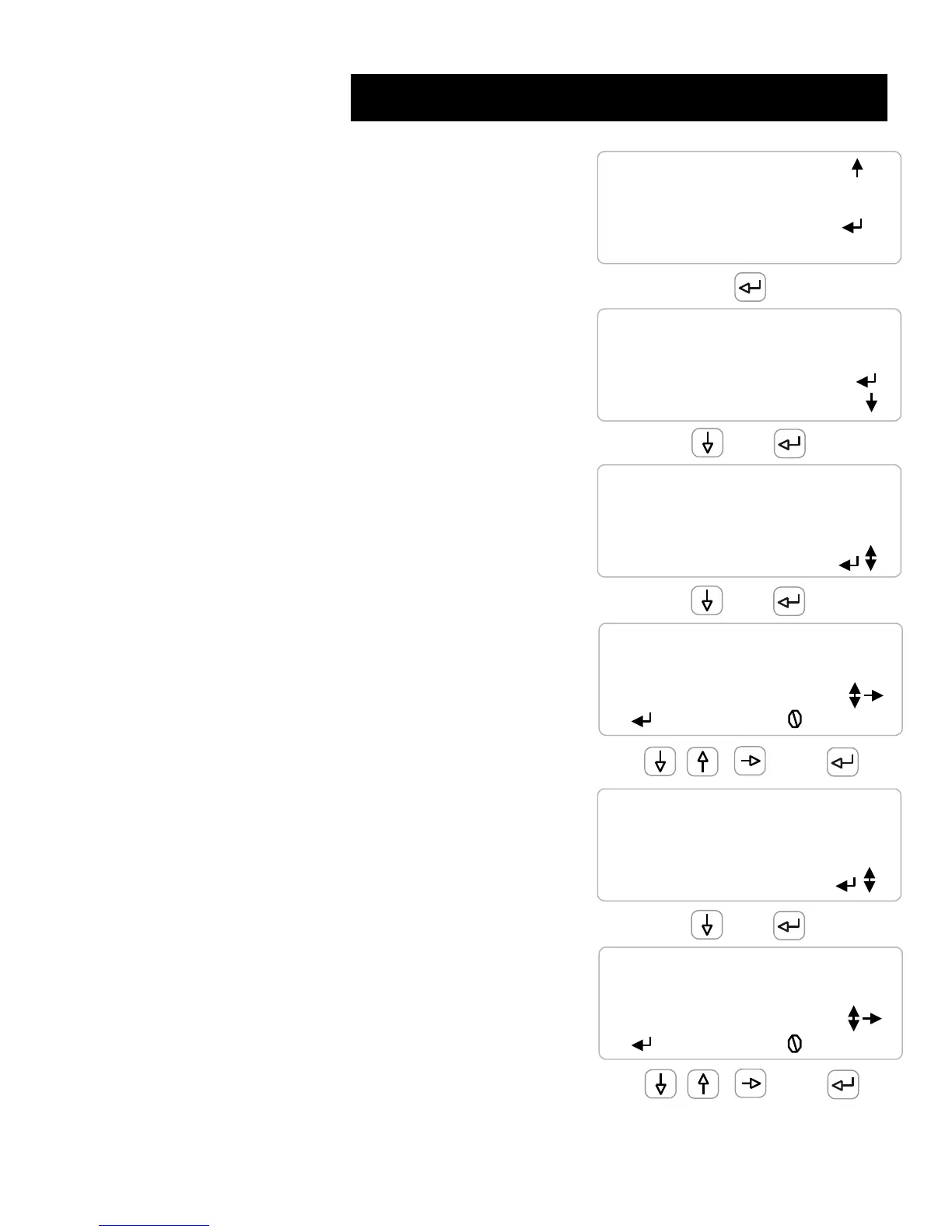
Key UP or DOWN to the output relay
& key ENTER
.
Relays follow the controlling sensor
.
.
.
Key DOWN to Configure & ENTER
.
.
.
.
.
.
Key DOWN to ‘Turn ON’ & ENTER
Select ‘Measure Volume’ for water meter controls.
Current setpoint is 1000uS
.
.
.
Use the UP & DOWN keys to adjust the setpoint
RIGHT moves the cursor across the screen
.
EXIT abandons adjusting the setpoint
.
.
.
.
You can adjust ON or OFF setpoints or both
.
.
Key ENTER to adjust or UP – DOWN to view current
settings
.
.
.
.
.
Turn OFF > Turn ON not allowed with a Rising
Setpoint control
.
.
.














 To Next Page