M714_User_Master.doc
Updated Aug. 25, 2015 5
1.1 What’s Happening Now
.
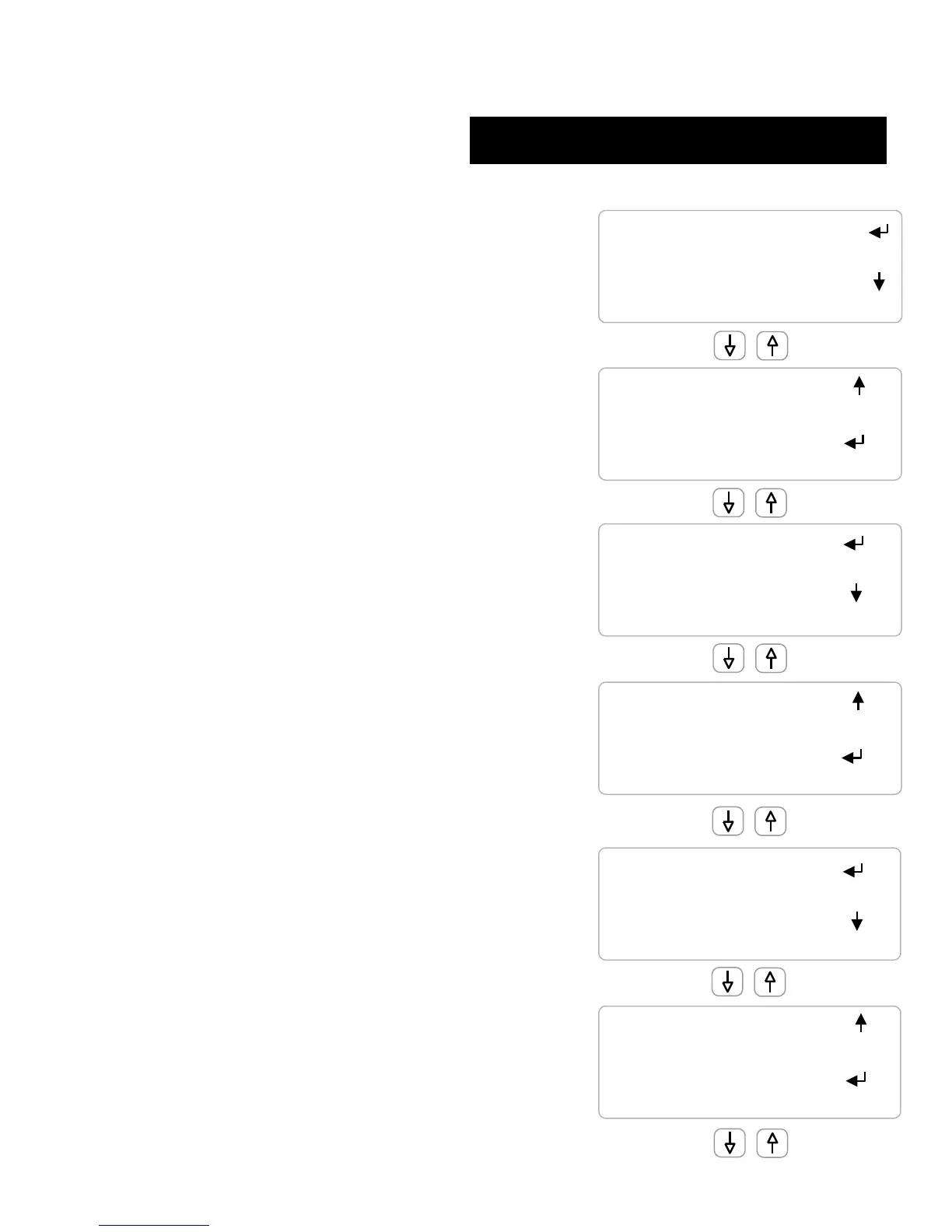
Power UP, first display, current date
Key ENTER for System menu
.
Key DOWN & enter to clear all alarms
And to view detail on Sensor ‘D’, Relay ‘2’ and
‘Sys’tem Alarms
.
.
Sensors and the relays they control are grouped
.
Key ENTER on sensor for sensor ‘O’ menu
& ENTER on the relay ‘1’ relay menu
.
.
.
Sensor ‘E’ menu: Diagnostics | Alarms | Calibrate |
Configure
.
Relay ‘2’ menu: Diagnostics | Configure |
Alarms | Timed Events | Setup
.
.
The display line with the ENTER arrow
Displays Relay ‘9’ menu on ENTER
.
Sampling timing is adjusted by keying ENTER, DOWN
to Configure & ENTER
.
.
.
Sensor display current value
Relays sown ON/OFF state and run time if ON
.
Water meters show volume from midnight
.
.
.
Flowswitch ‘T’ is ON and has been on for 560.2
minutes from midnight
.
Biocide B pump is controlled by Relay #8
and is now OFF:














 To Next Page