Automatic
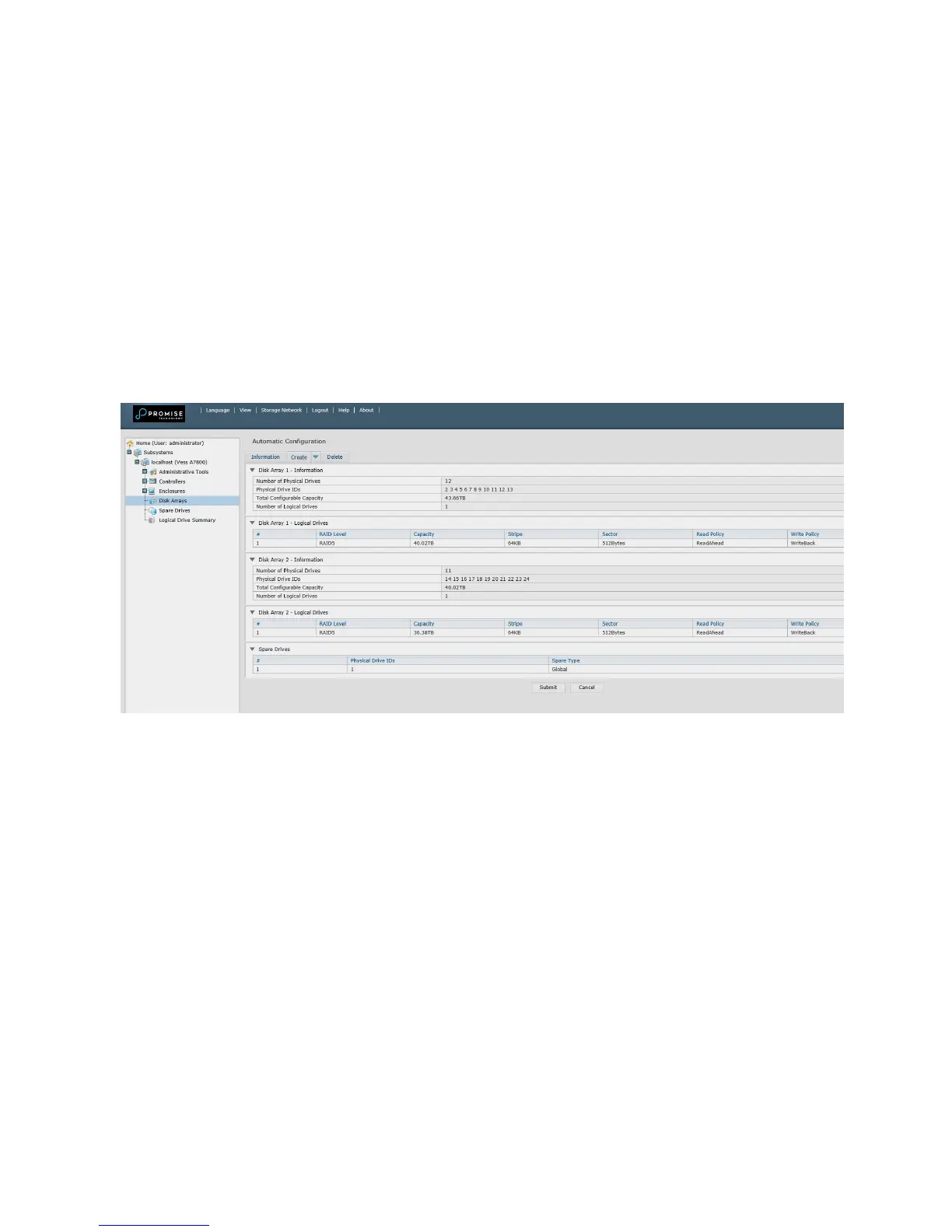
When you choose the Automatic option, the following parameters appear on
the screen:
• Disk Arrays – The number of physical drives in the disk array, their ID
numbers, congurable capacity, and the number of logical drives to be
created
• Logical Drives – The ID number of the logical drive(s), their RAID level,
capacity, and stripe size
• Spare Drives – The physical drive slot number of the dedicated hot spare
assigned to this disk array. A hot spare drive is created for all RAID levels
except RAID 0, when ve or more uncongured physical drives are available
Automac Disk Array Conguraon menu
If you accept these parameters, click the Submit button.
The new disk array appears in the Disk Array List on the Information tab.
If you do NOT accept these parameters, use the Express or Advanced option to create
your logical drive.
32



 To Next Page
 Loading...