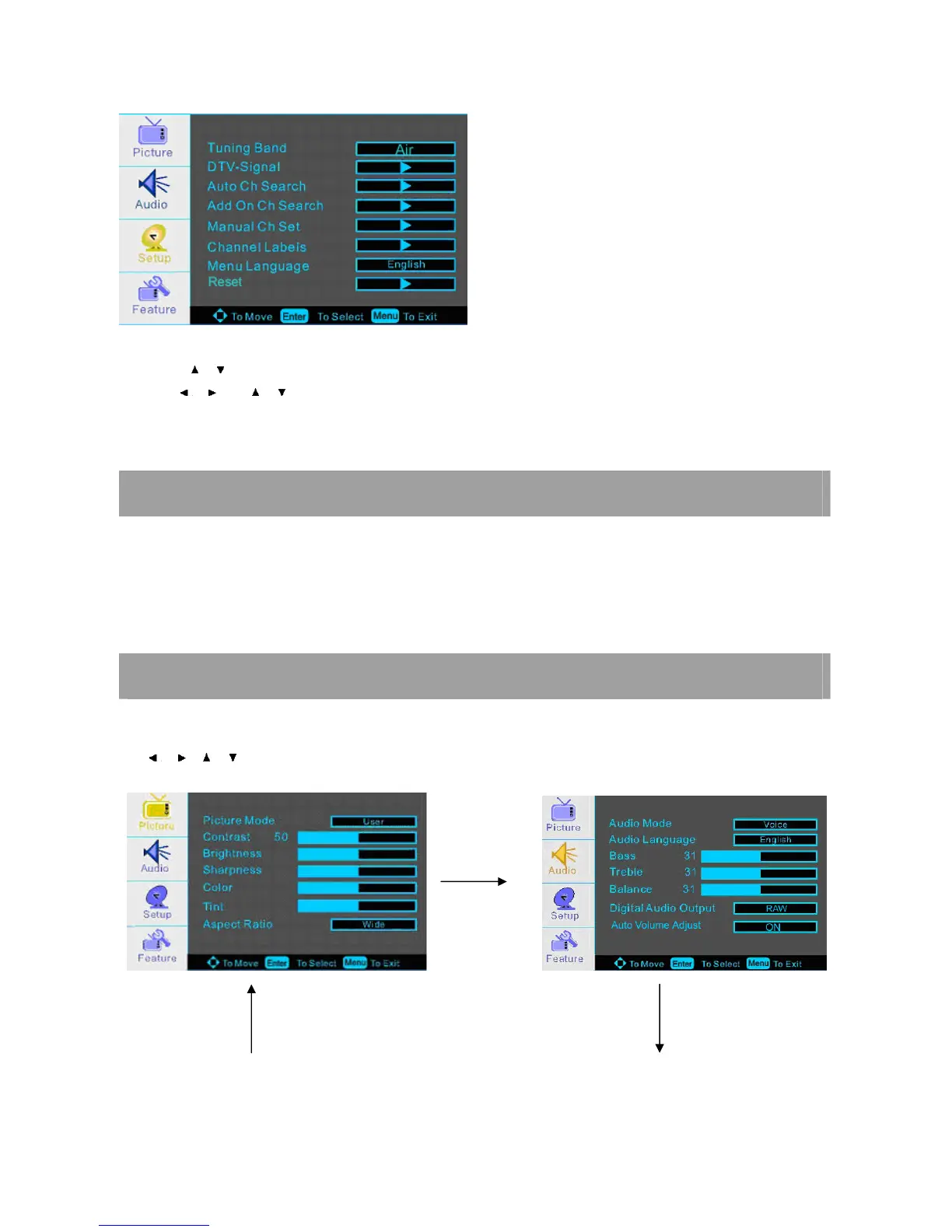
λ Press MENU to display the main menu.
λ Press / repeatedly to select the SETUP MENU.
λ Use / and / to select MENU LANGUAGE.
λ Press ENTER button to select your desired language.
VOLUME ADJUSTMENT
1. Press VOL+/- to adjust the volume.
2. If you want to switch the sound OFF, press the MUTE
3. You can cancel this function by pressing MUTE or VOL+
ADJUST THE OSD SCREEN
Press the MENU button to display the main menu.
Use / / / buttons to select and adjust the available menus.














 To Next Page