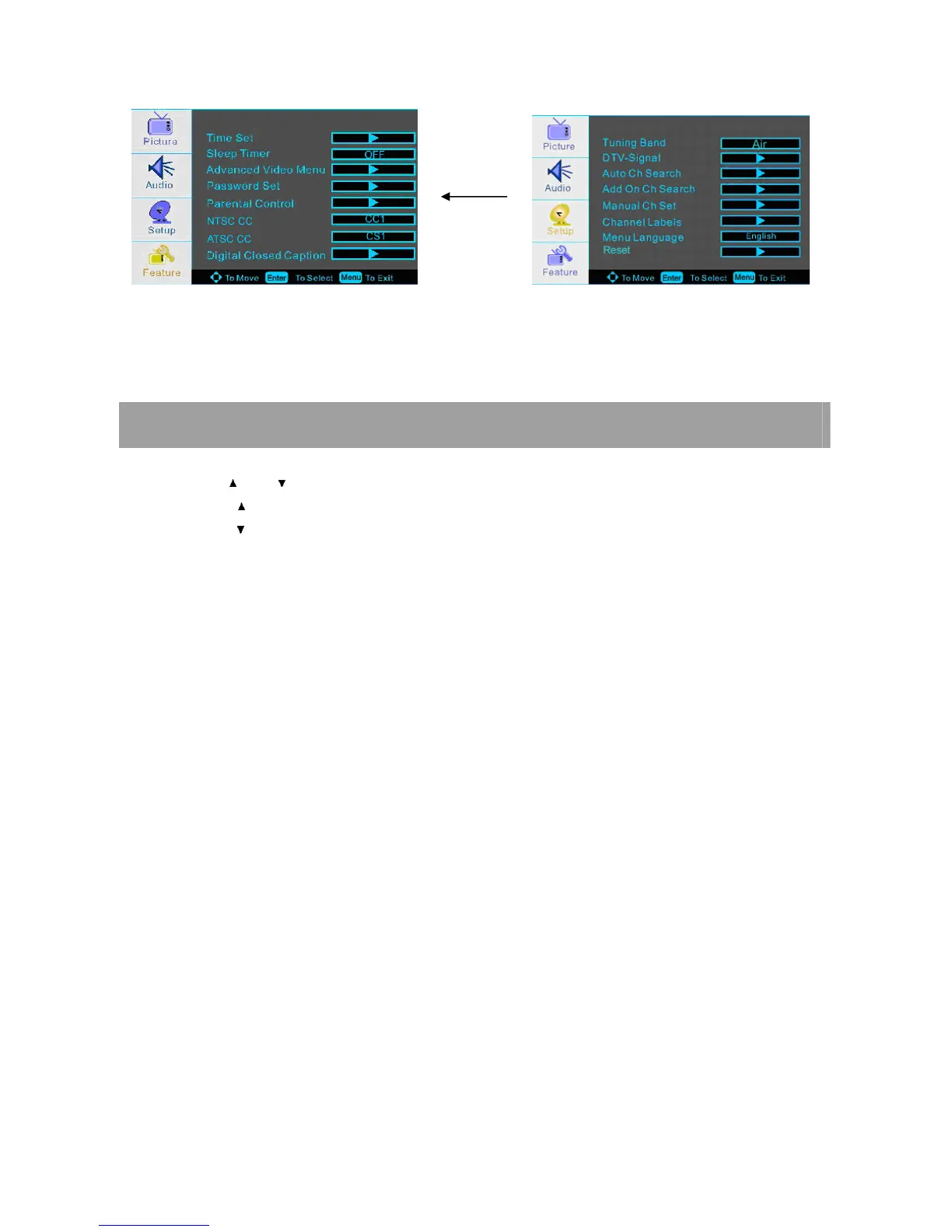
NOTE: The OSD (On Screen Display) function enables you to adjust the screen status conveniently
since it provides graphical presentation.
CHOOSING A TV CHANNEL
1. Using the CH / CH on the front panel or on the remote control.
λ
λλ
λ Press CH to increase channel number.
λ
λλ
λ Press CH to decrease channel number.
2. Using 0-9 digital buttons and -/-- button
You can select the channel number by pressing 0 to 9 or -/--.
3. Example:
To select 1-digit channel (e.g. Channel 5): Press the 5 button.
To select 2-digit channel (e.g. Channel 20): Press the -/-- button repeatedly to display -- then press 2, follow by 0.
To select 3-digit channel (e.g. Channel 103): Press the -/-- button repeatedly to display -- then press 1, follow by 0, and
follow by 3.
NOTE: After select the digit button, the digit will be memorized.














 To Next Page