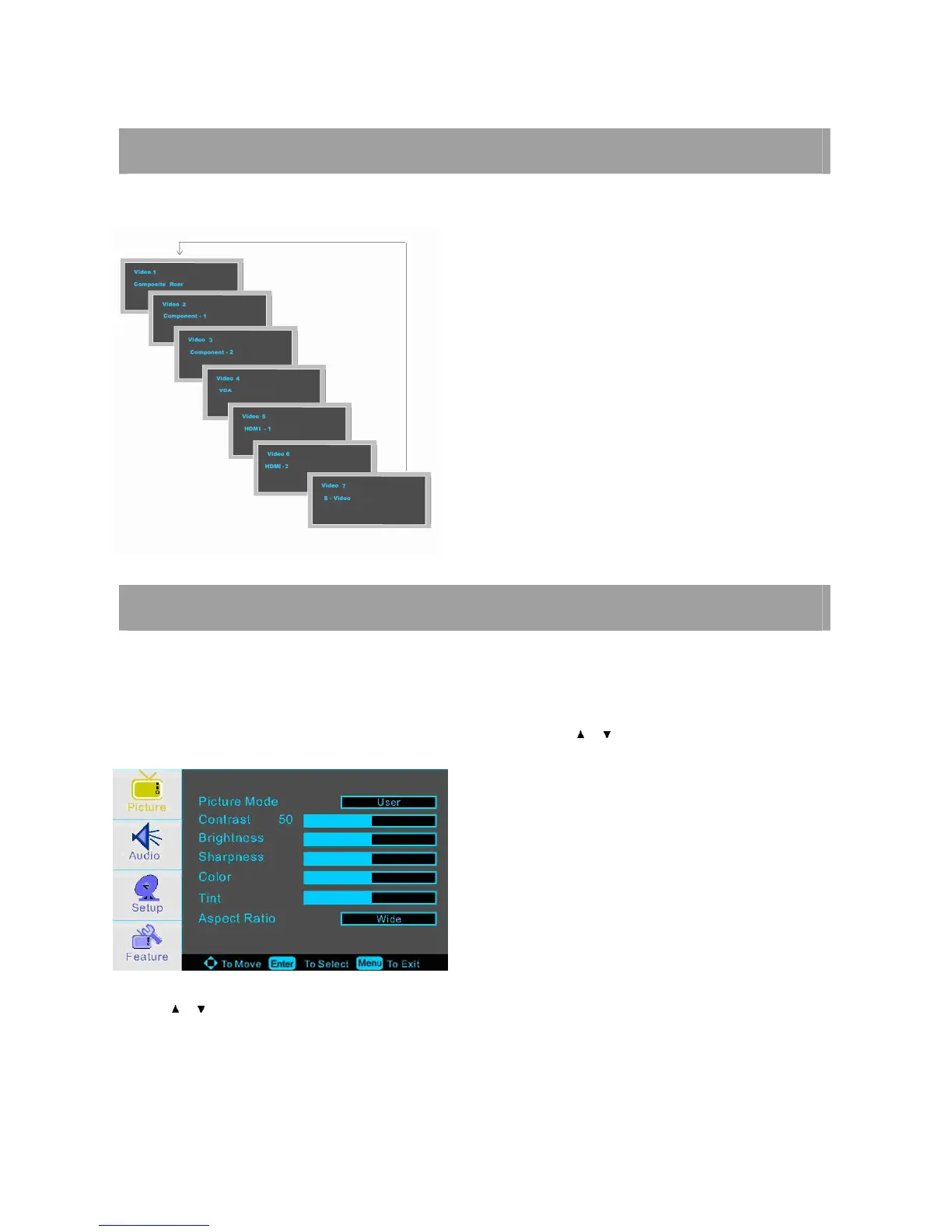
SELECTING INPUT SOURCE
You can select the input source by pressing the INPUT on the remote control or on the front panel.
PICTURE MENU OPTIONS
NOTE: In this manual, the OSD (On Screen Display) may be different from your TV’s because it is just
example to help the TV operation.
Press the MENU on the front panel or on the remote control and then use / to select the PICTURE menu.
1. Use / to select what you want to adjust in the PICTURE MODE.
2. Press ENTER button to adjust.
3. When you are satisfied with your adjustment. Press MENU to exit the main menu.














 To Next Page