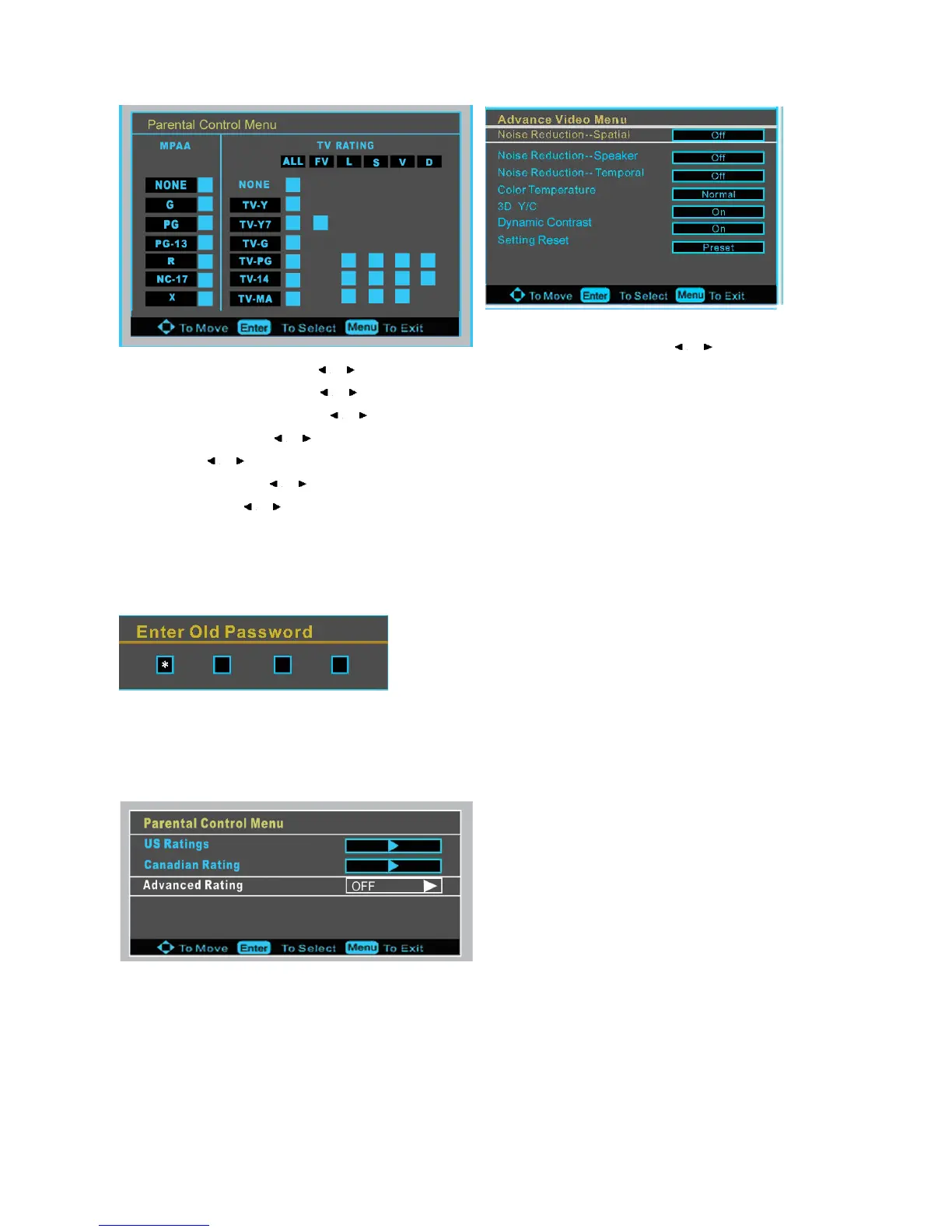
Noise Reduction- Spatial: press / to select on or off.
Noise Reduction -Speaker :press / to select on or off.
Noise Reduction-Temporal: press / to select on or off.
Auto Contrast Enhancement: press / to select on or off.
Color Temperature: press / to select one of Normal/ Cool and Warm.
3D Y/C: press / to select on or off.
Dynamic Contrast: press / to select on or off.
Setting Reset: press / to retune to the factory setting.
Password Set
Press the ENTER to enter old password menu, and then input the number of 0-9 as below, and you can change the password
when you input the new on twice.
Parental Control
Press ENTER to enter the sub-menu and then uses the 0-9 to enter the correct password and the Parental Control Menu will
display.
US Ratings
Press ENTER to enter the Parental Control Menu as below














 To Next Page