size also will change.
Position- This function is to adjust the picture to Left/ Right and Up/ Down as you prefer.
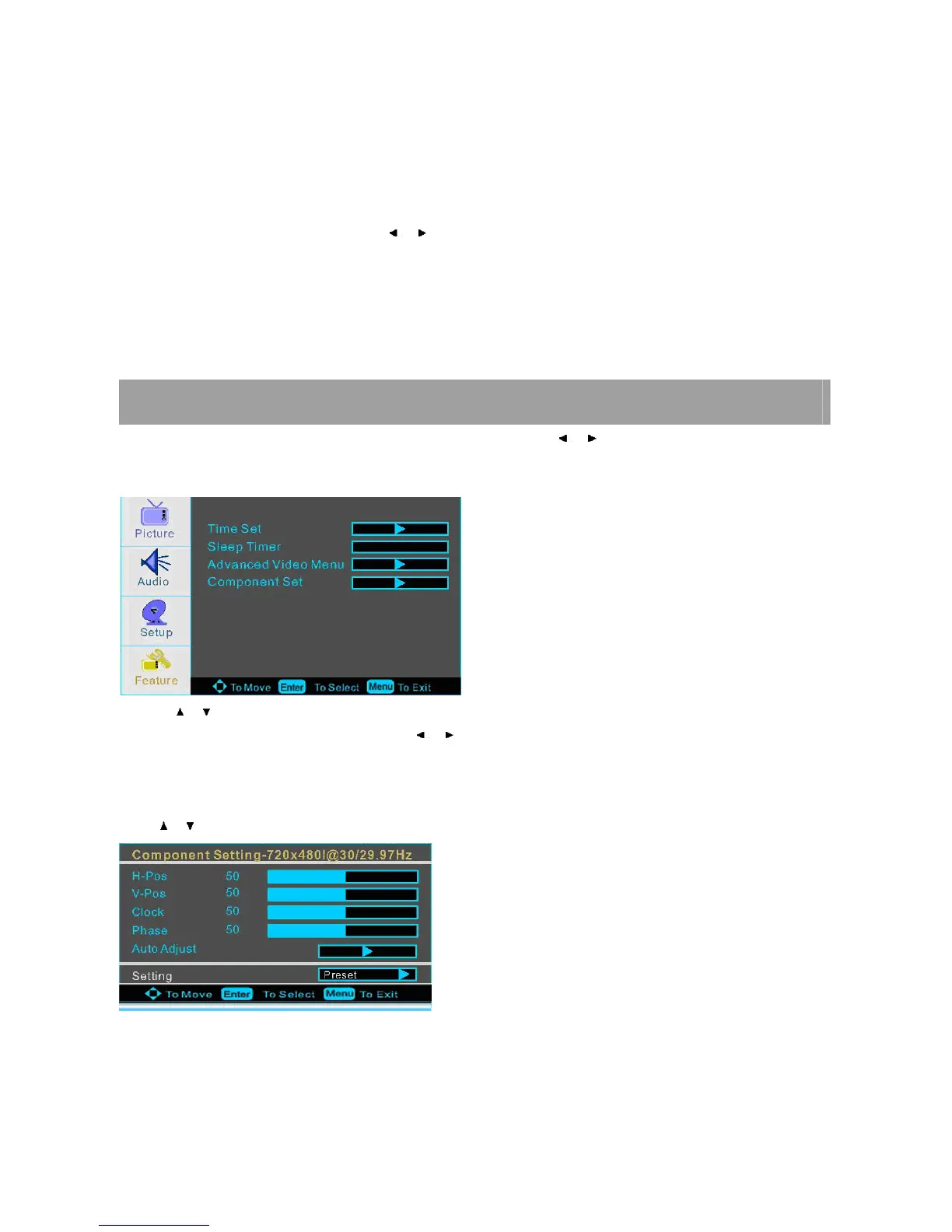
Auto Adjust
Press ENTER button to select it and then use / to do auto adjust that automatically adjusts the available options for the
best viewing configuration.
Setting
Press ENTER to do preset that can retune to the factory setting.
YPBPR MENU OPTIONS
Press MENU on the front panel or on the remote control and then use / to select the Feature menu in Ypbpr
mode.
1. Use / to select what you want to adjust in the FEATURE menu.
2. Press ENTER button to select it and then use / to adjust
3. When you are satisfied with your adjustment, press MENU to exit the main menu.
Component Set
Press / button and then use ENTER to enter the VGA Set menu as below














 To Next Page