Setupmenuoperation- Settingsmenuoptions
Time Set Mode
Press A / v button to select this item, then press ENTER / _ button to select: Auto, Manual.
Customer needs to choose Manual before adjusting Time Zone, Year, Date and Time.
Time Zone
Press A / v button to select this item, then press ENTER / _ button to select the time zone for yourTV.
Year, Date, Time
Press A / v button to select this item, then press ENTER / _ button to set the date and time for your TV.
Note: Press ENTER on remote control, the current time which has been set wilt display on screen for 5 seconds.
Press ENTER again, the time will disappear (see page 12 remote control instruction about ENTER button).
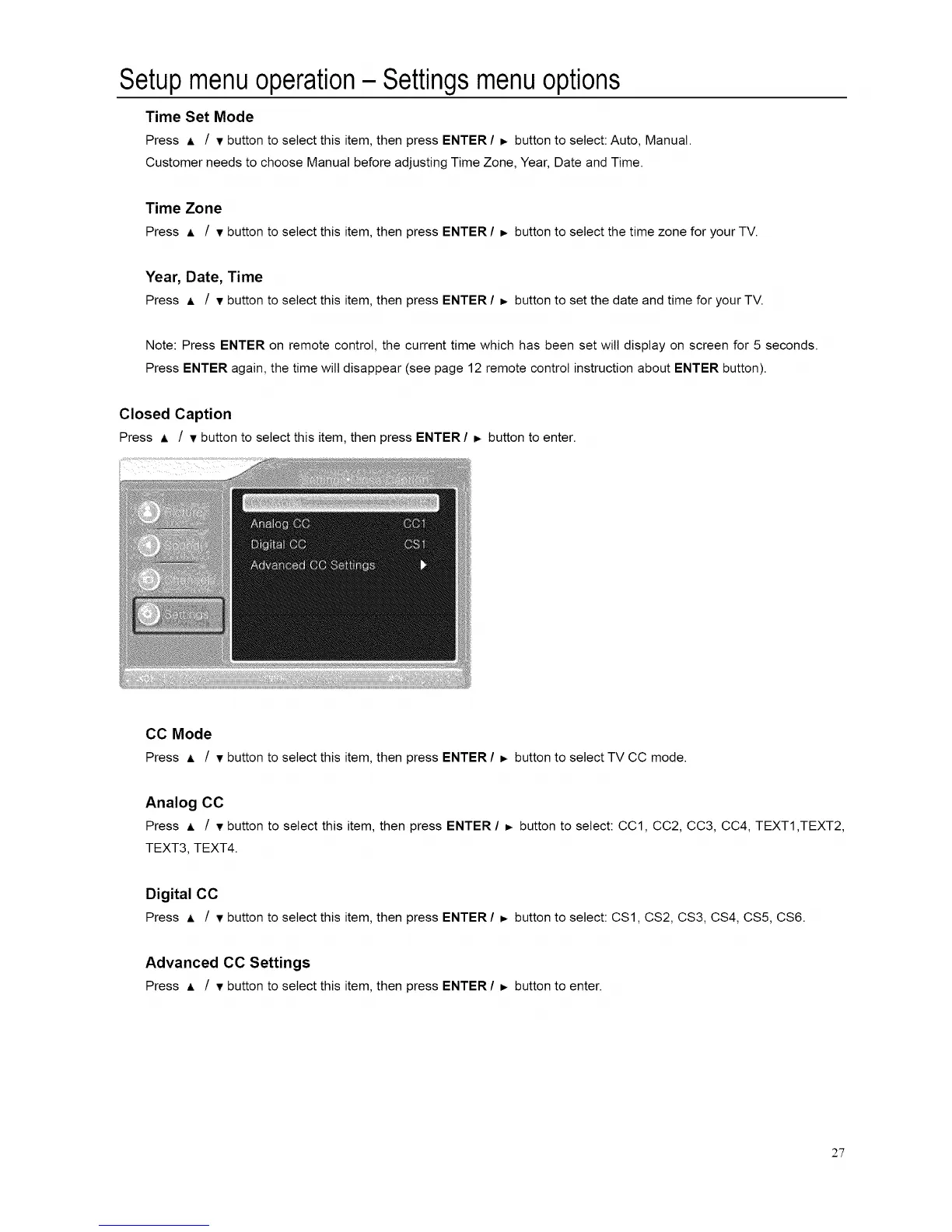
Closed Caption
Press A / • button to select this item, then press ENTER / _ button to enter.
CC Mode
Press ,L / • button to select this item, then press ENTER / _ button to select TV CC mode.
Analog CC
Press ,L / • button to select this item, then press ENTER / _. button to select: CC1, CC2, CC3, CC4, TEXT1,TEXT2,
TEXT3, TEXT4.
Digital CC
Press • / • button to select this item, then press ENTER / _ button to select: CS1, CS2, CS3, CS4, CS5, CS6.
Advanced CC Settings
Press ,= / • button to select this item, then press ENTER / _, button to enter.
2"7














 To Next Page