Setupmenuoperation- Settingsmenuoption
Sleep Timer
Press A / v button to select this item, then press ENTER button to select: Off, 5min, 10 min, 15min, 30min, 60min,
90min, 120min, 150min, 180min, 240min.
Input Labels
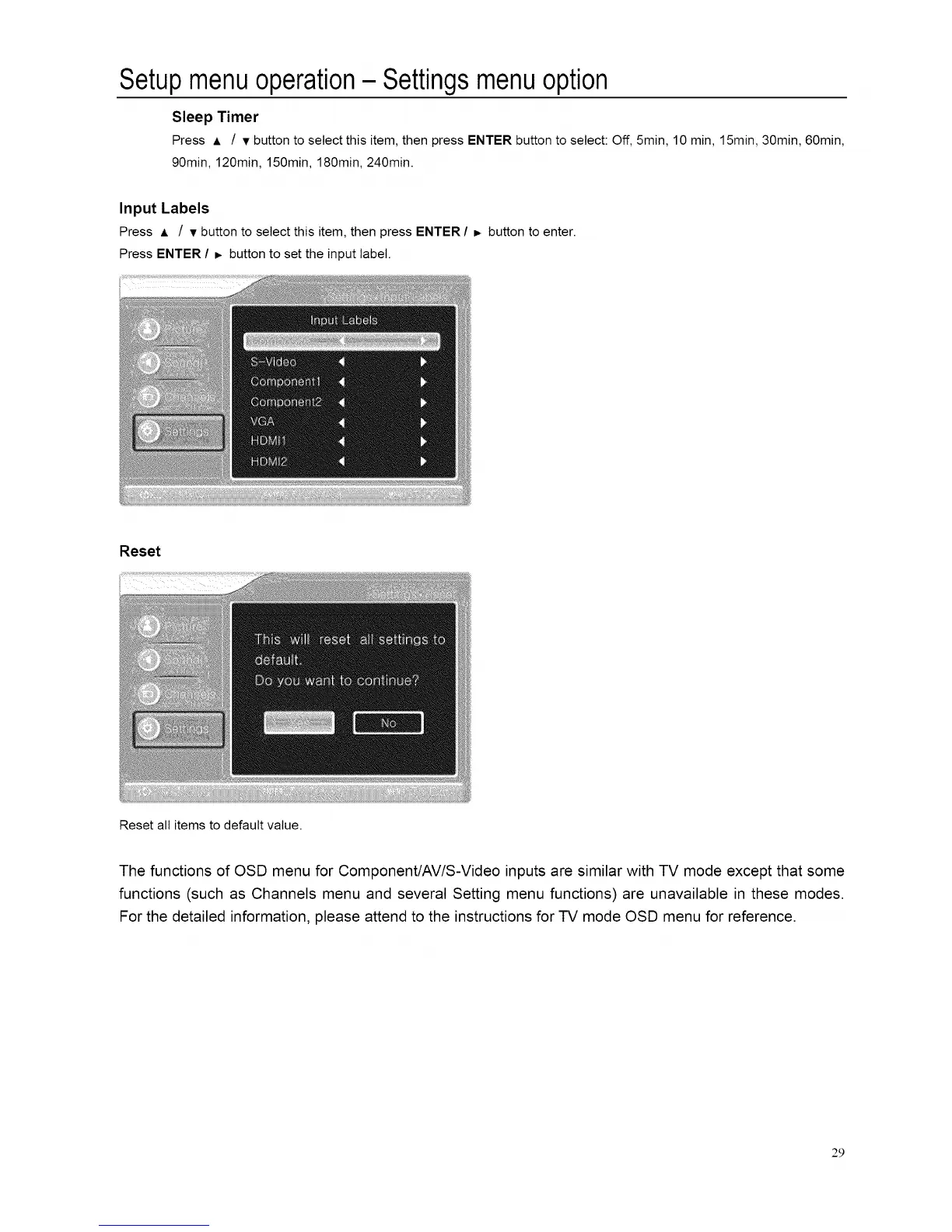
Press A / v button to select this item, then press ENTER / _ button to enter.
Press ENTER / _. button to set the input label.
Reset
Reset all items to default value.
The functions of OSD menu for Component/AV/S-Video inputs are similar with TV mode except that some
functions (such as Channels menu and several Setting menu functions) are unavailable in these modes.
For the detailed information, please attend to the instructions for TV mode OSD menu for reference.
29














 To Next Page