4.3 LED Indicators
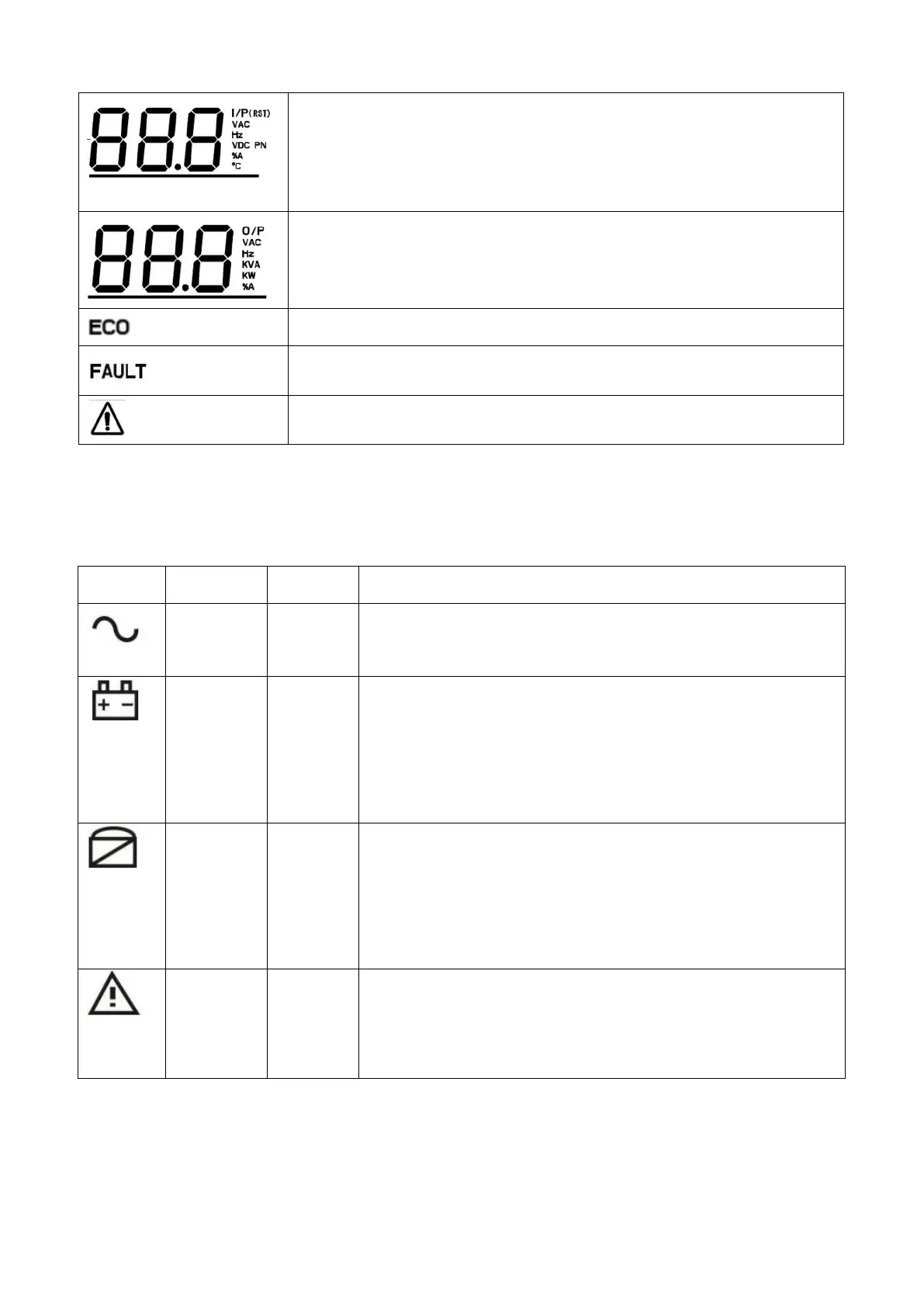
There are 4 LED on front panel to show the UPS working status:
ON: UPS is working in inverter mode.
OFF: UPS works in non-inverter mode.
ON: UPS is working in battery mode or battery test mode.
OFF: The UPS works neither in battery mode nor in battery test
mode.
Flashing: Low battery voltage alarm.
ON: UPS is working in bypass mode or ECO mode.
OFF: The UPS works neither in bypass mode nor in ECO mode.
Flashing: The UPS is in standby mode, the inverter is not
turned on, and the bypass is abnormal.
ON: UPS failure.
OFF: UPS works normally.
Flashing: UPS alarm.
Indicates the input voltage, frequency, battery voltage, current or
temperature.
I/P: input, VAC: input voltage, Hz: frequency, VDC: battery voltage, %A:
input current, ℃: temperature
Indicates the output voltage, frequency, capacity or current.
O/P: output, VAC: output voltage, Hz:frequency, KVA: output capacity in
KVA, KW: output capacity in KW, %A: output current
Indicates the ECO mode is enabled.
Indicates fault and error information.
Indicates warning and error information.



 To Next Page