frequency are within the range of rating voltage +/-10% and rating frequency +/-5Hz, the connected loads
are supplied by the utility power; if out of the range, the connected loads are supplied by the inverter.
4.9 Fault and Alarm Information
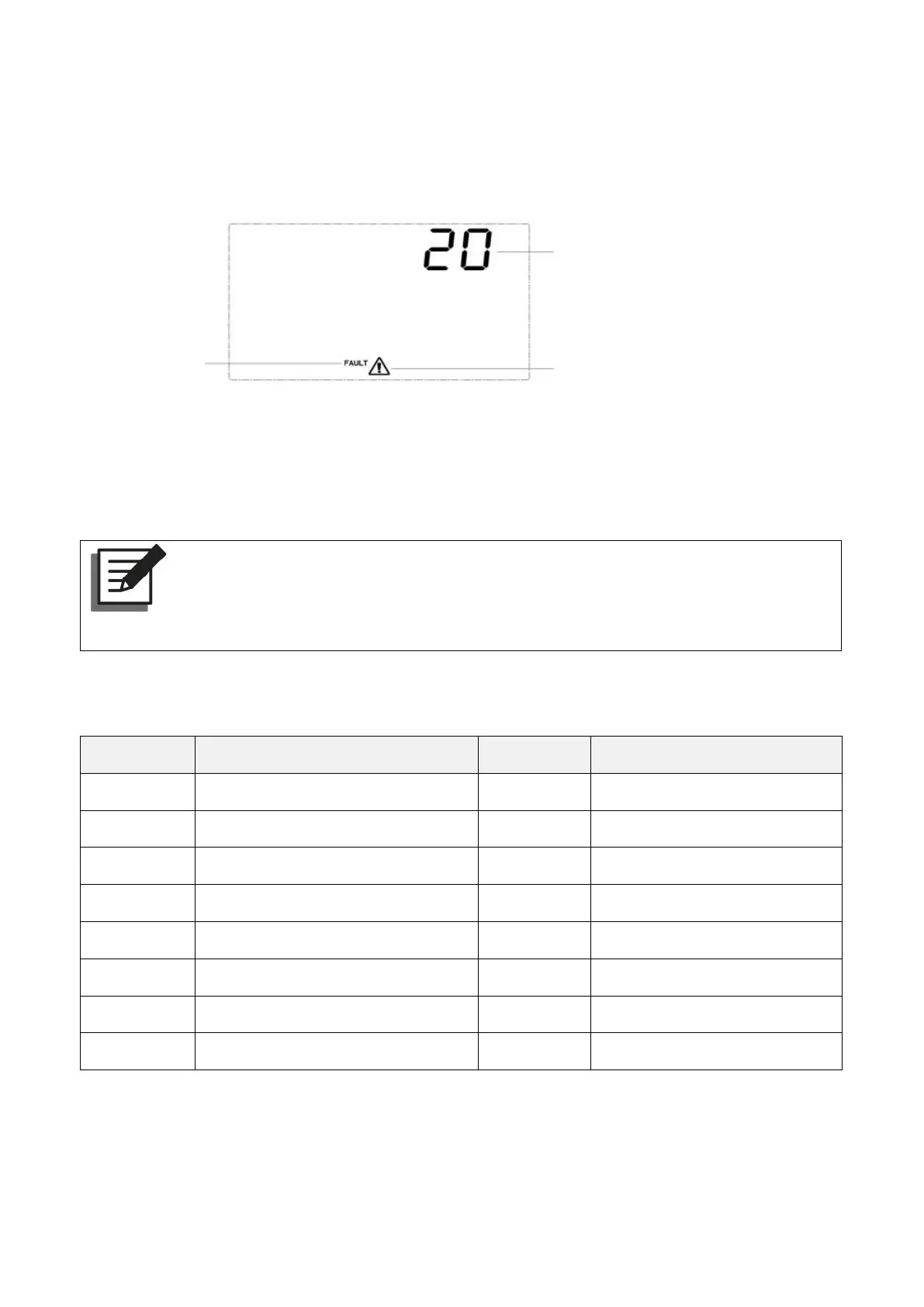
The fault and alarm display is as shown in the figure above. The fault icon in the fault mode is always
on, and the alarm icon in the alarm status is flashing. Contact the manufacturer to eliminate the
abnormal situation according to the fault information.
NOTE:
When the UPS is in the fault mode, the LED red light is always on, and the LCD displays
the fault code and fault icon.
4.9.1 Fault Code
Bus soft start relay fail
Battery reversed connection



 To Next Page