CHAPTER 4 OPERATION
4.1 Button Operation
Turn on the UPS:
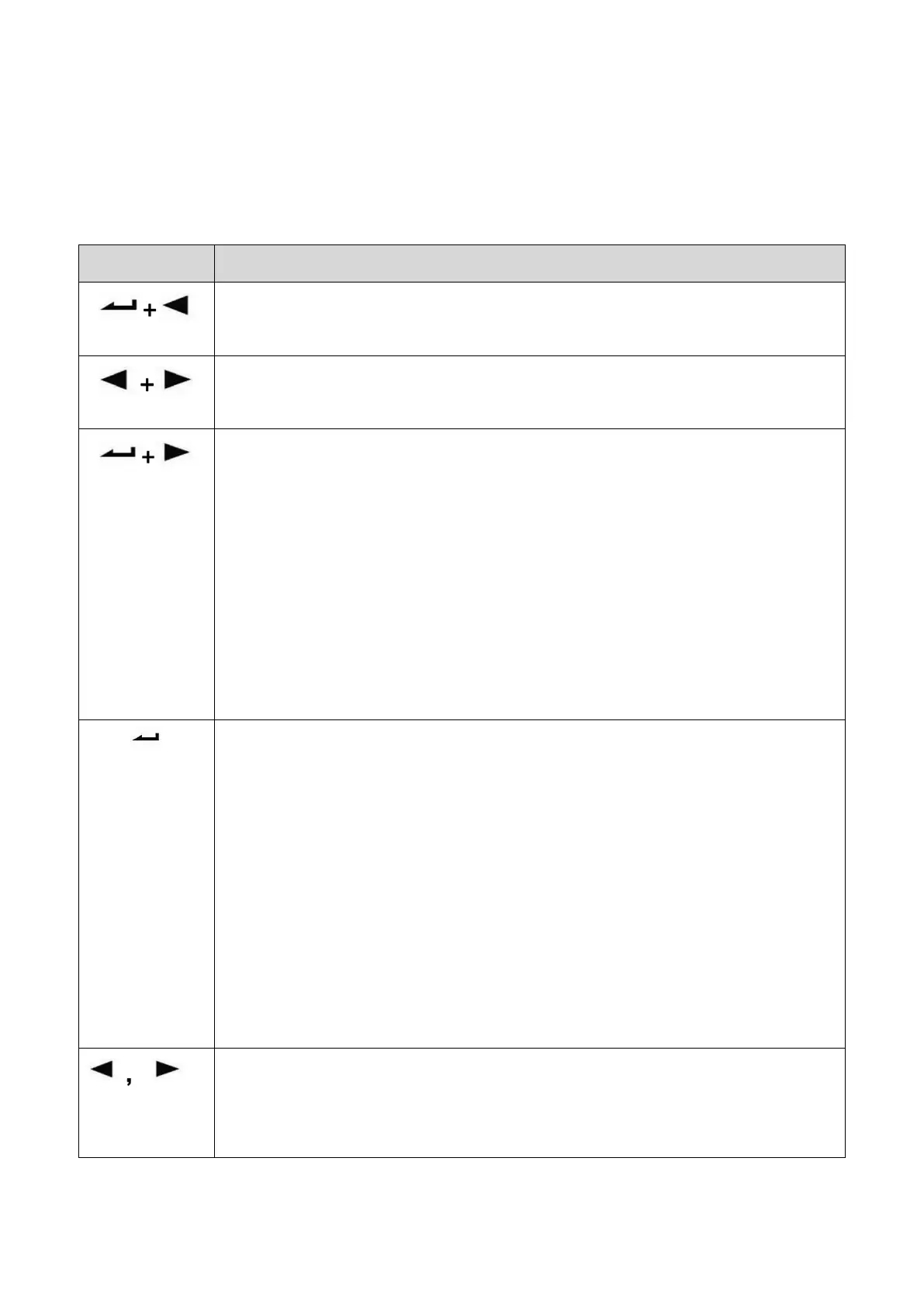
Press this combined button for at least 2 seconds to turn on the UPS.
Turn off the UPS:
Press this combined button at least 2 seconds to turn off the UPS.
This combined button has two functions. Please refer to the following for detailed
information.
1. Battery test:
Press this button at least 2 seconds to execute battery test in online mode.
2. Buzzer ON/OFF:
When the buzzer is on in battery mode/fault mode/battery test mode, press the
button for 1 second to turn off the buzzer. When the buzzer is off, press the button
for 1 second to turn on the buzzer.
This button has two functions. Please refer to the following for detailed
information.
1. Function setting:
Press this button at least 2 seconds to enter the function setting page, after
confirming the setting, press the button again for 2 seconds to back the main
page.
2. Confirm:
In setup mode, press the button for 0.1 second above to enter the item that you
want to set up or confirm your parameter setup.
Page up/down:
Press the button for 0.2 seconds to go to the previous/next display or to
increase/decrease number.



 To Next Page