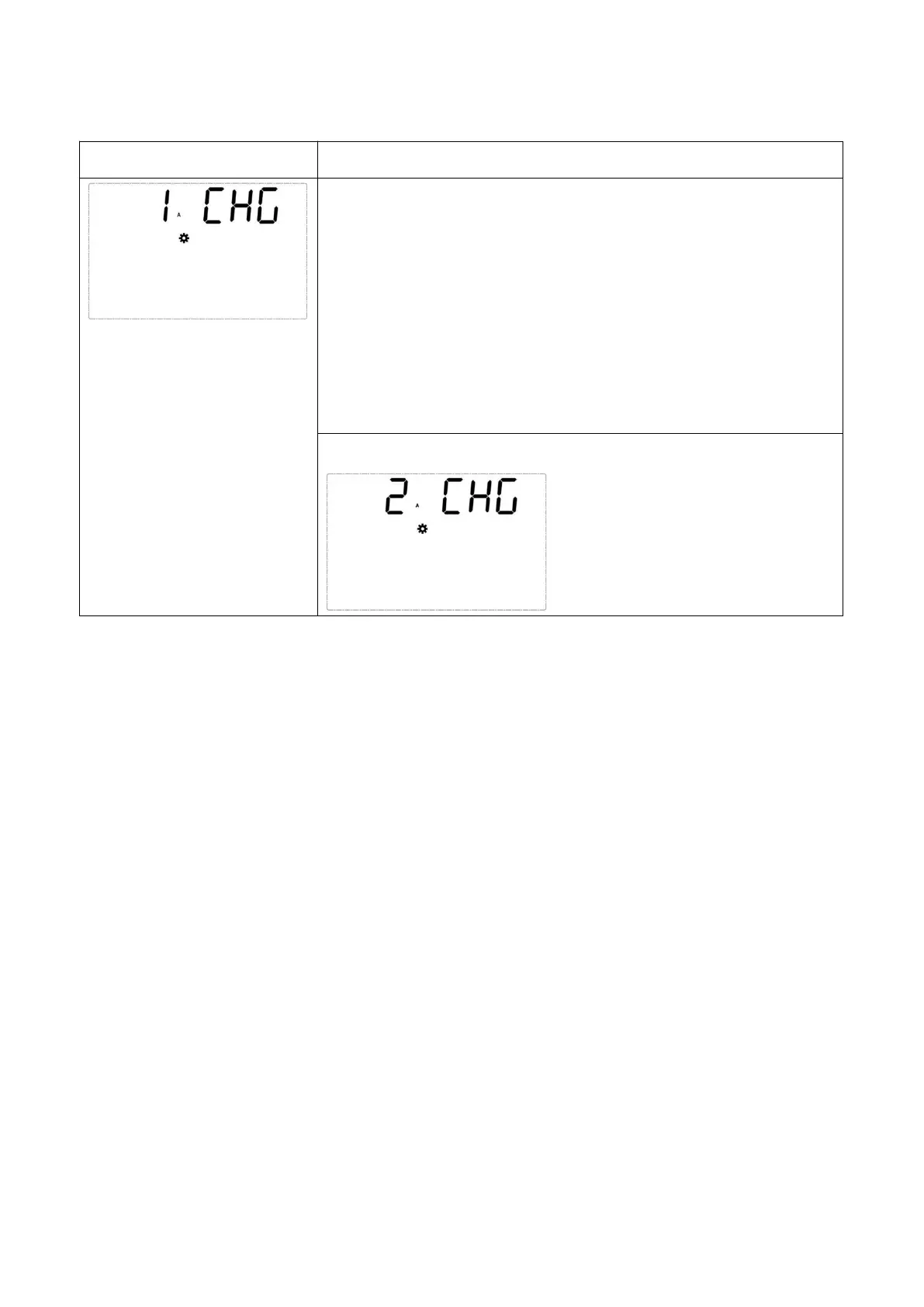
4.7.7 Battery charging current setting (CHG)
When EP is ON, turn to battery charging current setting page[CHG].
You can set battery charging current as below value:
Long-run: 1A - 12A, 5A default.
2KVA/3KVA short backup: 1A - 4A, 1A default.
1KVA short backup: only for 1A.
NOTE: When sending the UM1 command to set as the short backup
unit, the default charging current is 1A and cannot be modified.
Set battery charging current from 1A to 2A.
4.8 Operation Mode Description
4.8.1 Standby Mode
After the UPS is connected to the AC utility, it will supply power to the UPS and the batteries will be charged.
4.8.2 Online Mode
In online mode, the connected loads are supplied by the inverter, which derives its power from the utility AC
power, and the UPS charges the batteries and provides power protection to its connected loads.
4.8.3 Bypass Mode
In bypass mode, the critical loads are directly supplied by the utility power and the batteries are charged.
4.8.4 Battery Mode
When the UPS is operating during a power outage, the batteries provide DC power, which maintains inverter
operation to support the connected critical loads.
4.8.5 ECO Mode
You can manually set the UPS to run in ECO mode. In ECO mode, when the utility input voltage and



 To Next Page