93-508-08 Issue 2 Page 6 of 22 Copyright Protec Fire Detection PLC
U
U
S
S
E
E
R
R
M
M
E
E
N
N
U
U
S
S
The user menus are accessed by pressing the ‘MENU’ button.
The following buttons are used for navigating the menu functions: -
MENU Used to enter the user menus and to return back a menu level.
NEXT Used to move forward through the menu options and within a programming function to
increment or change the variable in question.
PREVIOUS Used to move back through the menu options and within a programming function to
decrement or change the variable in question.
ACCEPT Used to select a menu option and to accept and move on to the next variable within a
programming function.
When changing a value or option within a programming function, a flashing cursor indicates the variable
currently being edited.
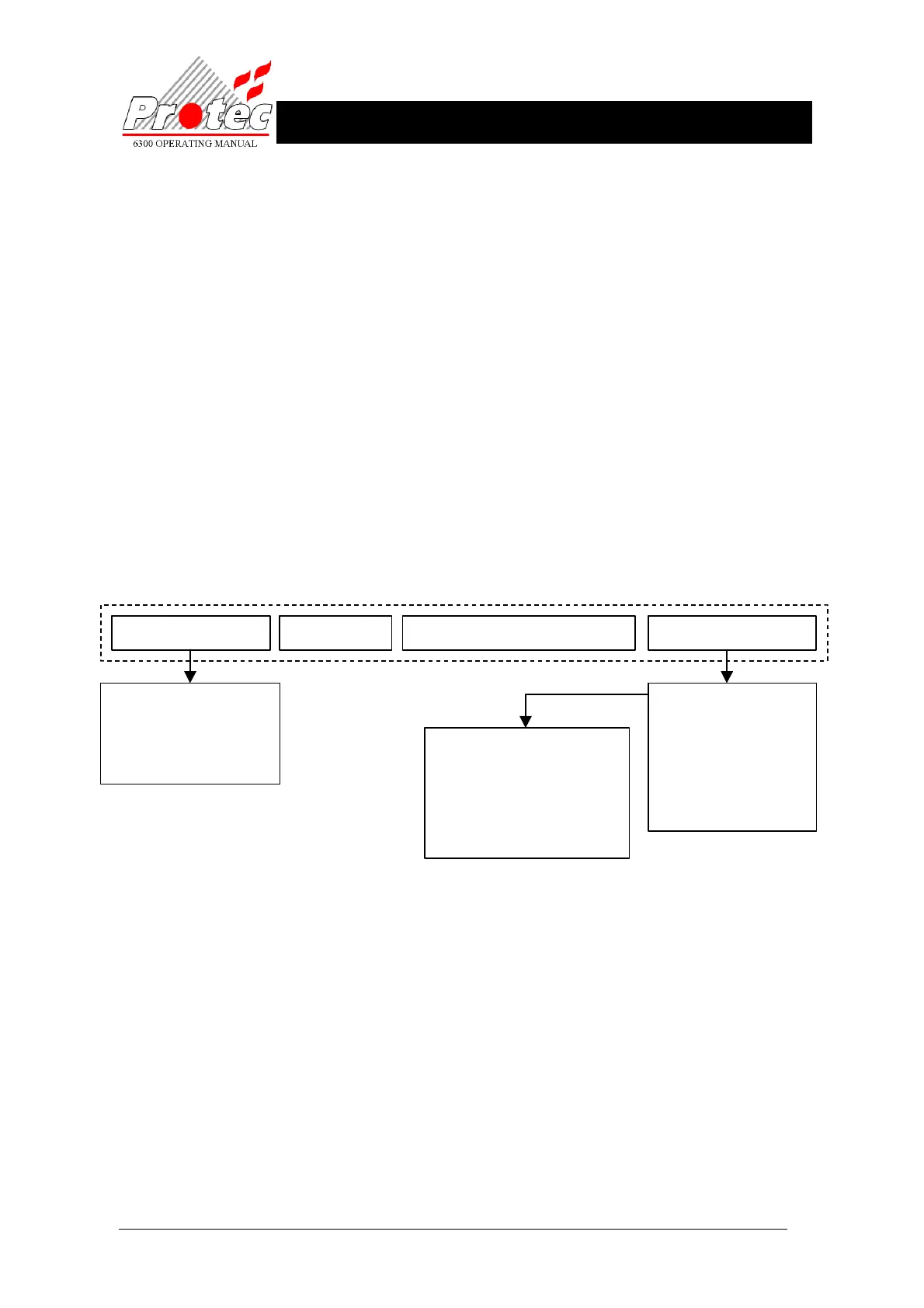
FIGURE 1: Menu Structure
The reception of a fire state from any device automatically exits the user menus. This also occurs if no buttons
are pressed for 10 minutes.
When the ‘MENU’ button is pressed, the display shows the user ‘main menu’ options.
The ‘NEXT’ and ‘PREVIOUS’ buttons are used to cycle the display through the ‘main menu’ options, which
are as follows: -
ISOLATION MENUS
SET UP TIME
CLEAR SYSTEM FAULT / CHANGE
ADVANCED OPTIONS
Pressing the ‘ACCEPT’ button selects the current menu option shown on the display.
Pressing the ‘MENU’ will then bring the user out of the menu option and back into the ‘main menu’ area.
Pressing the ‘MENU’ button whilst in the ‘main menu’ exits the user menus.
Isolation Menus
Set Up Time Clear System Fault / Change
Advanced Options
+ Printer Menus
Display Event Log
Read Analogue Data
View Text
Exchange Devices
RVAV
Disable Outputs
Lamp Test
+ Walk Test
Analogue Values
Analogue Values Outside Limits
Event Log
Active Events
Device Data
Program Matrix
Delay Data
Abort Printout
Isolate Address
View Addresses Isolated
Isolate zone
View Zones Isolated
Normalise Disablements
* Fire Link Disablement
+ Available if set when commissioned
* Not available if facility provided by a keyswitch
http://www.firealarmengineers.com



 To Next Page