EasyManua.ls Logo

PROTRON PLTV-3250 - User Manual

PROTRON PLTV-3250
40 pages
Print Icon
To Next Page IconTo Next Page
Loading...
MENU CH CH VOL VOL ENTER SOURCE POWER
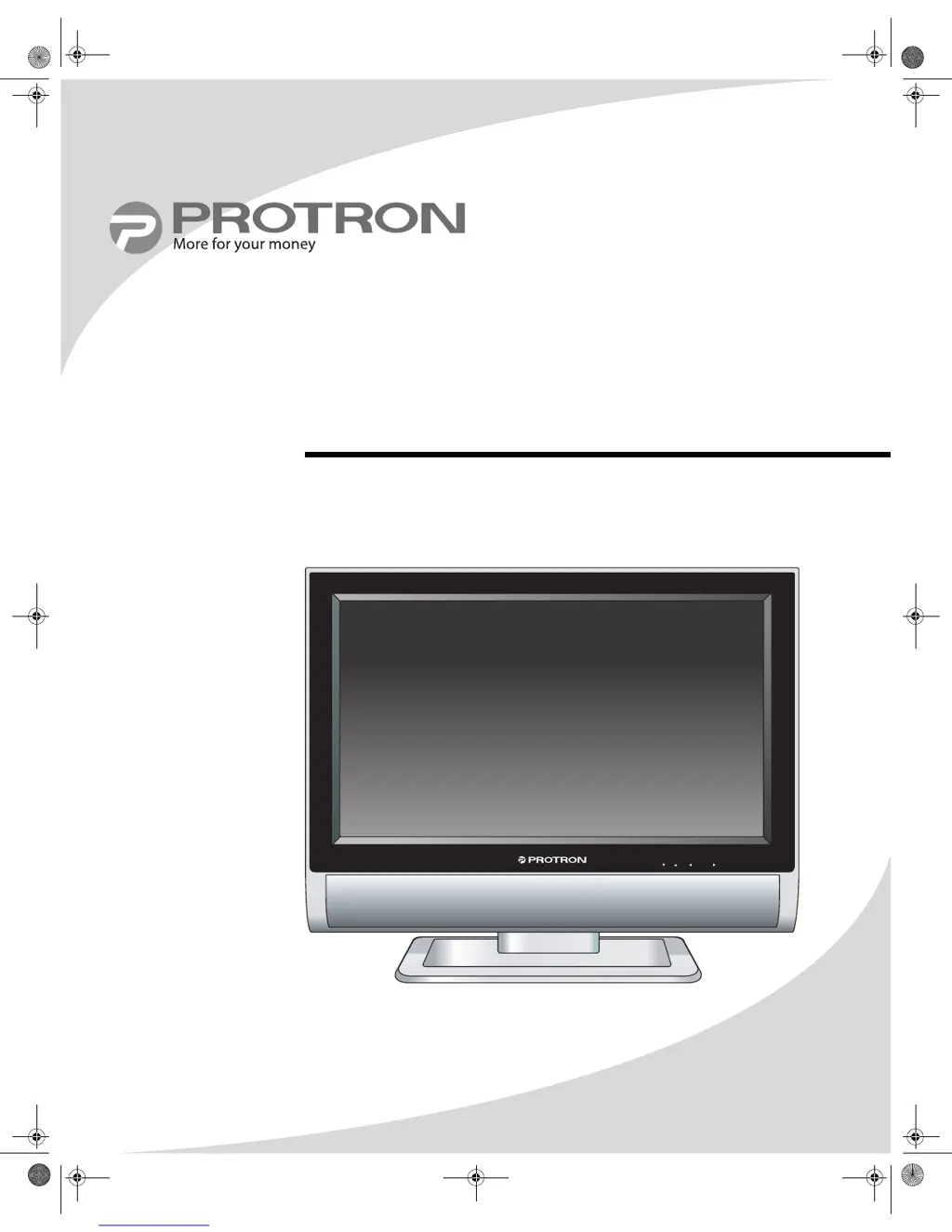
PLTV-3250
32" Liquid Crystal Display
User’s Manual
OMPLTV3250-1.book Page i Monday, July 17, 2006 8:15 PM

Questions and Answers

  • D
    Daniel ThomasAug 13, 2025
    How to fix a PROTRON Monitor when there is no picture and the power indicator is off?
    • M
      Miss Lauren BrownAug 13, 2025
      If your PROTRON Monitor isn't displaying a picture and the power indicator is off, here's what you can do: * Ensure the power cord is firmly inserted into both the monitor and the power outlet. * Check that the power switch on the bottom of the display is turned on. * Test the power outlet by plugging in another device. If it doesn't work, try turning on the outlet or using a different one.
  • C
    Clifford RamirezAug 17, 2025
    What to do if the PROTRON PLTV-3250 Monitor remote control is not working?
    • A
      Andrea FernandezAug 17, 2025
      If your PROTRON Monitor's remote control isn't working, consider these potential solutions: 1. Verify the batteries are correctly inserted and properly oriented. 2. Try replacing the batteries with a fresh set. 3. Ensure that none of the remote's buttons are stuck; gently jog them to release them. 4. Make sure there is no obstruction between the remote control and the monitor. 5. Try moving closer to the monitor.
  • N
    Nicole GomezAug 20, 2025
    How to resolve the 'Invalid Mode' message on my PROTRON PLTV-3250?
    • E
      ellenleachAug 21, 2025
      If you see an “Invalid Mode” message on your PROTRON Monitor, the VGA input signal from your computer is likely not in a supported mode. To resolve this, adjust the resolution and refresh rate on your PC to match a supported mode.
  • E
    eyoungAug 25, 2025
    Why is the image on my PROTRON PLTV-3250 Monitor distorted, and how can I fix it?
    • D
      Douglas GarciaAug 25, 2025
      A distorted image on your PROTRON Monitor could be due to an incorrectly set display format. Check that the correct Aspect Ratio is selected in the Image menu in the OSD.
  • W
    wilcoxcarlAug 28, 2025
    What should I do if the image signal cables of my PROTRON PLTV-3250 are not securely connected?
    • M
      Mr. Robert Velazquez MDAug 28, 2025
      Make sure the signal cables of your PROTRON Monitor are firmly connected.
  • A
    Ashley ToddSep 1, 2025
    What to do if the power voltage is too high or too low for my PROTRON PLTV-3250?
    • S
      shannon96Sep 1, 2025
      Check the power source to make sure it matches the PROTRON Monitor's specifications. You might also want to try a different power outlet on a different circuit.
  • M
    morganbaxterSep 4, 2025
    Why are there red, green, blue, or white dots on the screen of my PROTRON PLTV-3250?
    • A
      Ashley WellsSep 5, 2025
      The presence of red, green, blue, or white dots on your PROTRON Monitor screen is characteristic of an LCD and will not cause a malfunction.
  • R
    ronald34Sep 8, 2025
    Why does an after-image remain on the screen of my PROTRON PLTV-3250 Monitor after it's turned off?
    • M
      Michael GilmoreSep 8, 2025
      An after-image remaining on the screen of your PROTRON Monitor after it's turned off is a characteristic of LCD screens. The after-image should disappear after a few minutes.

Summary

Introduction

Important Safety Instructions

Product Cautions

Conformity and Compliance

FCC Compliance Statement

Details FCC rules for Class B digital devices and interference mitigation.

Radio Frequency Interference Statement

Warns about potential radio interference in domestic environments.

Canadian DOC Notice for Class B Computing Devices

States compliance with Canadian limits for digital apparatus radio noise.

Product Introduction

Features

Lists the key features and specifications of the Protron Liquid Crystal Display.

Unpacking Your New Display

Setting Up the Display

Connecting a Digital TV Signal

Guide to connect a digital TV signal source using a coaxial cable.

Operating the Display

Display Controls and Basic Operations

Covers using display buttons, power, source selection, volume, and channel selection.

Using Your Display for the First Time

Setting up Digital Television Channels

Guide to scan for available digital TV channels after initial setup.

Using the Remote Control

Remote Control Functions Overview

Details the functions of various buttons on the Protron remote control.

Configuring the Display

Navigating the On-Screen Display (OSD)

Instructions for navigating OSD menus for DTV and other sources.

Troubleshooting

Specifications

Limited Warranty

How to Obtain Service

Provides steps and contact information for requesting warranty service.

Warranty Exclusions

Lists exclusions from the product's warranty coverage.

PROTRON PLTV-3250 Specifications

General IconGeneral
Screen Size32 inches
Aspect Ratio16:9
Resolution1366 x 768
Display TypeLCD
Input PortsHDMI, USB, VGA

Related product manuals