Setting Up the Display
8
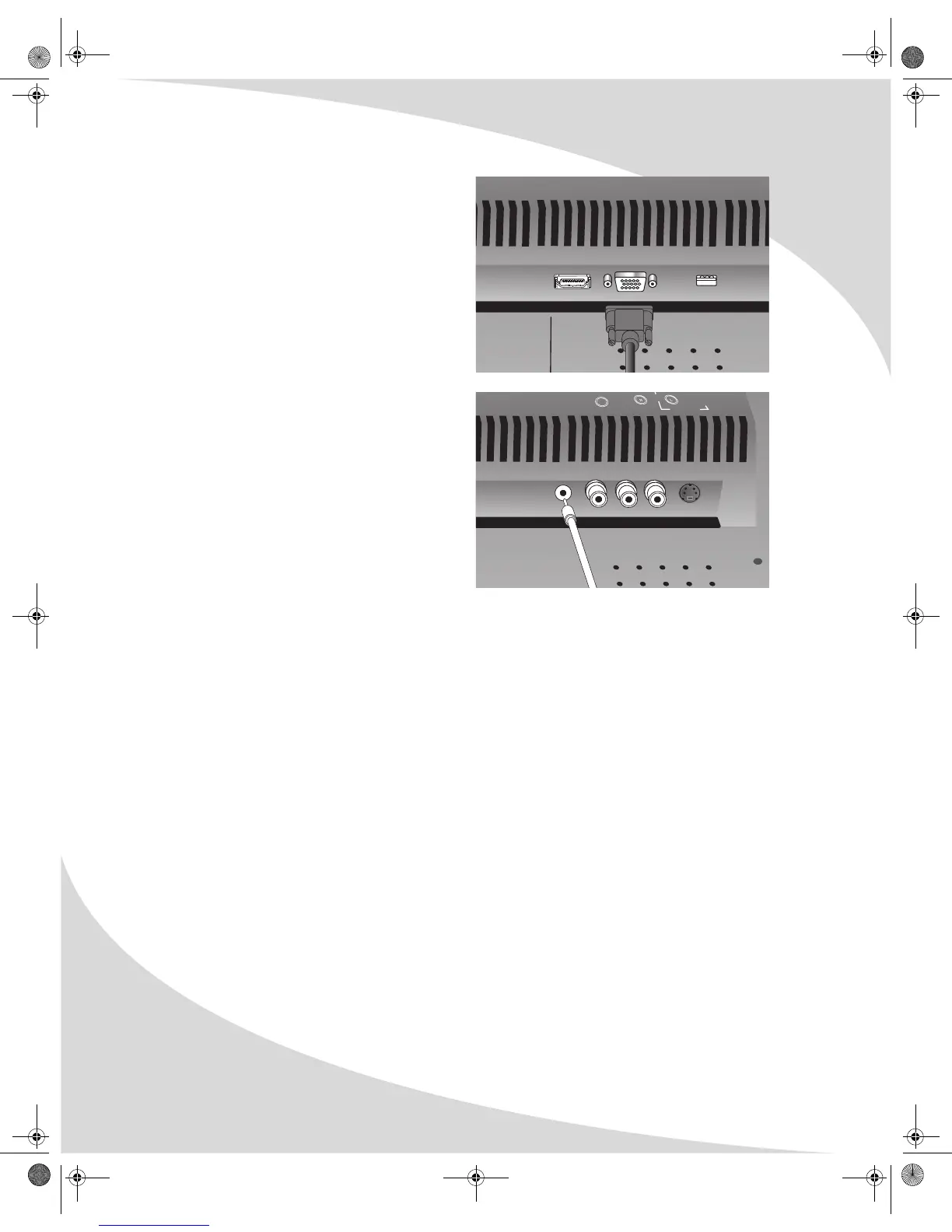
2. Connect a VGA cable between the VGA
output on the computer and the D-SUB input
on the display.
3. (OPTIONAL) Using a 1/8" stereo audio cable,
connect the computer’s audio line output
(LINE OUT) to the audio input on the bottom
of the display (PC AUDIO IN).
HDMI D-SUB
AUDIO 1
S-VIDEO IN
S-VIDEO
PC
AUDIO IN
VIDEO 1
OMPLTV3250-1.book Page 8 Monday, July 17, 2006 8:15 PM


 To Next Page