EasyManua.ls Logo

Prozeda Primos 250 SR - Basic Settings Menu Parameters (Part 3)

Prozeda Primos 250 SR
52 pages
Print Icon
To Next Page IconTo Next Page
To Previous Page IconTo Previous Page
Loading...
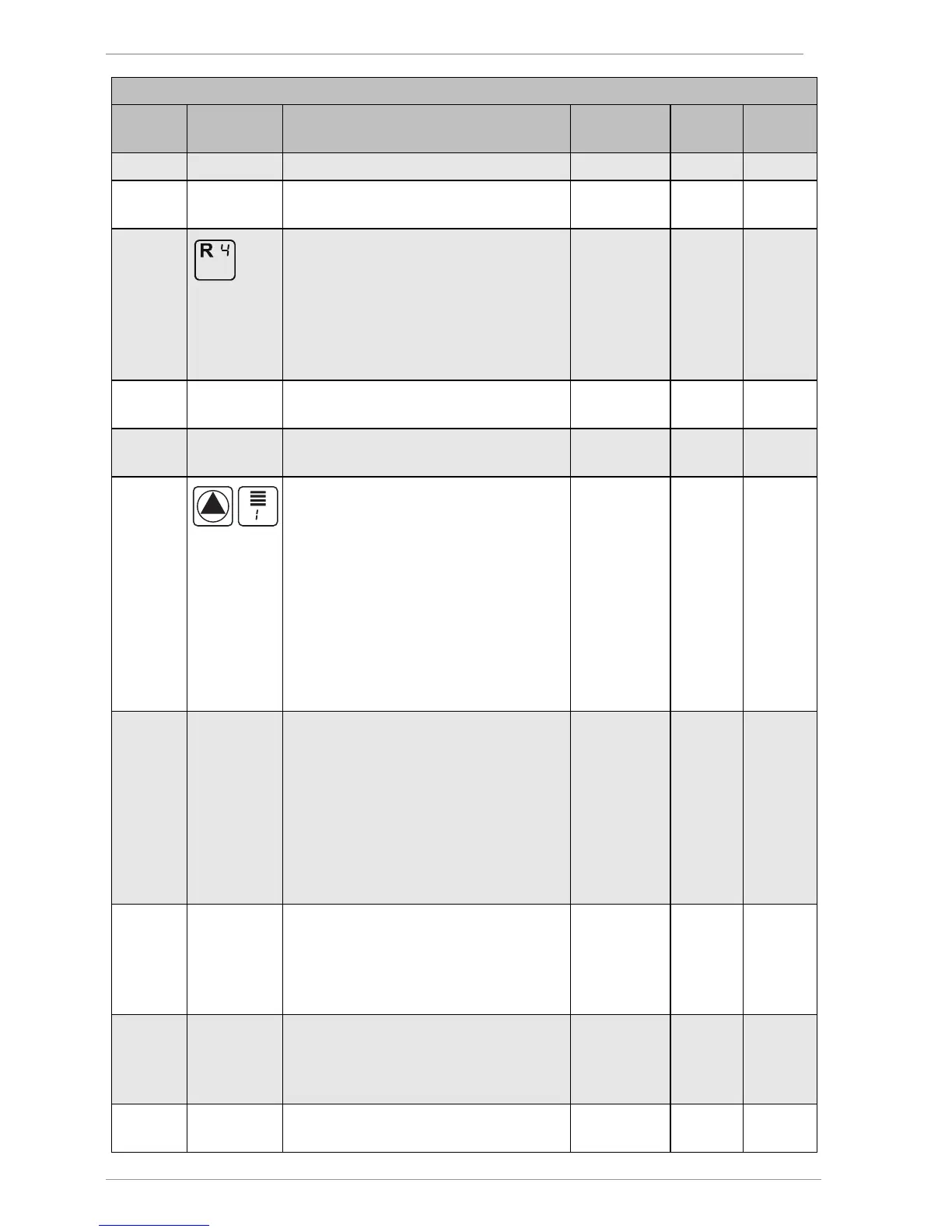
Displaying and changing the values in the menus
30
Basic settings
menu
Position
Symbol Description Range Factory
settings
Current
settings
for MFC R1
P: 23: Selection of the sensor for the sink for
MFC R1
1–4 4
P: 30:
MFC R4 function at switching
output R0
0 = Off
1 = Cooling
2 = Heating
3 = Temperature difference
controller
0–3 0
P: 31: Selection of the sensor for the source
for MFC R4
1–4 3
P: 32: Selection of the sensor for the sink for
MFC R4
1–4 4
P: 33:
Pump type on switching output R1
0= Standard pump, operated with
alternating current (AC pump)
1= High-efficiency pump (HE pump)
with analog control system
2= High-efficiency pump (HE pump)
with PWM control system, characteristic
not inverted
3= High efficiency pump (HE pump)
with PWM control system, characteristic
inverted
0–3 2
P: 35: Parameter management
0 = Current controller settings
1 = Restore factory settings
2 = Backup parameters from controller
to microSD card
3 = Load parameters from microSD card
to the controller
Values 2 and 3 will be displayed only if a
microSD card has been inserted.
0–3 0
P: 36: Firmware update
0 = Off
1 = Start update
This menu item will be displayed only if
a microSD card has been inserted.
0–1 0
P: 37:
ID number of the controller.
Change only if several controllers of
identical type are used in the same bus

system.
4140–4149 4140
P: 38: 0 = ProBusX, for working with conexio
200
0-1 0

Table of Contents

Related product manuals