34 User’s / Programming Guide
Keyboard Wedge Parameters
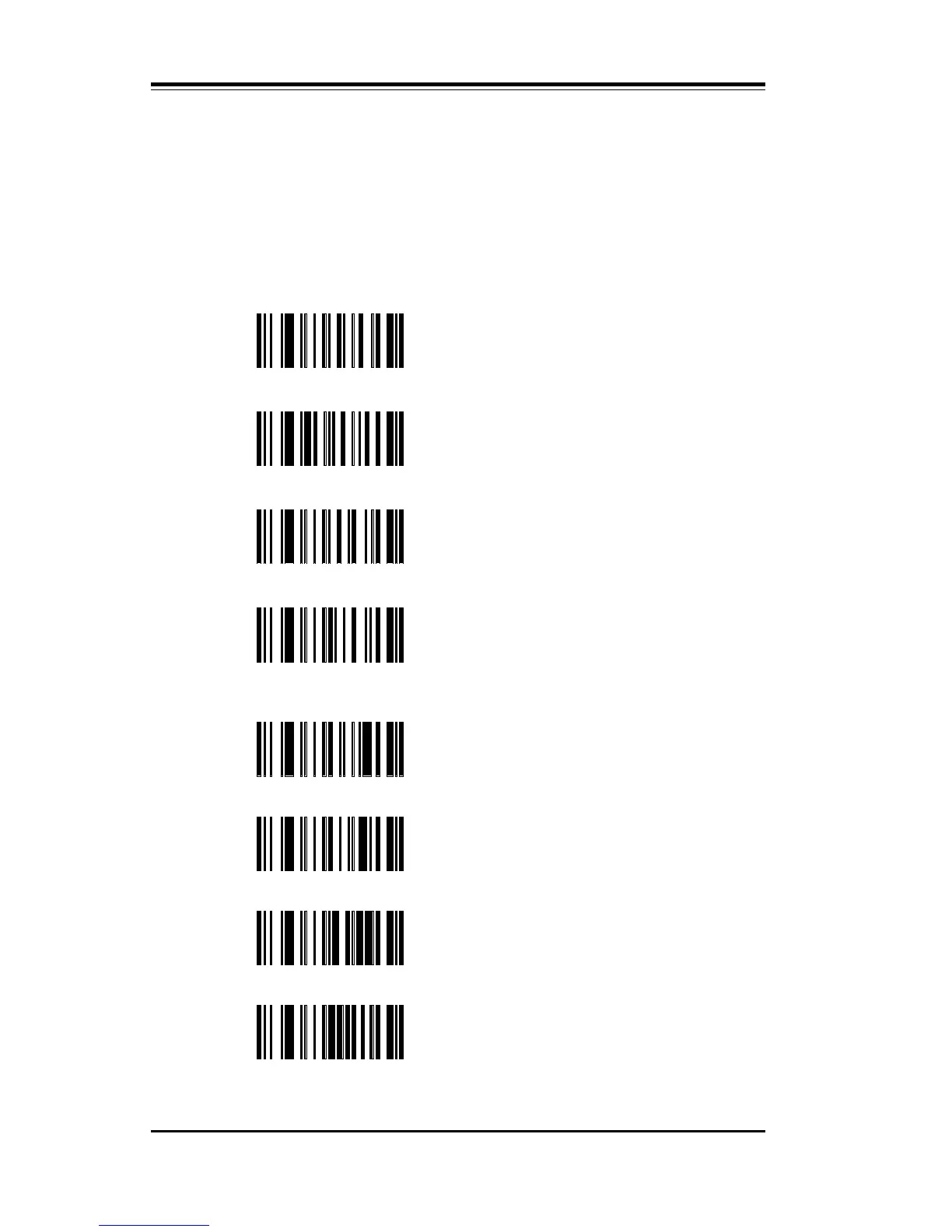
Scan symbol CE to enable Keyboard Wedge mode. Next, select a ter-
minal type by scanning the symbol CF for IBM PC-AT or PS/2 mod-
els 50/60/80; or symbol CG for PC-XT type terminals. Alternatively,
you may scan just CF or CG to enable wedge mode and select a termi-
nal type.
CH IBM 3151 – U.S.A.
CI DEC VT220 – U.S.A.
CN Macintosh
CP IBM 3477 – U.S.A.
CE Wedge Mode Enable @
ZA
Reset to Wedge Default
Values
CF
PC-AT, PS/2 and
50/60/80@ — U.S.A.
CG PC-XT – U.S.A.



 To Next Page