50 User’s / Programming Guide
MSI/Plessey
Previous customization of other scanner features may have made
MSI/Plessey unavailable in some scanners. Consult Customer Ser-
vice for current capabilities or if you require a specific symbology.
Code 11
Previous customization of other scanner features may have made
Code 11 unavailable in some scanners. Consult Customer Service for
current capabilities or if you require a specific symbology.
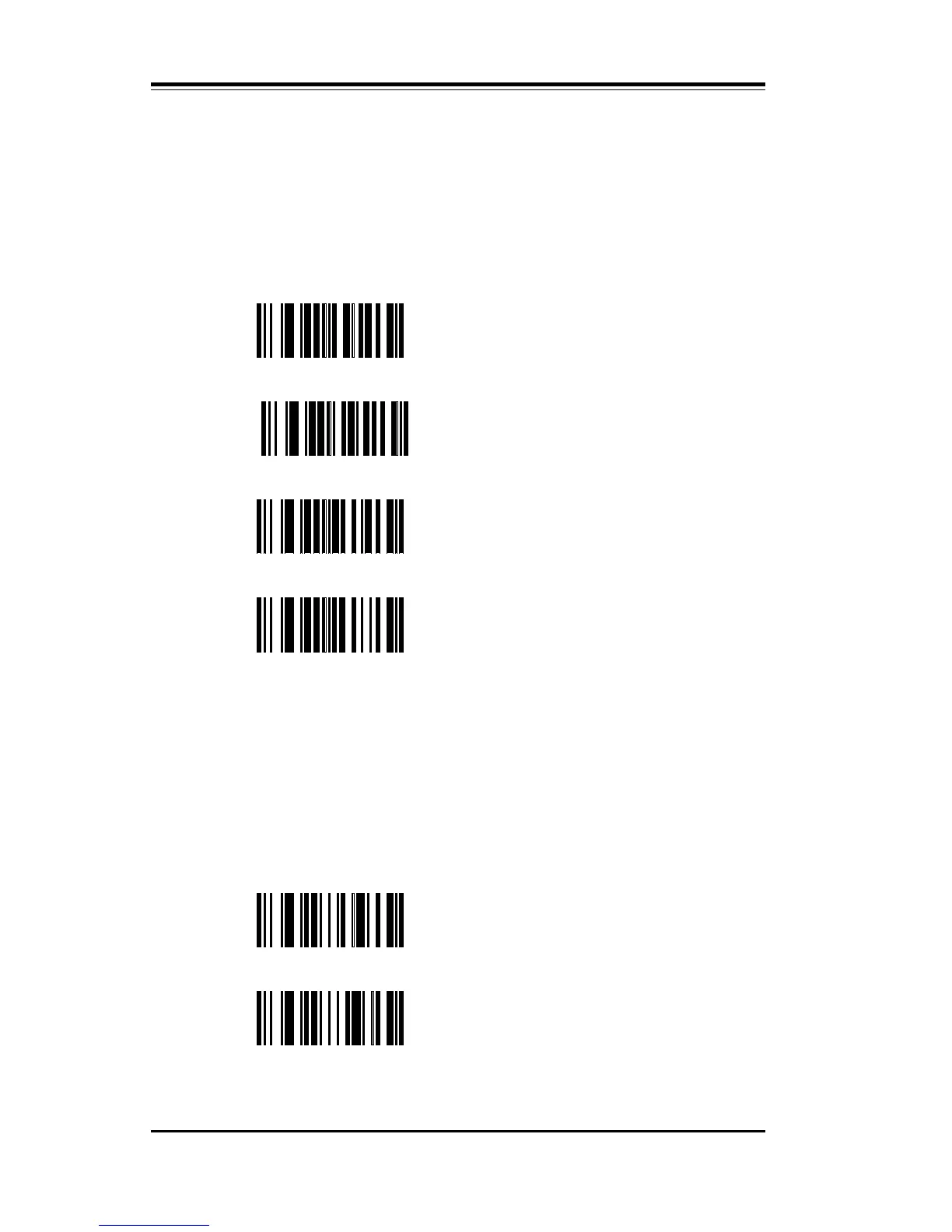
PK Enable MSI/PLESSEY
PL
Set Minimum Length, then scan
two digits: 01-14 (see Digit
Selection).
Set Maximum Length, then scan
two digits: 01-14 (see Digit
Selection).
PM
PJ Disable MSI/PLESSEY
SB
Enable Code 11 with
one check digit
SC
Enable Code 11 with
two check digits



 To Next Page