44 User’s / Programming Guide
Code 39
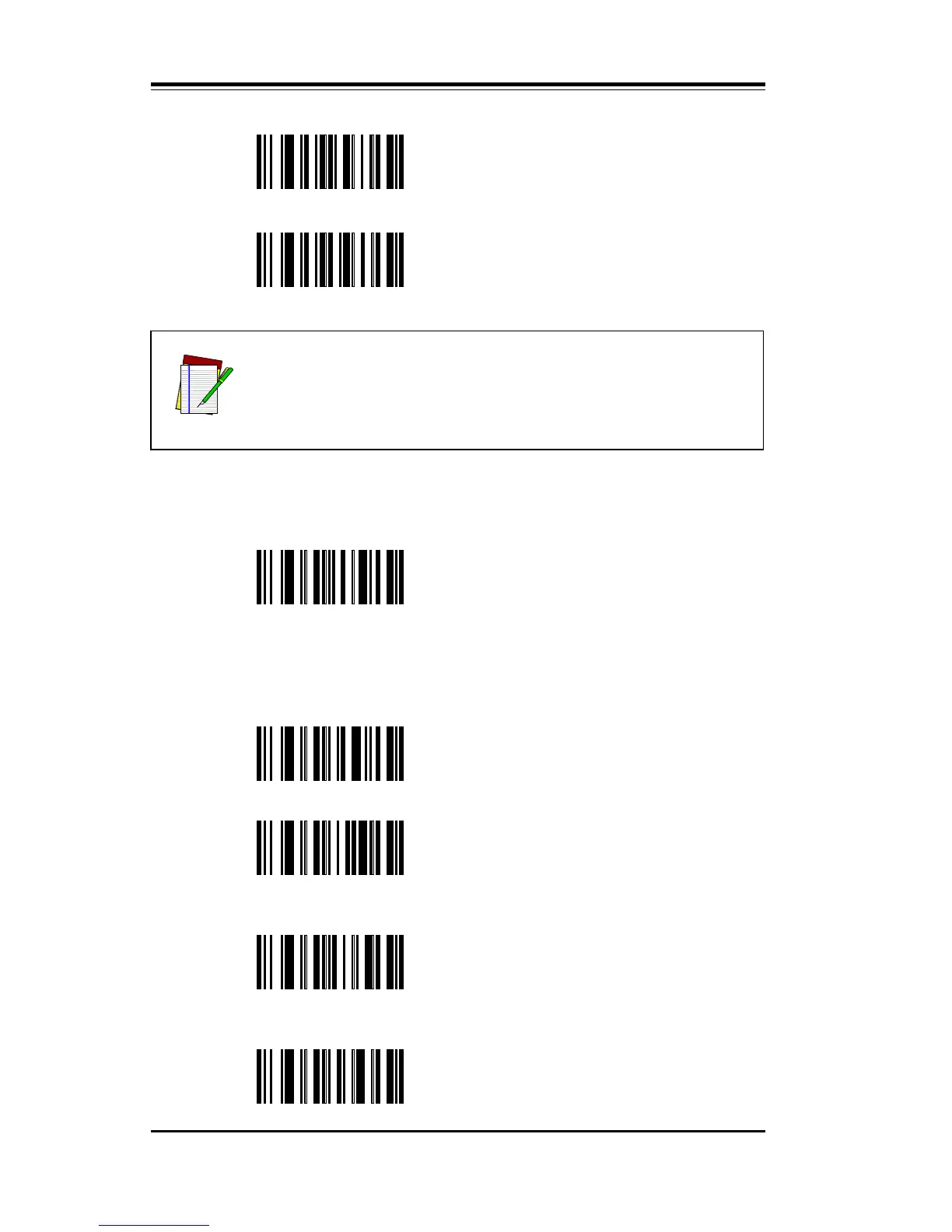
To disable Code 39, scan Option OA.
OA Disable Code 39
To enable Code 39, scan Option OB or OC. After enabling Code 39,
make any additional required selections from Options OD through
OG.
OB Enable St6andard Code 39*#@
OC Enable Full ASCII Code 39
OE Enable Modulo 43 Check Character
RQ
Disable EAN-8 special 5 character
(0’s) preamble
RR
Enable EAN-8 special 5 character
(0’s) preamble
NOTE
RA to RG apply to both EAN-13 and EAN-8.
OD
Disable Modulo 43 Check
Character*#@



 To Next Page