38 User’s / Programming Guide
Symbologies
The PSC scanner is configured with Code 39, Code 128, UPC-A and
UPC-E not expanded symbologies. The user has the ability to enable
or disable any of the symbologies given below as well as UPC or
EAN supplements, I 2 of 5 with check digit, and Code 39 modulo 43
check digit.
The bar codes that can be read by PSC’s bar code scanners include:
Code 39 Code 93
Interleaved 2 of 5 Code 128
Standard 2 of 5 Codabar
UPC-A, UPC-E Code 11
EAN/JAN MSI/Plessey
The minimum label lengths are set to 1 character, except Code I 2 of
5, which is set to 14 characters; andCode S 2 of 5, which is set to 4
characters. The maximum label length for all symbologies is set to 32
characters. The user has the ability to set the minimum and maxi-
mum label lengths.
The symbol * indicates Default Parameter for serial mode. The sym-
bol # indicates Default Parameters for Wand Emulation. The symbol
@ indicates default parameters for Wedge Mode.
UPC (A and E)
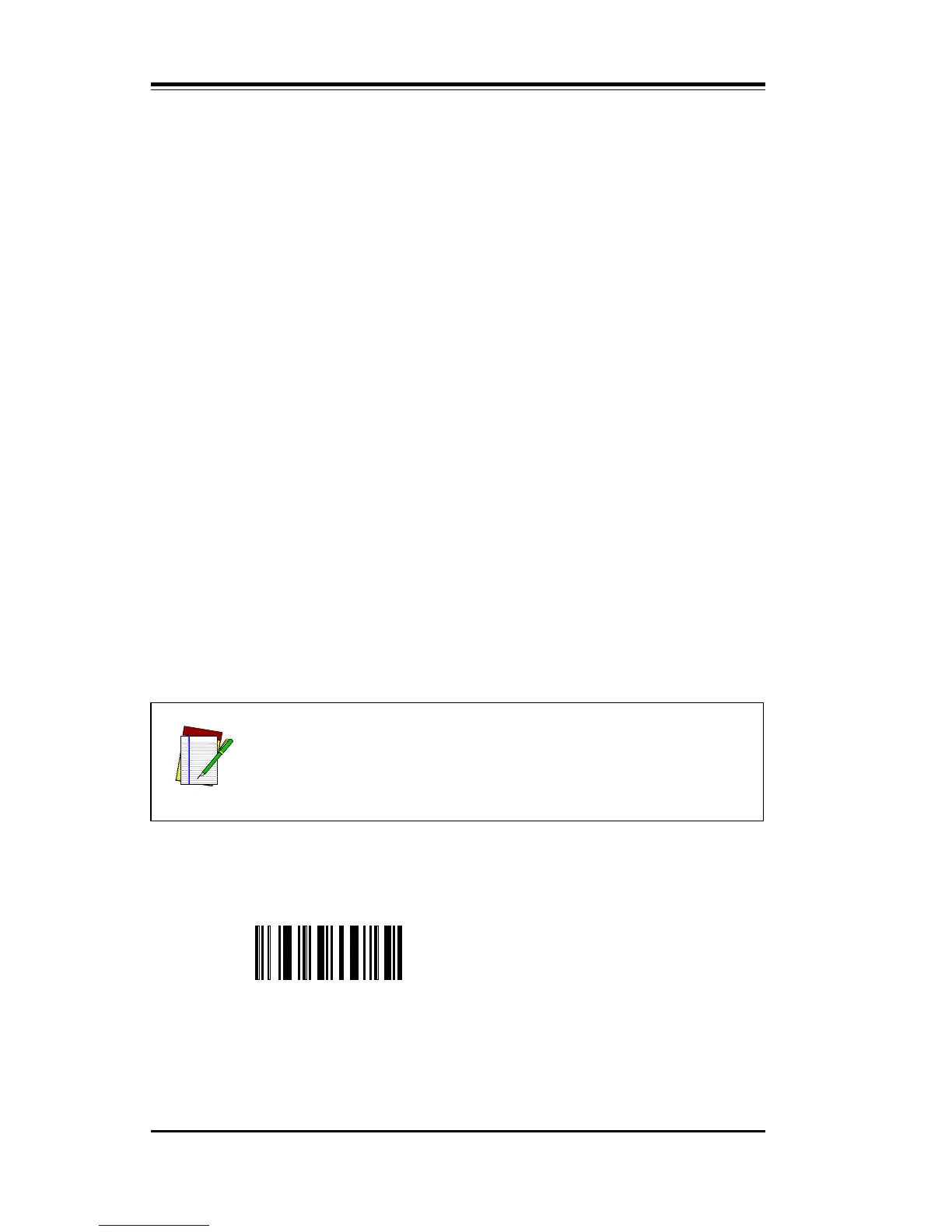
Scan Option QA to disable all UPC labels.
QA Disable UPC (both A and E)
NOTE
It is recommended that the user disable those symbolo-
gies and parameters that are not being used.



 To Next Page