06656 37
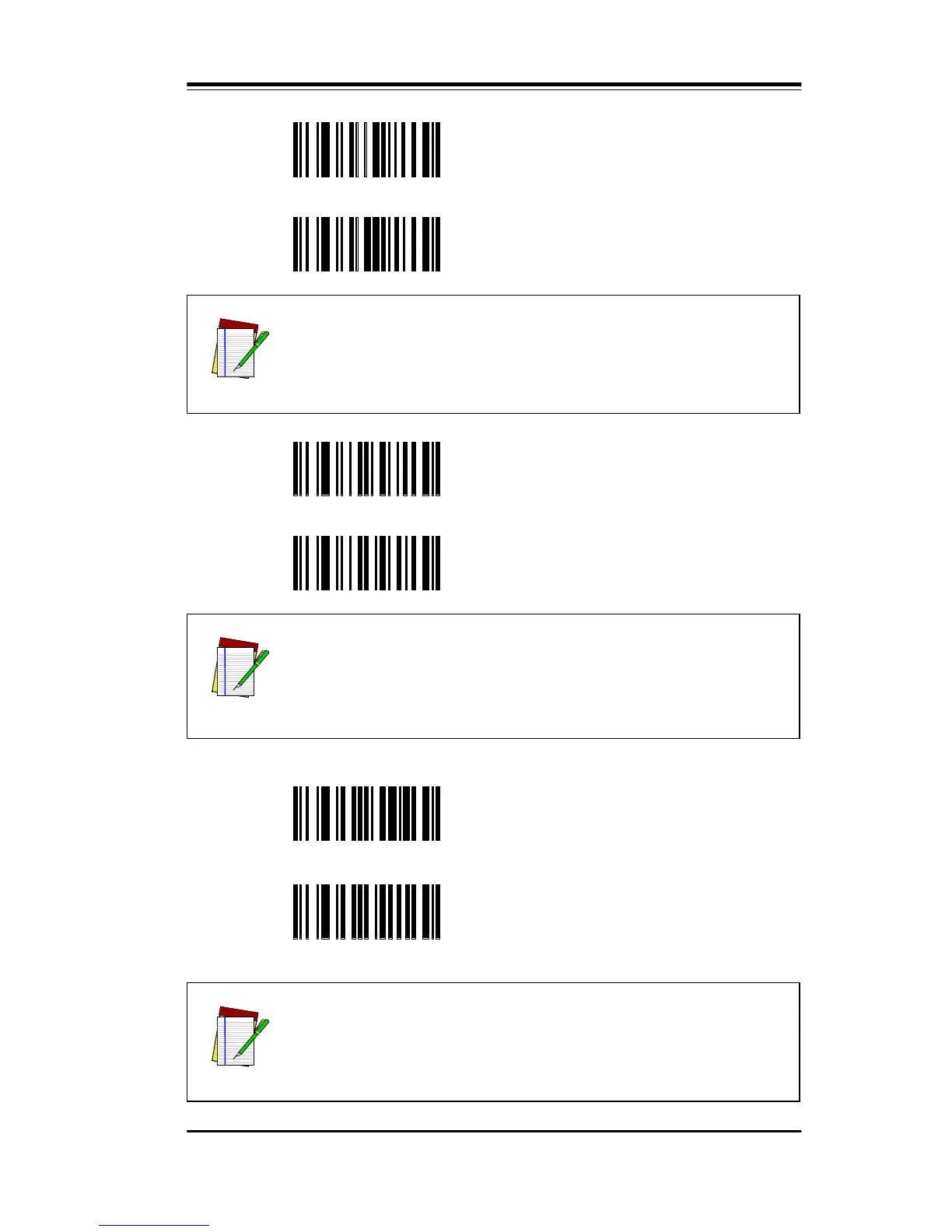
EO Shift Alphabetic Characters
EP Normal Alphabetic Characters*
CQ Enable Primary Keyboard@
CR Enable Secondary Keyboard
NOTE
In some models of scanner, the wedge output is capable
of two types. To enable primary or secondary keyboard
modes, scan one of the next two labels.
NOTE
In Wedge Mode, non-printable ASCII characters (00-31H)
do not allow for an obvious translation to keycodes.
There are two approaches to this issue – they are
explained in Appendix A.
@Q
Enable Primary Function Key
Table@
@R
Enable Secondary Function Key
Table
NOTE
See Appendix A.



 To Next Page