36 User’s / Programming Guide
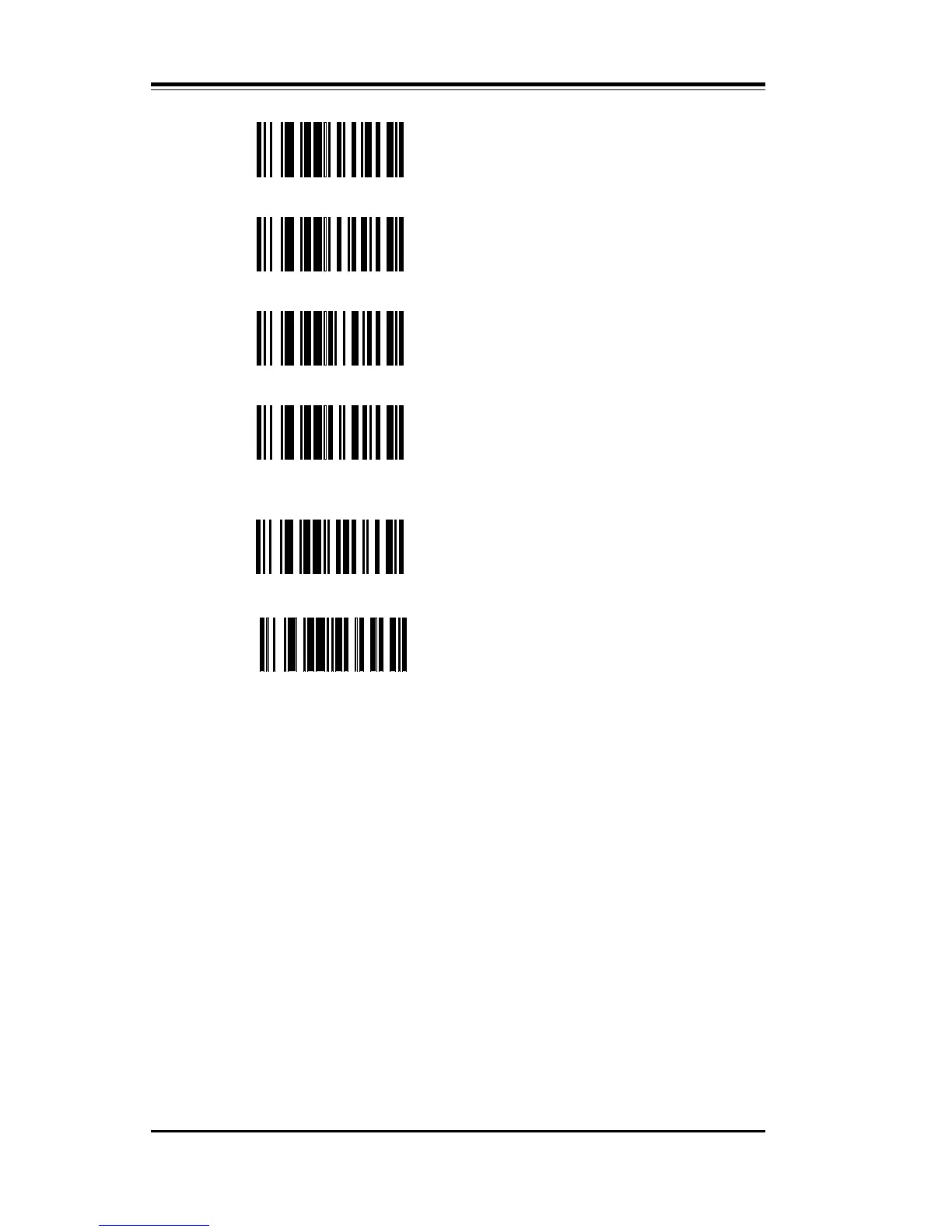
\E PC-AT Italian Keyboard
\F PC-AT Spanish Keyboard
\G PC-AT Swedish Keyboard
\H PC-AT Portuguese Keyboard
In normal Wedge Mode, the scanner emulates the keyboard exactly.
Should a scanned bar code label have alphabetic characters, they will
be presented to the computer as if they had been typed at the key-
board. They will be affected by the Caps Lock key. If the scanned
label has lower case alphabetic characters AND the Caps Lock key in
ON, then the alphabetics will be presented as upper case.
With the Caps Lock key ON, the user may required that the scanned
alphabetics are presented to the computer exactly as they are encoded
in the label. This is accomplished by scanning EO – Shift Alphabetic
Characters.
\L
DEC VT 220/320/420
German Keyboard
\M
DEC VT 220/320/420
French Keyboard



 To Next Page