06656 55
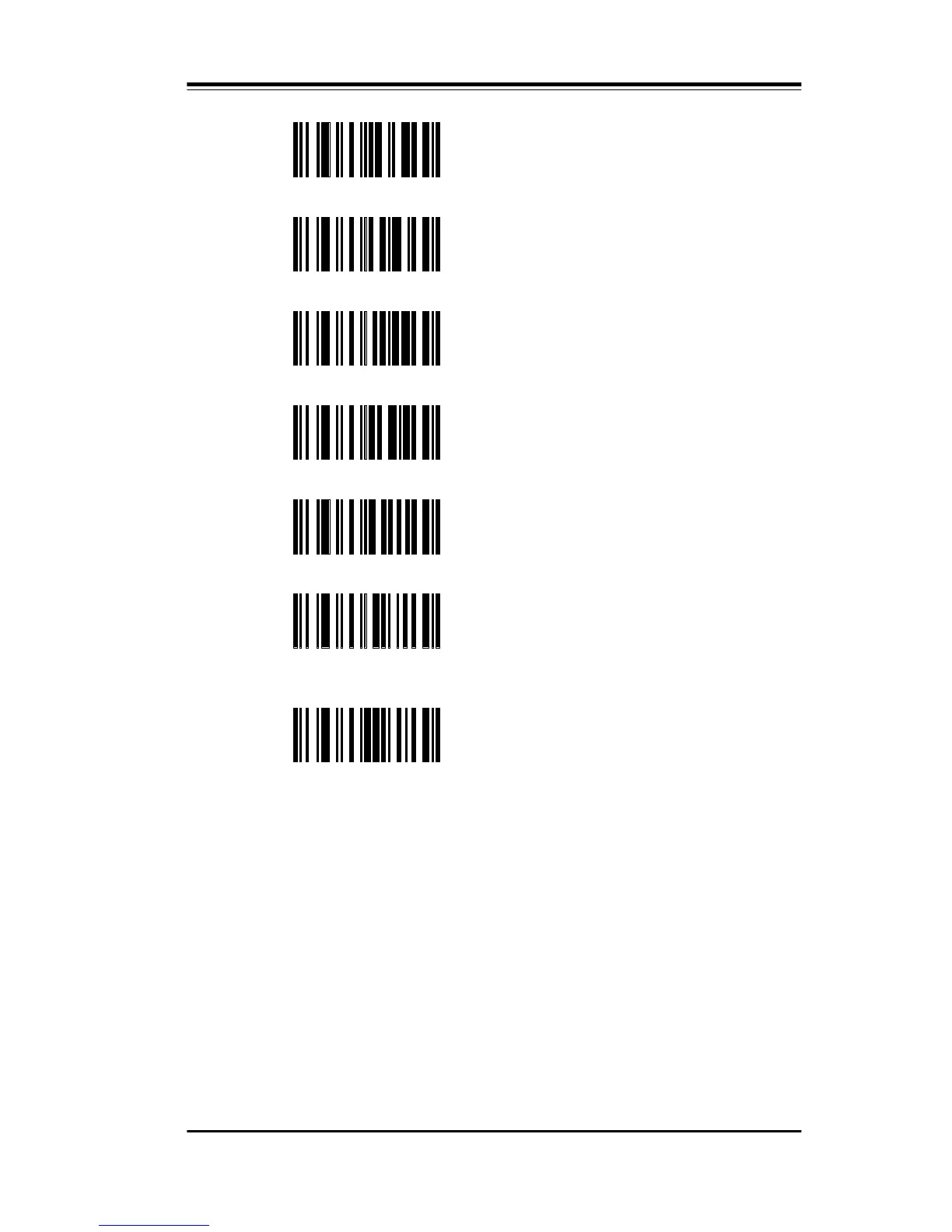
FJ Set Code 39 Symbology Identifier
FK Set I 2/5 Symbology Identifier
FL Set S 2/5 Symbology Identifier
FM Set Code 11 Symbology Identifier
FN Set Code 93 Symbology Identifier
FO Set Codabar Symbology Identifier
To change any single symbology identifier, scan the appropriate sym-
bology identifier bar code symbol and then scan the four hexadecimal
characters that represent the two bytes of the identifier. If you select a
one character identifier, then scan zero (null) twice for the second
character.
FP
Set MSI/Plessey Symbology
Identifier



 To Next Page