EasyManua.ls Logo

Psion 3a Series - Page 65

Psion 3a Series
288 pages
Print Icon
To Next Page IconTo Next Page
To Previous Page IconTo Previous Page
Loading...
character
code
of
the
character
to
use.
on
the
next
line
of
the
dialog.
(Character
codes
are
listed
in
an
appendix
to
this
manual.)
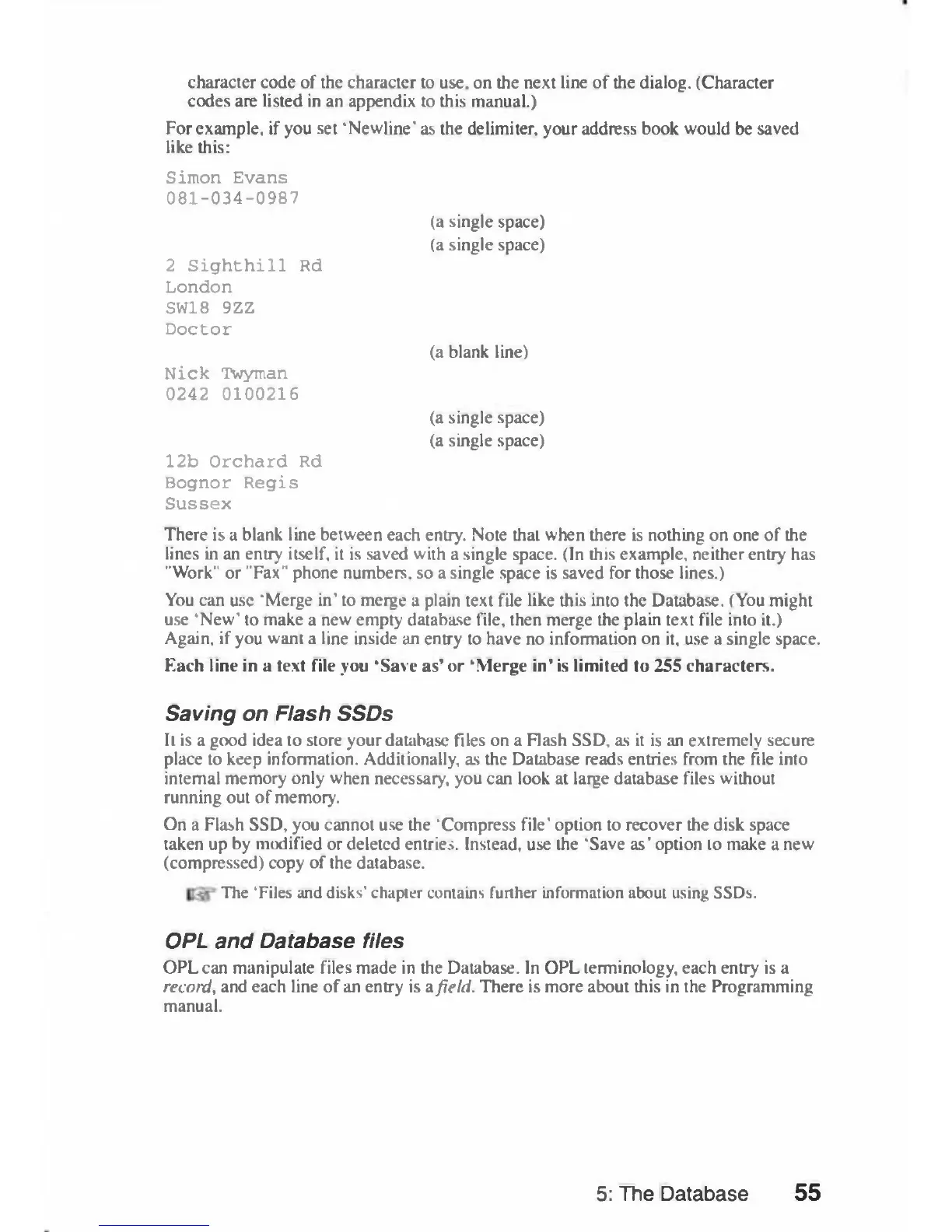
For
example,
if
you
set
'Newline'
as
the
delimiter,
your
address
book would
be
saved
like
this:
Simon
Evans
081-034-0987
(a
single
space)
(a
single
space)
2
Sighthill
Rd
London
SW18
9ZZ
Doctor
(a
blank
line)
Nick
Twyman
0242
0100216
(a
single
space)
(a
single
space)
12b
Orchard
Rd
Bognor
Regis
Sussex
There
is
a
blank
line
between
each
entry.
Note
that
when
there
is
nothing
on
one
of
the
lines
in
an
entry
itself,
it
is
saved
with
a
single
space.
(In
this
example,
neither
entry
has
"Work"
or
"Fax"
phone
numbers,
so
a
single
space
is
saved
for
those
lines.)
You
can
use
'Merge in'
to
merge
a
plain
text
file
like
this
into
the
Database.
(You
might
use
'New'
to
make
a
new
empty
database
file,
then
merge
the
plain
text
file
into
it.)
Again,
if
you
want
a
line
inside
an
entry
to
have no
information
on
it,
use
a
single
space.
Each
line
in
a
text
file
you
'Save
as'
or
'Merge
in'
is
limited
to
255
characters.
Saving
on
Flash
SSDs
It
is
a
good
idea
to
store
your
database
files
on
a
Flash
SSD,
as
it
is
an
extremely
secure
place
to
keep
information.
Additionally,
as
the
Database
reads
entries
from
the
file
into
internal
memory
only
when
necessary,
you
can
look
at
large
database
files
without
running
out
of
memory.
On
a
Flash
SSD,
you
cannot
use
the
'Compress
file'
option
to
recover
the
disk
space
taken
up
by
modified
or
deleted
entries.
Instead,
use
the
'Save
as'
option
to
make
anew
(compressed)
copy
of
the
database.
The
'Files
and
disks'
chapter
contains
further
information
about
using
SSDs.
OPL
and
Database
files
OPLcan
manipulate
files
made
in
the
Database.
In
OPL
terminology,
each
entry
is
a
record,
and
each
line
of
an
entry
is
a
field.
There
is
more
about
this
in
the
Programming
manual.
5:
The
Database
55

Table of Contents

Related product manuals