EasyManua.ls Logo

Psion 3a Series - Page 7

Psion 3a Series
288 pages
Print Icon
To Next Page IconTo Next Page
To Previous Page IconTo Previous Page
Loading...
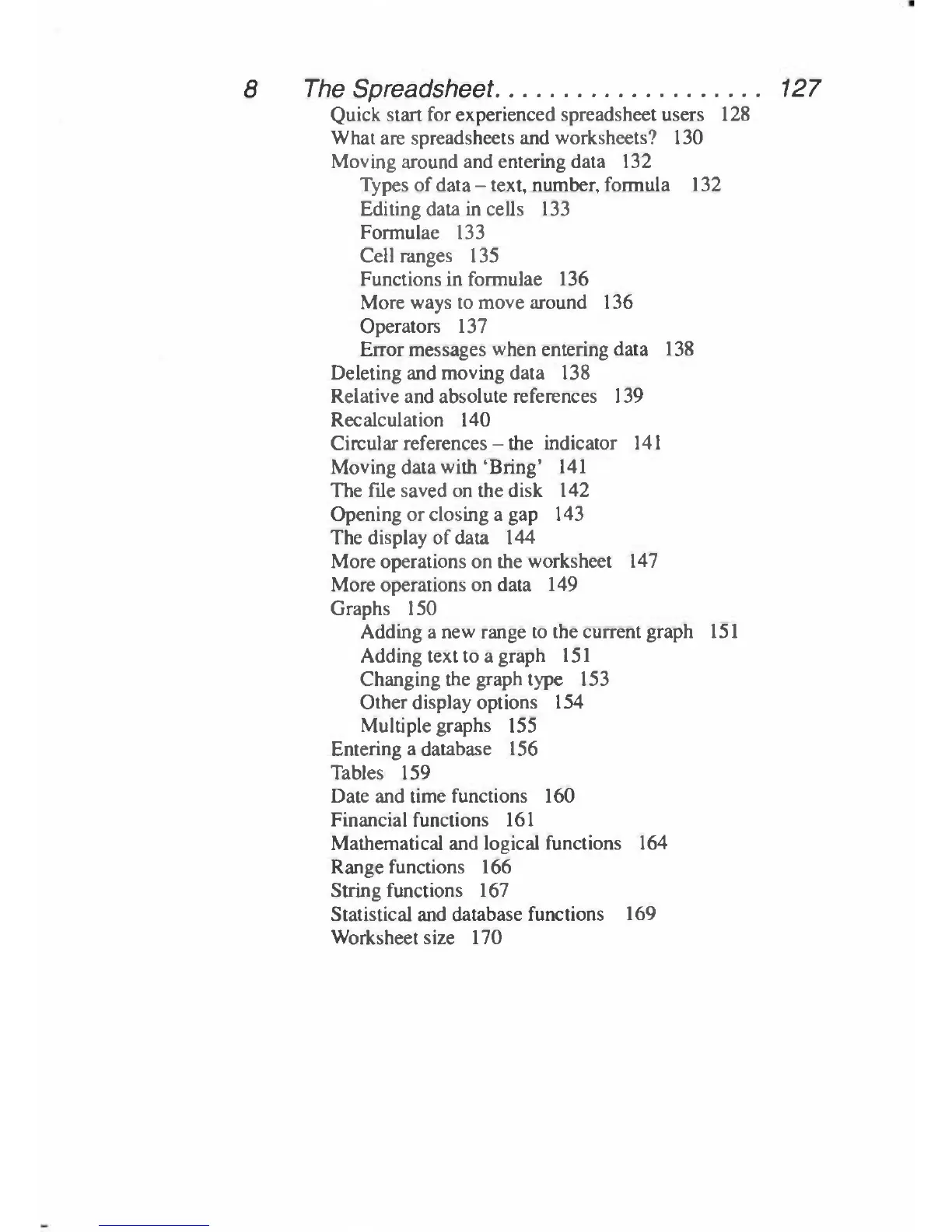
8
The
Spreadsheet
127
Quick
start
for
experienced
spreadsheet
users
128
What
are
spreadsheets
and
worksheets?
130
Moving
around
and
entering
data
132
Types
of
data
-
text,
number,
formula
132
Editing
data
in
cells
133
Formulae
133
Cell
ranges
135
Functions
in
formulae
136
More
ways
to
move
around
136
Operators
137
Error
messages
when
entering
data
138
Deleting
and
moving
data
138
Relative
and
absolute
references
139
Recalculation
140
Circular
references
-
the
indicator
141
Moving
data
with
'Bring'
141
The
file
saved
on
the
disk
142
Opening
or
closing
a
gap
143
The
display
of
data
144
More
operations
on
the
worksheet
147
More
operations
on
data
149
Graphs
150
Adding
a
new
range
to
the
current
graph
151
Adding
text
to
a
graph
151
Changing
the
graph
type
153
Other
display
options
154
Multiple
graphs
155
Entering
a
database
156
Tables
159
Date
and
time
functions
160
Financial
functions
161
Mathematical
and
logical
functions
164
Range
functions
166
String
functions
167
Statistical
and
database
functions
169
Worksheet
size
170

Table of Contents

Related product manuals