EasyManua.ls Logo

Psion 3a Series - Page 8

Psion 3a Series
288 pages
Print Icon
To Next Page IconTo Next Page
To Previous Page IconTo Previous Page
Loading...
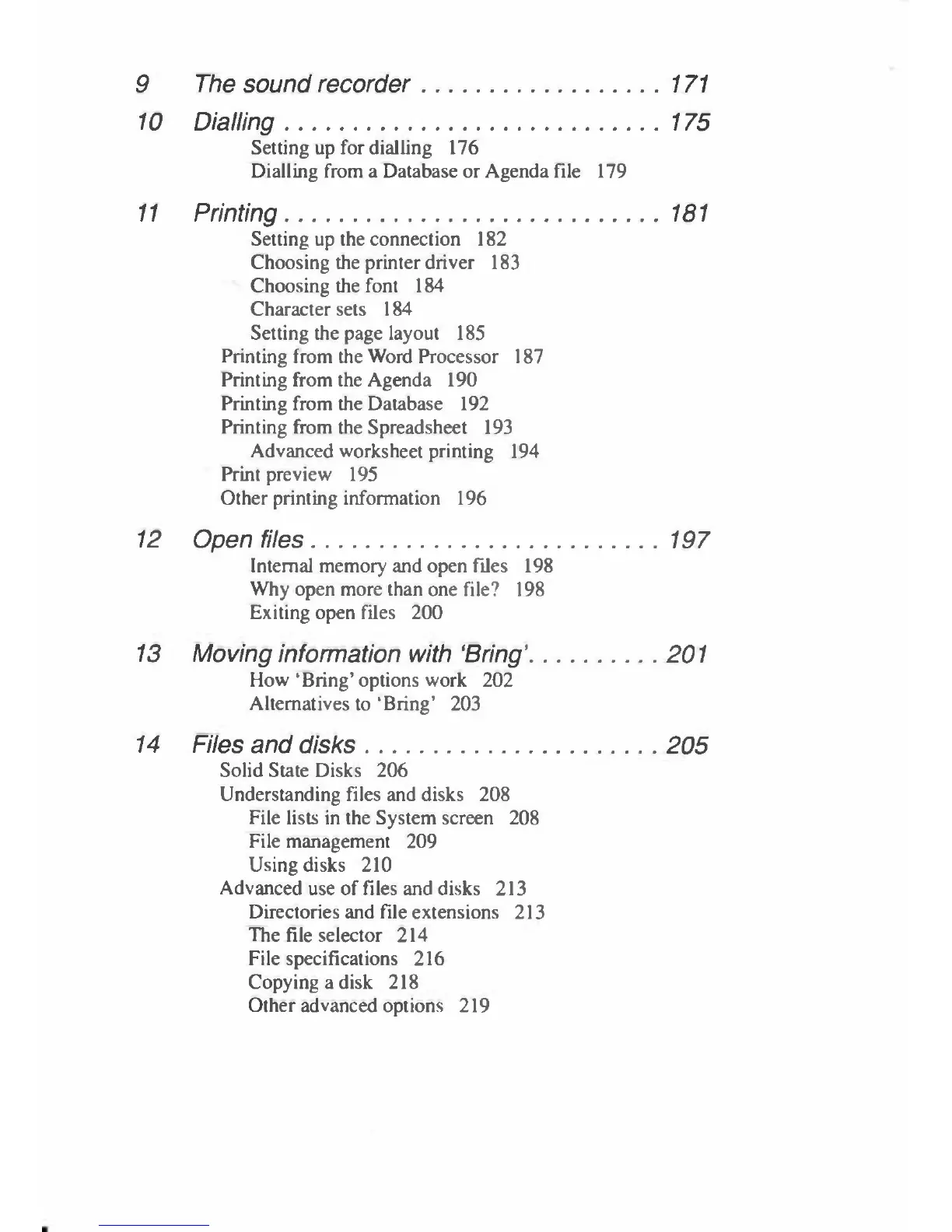
9
The
sound
recorder
171
10
Dialling
175
Setting
up
for
dialling
176
Dialling
from
a
Database
or
Agenda
file
179
11
Printing
181
Setting
up
the
connection
182
Choosing
the
printer
driver
183
Choosing
the
font
184
Character
sets
184
Setting
the
page
layout
185
Printing
from
the
Word
Processor
187
Printing
from
the
Agenda
190
Printing
from
the
Database
192
Printing
from
the
Spreadsheet
193
Advanced
worksheet
printing
194
Print
preview
195
Other
printing
information
196
12
Open
files
197
Internal
memory
and
open
files
198
Why
open
more
than
one
file?
198
Exiting
open
files
200
13
Moving
information
with
'Bring'
201
How
'Bring'
options
work
202
Alternatives
to
'Bring'
203
14
Files
and
disks
205
Solid
State
Disks
206
Understanding
files
and
disks
208
File
lists
in
the
System
screen
208
File
management
209
Using
disks
210
Advanced
use
of
Files
and
disks
213
Directories
and
file
extensions
213
The
file
selector
214
File
specifications
216
Copying
a
disk
218
Other
advanced
options
219

Table of Contents

Related product manuals