EasyManua.ls Logo

Psion 3a Series - Page 9

Psion 3a Series
288 pages
Print Icon
To Next Page IconTo Next Page
To Previous Page IconTo Previous Page
Loading...
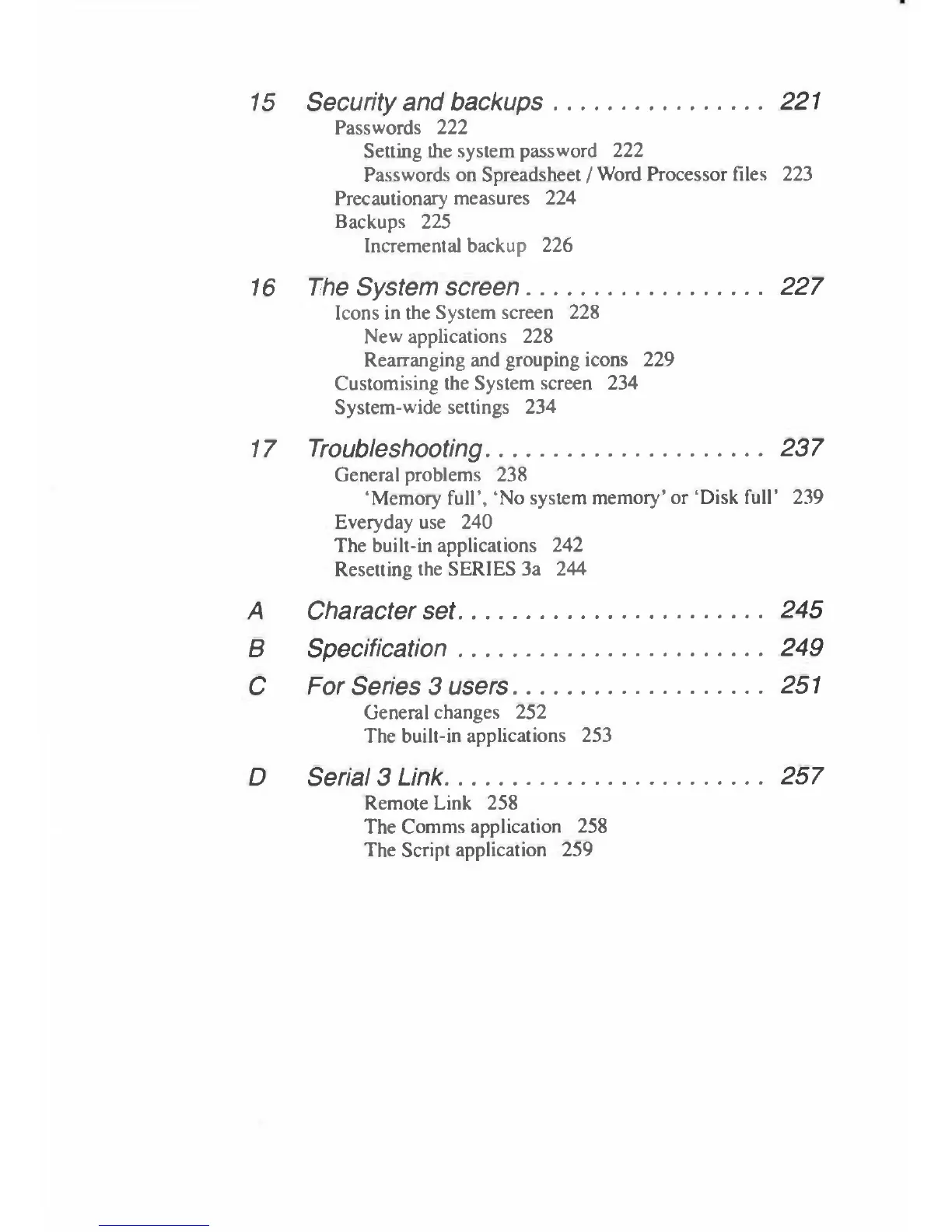
15
Security
and
backups
221
Passwords
222
Setting
the
system
password
222
Passwords
on
Spreadsheet
/
Word
Processor
files
223
Precautionary
measures
224
Backups
225
Incremental
backup
226
16
The
System
screen
227
Icons
in
the
System
screen
228
New
applications
228
Rearranging
and
grouping
icons
229
Customising
the
System
screen
234
System-wide
settings
234
17
Troubleshooting
237
General
problems
238
'Memory
full',
'No
system
memory'
or
'Disk
full'
239
Everyday
use
240
The
built-in
applications
242
Resetting
the
SERIES
3a
244
A
Character
set
245
B
Specification
249
C
For
Series
3
users
251
General
changes
252
The
built-in
applications
253
D
Serial
3
Link
257
Remote
Link
258
The
Comms
application
258
The
Script
application
259

Table of Contents

Related product manuals