PUDU T300 Operation Guide
Version: V1.0.2 Operation Guide
29
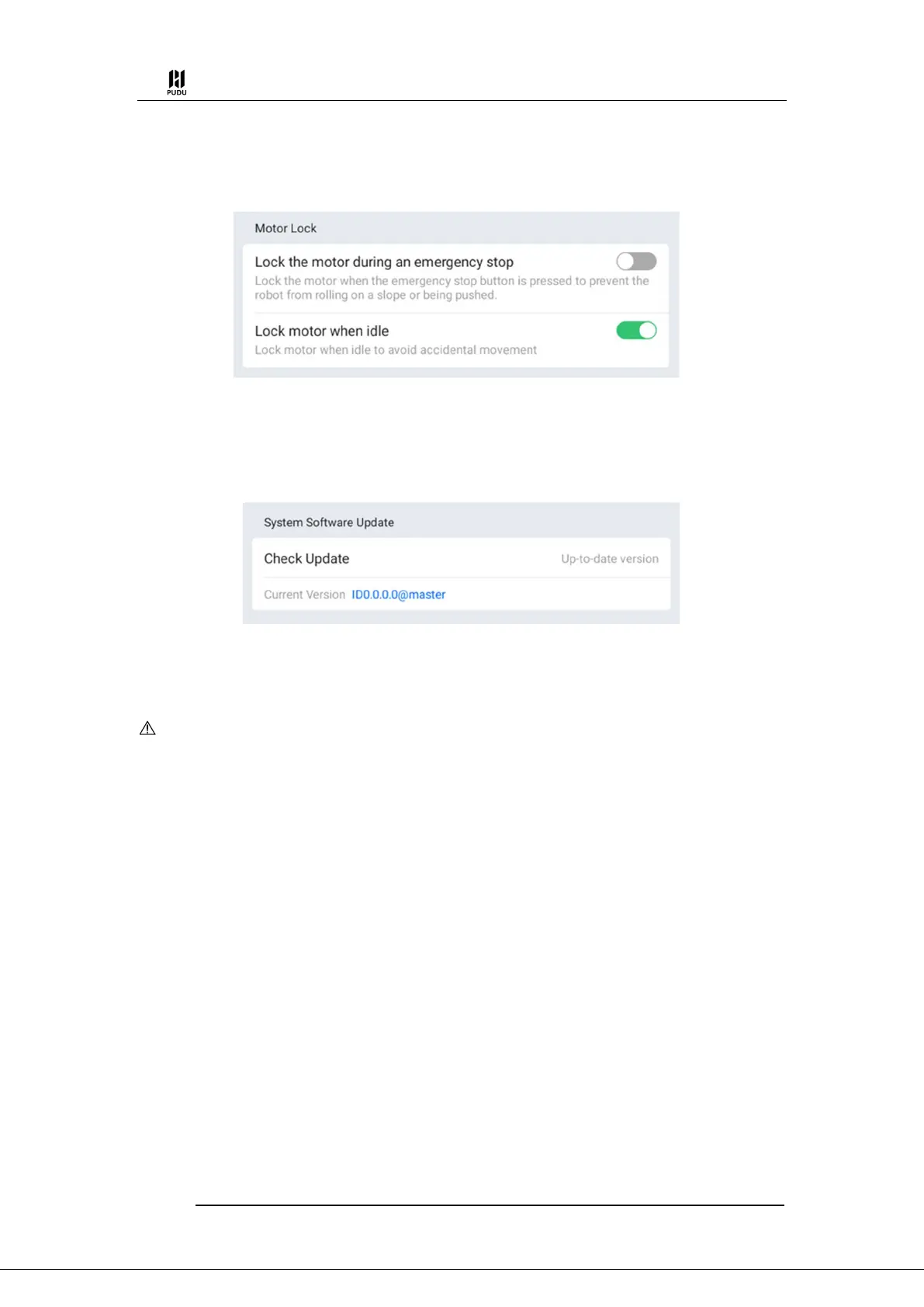
robot locks the motors to prevent accidental movement.
Lock motor when idle: The robot locks the motors when it is in an idle state without any
tasks to prevent it from being inadvertently pushed away.
4.4.6 System Update
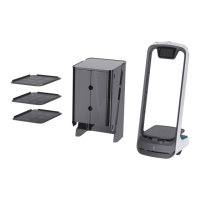
When the robot is connected to the network, it can check whether there are version updates. If
a new version of the robot software is available, there will be a red dot prompt next to “System
Update” as a reminder to perform the update.
After tapping Update, the robot will download the installation package and a prompt for the
download percentage prompt will appear. Once the download is complete for the installation
package, the robot will automatically restart.
Caution
When performing version updates, please ensure that the robot has at least 20% battery remaining.
Please do not manually turn off the robot while performing a version update.。
4.4.7 Debug
The Debugging interface is provided for use by technical support to debug the device. Please
do not use the Debugging interface yourself.


 To Next Page