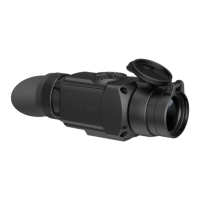
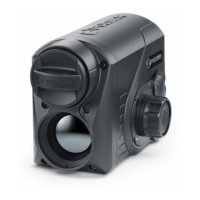
Warning! Never point the lens at intensive energy sources such as laser radiation emitting devices or the
sun. It can damage electronic components in the device. The warranty does not cover damage arising
from failure to comply with the operating rules.
MICROBOLOMETER CALIBRATION
Calibration enables the microbolometer temperature background to be equalized and defects in the
image (such as vertical lines, phantom images etc.) to be eliminated.
During calibration, the image on the display freezes briefly for up to 1 second.
There are three calibration modes: manual (M), semi-automatic (SA) and automatic (A).
Select the required mode in the Calibration Mode section of the menu.
M mode (manual).
• Secure the lens cover (1) and briefly press the ON (6) button.
• After completing the calibration process, remove the lens cap.
SA mode (semi-automatic)
• Calibration is engaged by a brief press of the ON (6) button.
• The lens cap does not need to be secured (the microbolometer is closed by an internal shutter).
A mode (automatic)
• The device is calibrated autonomously, in accordance with the firmware algorithm.
• The lens cap does not need to be secured (the microbolometer is closed by an internal shutter).
• In this mode, the device may be calibrated by the user using the ON (6) button.
IMAGE DETAIL BOOST
The Image Detail boost function increases the sharpness of the contours of heated objects, which
increases their detail. The result of the function depends on the selected mode and observation



 To Next Page