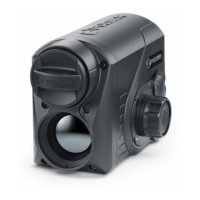
BATTERY INSTALLATION
1. Put the Lock-cover (3) on the rechargeable APS 5 battery (4).
2. Insert the APS 5 battery (4) along the guide into the battery compartment (5).
3. Lock the battery (4) by turning the Lock-cover (3) clockwise until it stops.
4. Turn the Lock-cover (3) counter-clockwise to remove the battery (4).
PRECAUTIONS
• Always use the APS 5 charger supplied with the device (or purchased separately) to charge APS 5
batteries. Using an unsuitable charger can cause irreparable damage to the battery and fire.
• Do not charge the battery immediately after bringing it from cold to warm. Wait at least 30 minutes for
the battery to warm up.
• Do not leave the battery unattended while charging.
• Do not use the charger if it has been modified or damaged.
• Do not leave the battery in a charger connected to the mains after charging is complete.
• Do not expose the battery to high temperatures or naked flames.
• Do not use the battery as a power source for devices that do not support APS 5 batteries.
• Do not disassemble or deform the battery or charger.
• Do not drop or strike the battery or charger.
• The battery and charger must not be immersed in water.



 To Next Page