POWERING ON AND IMAGE SETTING
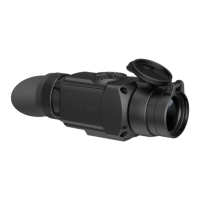
1. Remove the lens cover (1).
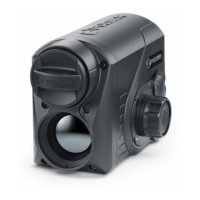
2. Press the ON/OFF (6) button to turn on the attachment.
3. If necessary, adjust the reticle sharpness according to the instructions for your scope.
4. Enter the main menu with a long press of the controller button (8) and select the desired calibration
mode: manual (M), semi-automatic (SA) or automatic (A).
5. Calibrate the image by briefly pressing the ON/OFF (6) button. Close the lens cover before manual
calibration.
6. Select the desired observation mode (Forest, Rocks, Identification or User) in the main menu. User
mode allows you to change and save user brightness and contrast settings in the quick menu.
7. Enter the main menu with a long press of the controller button (8) and select the desired color palette
(see the Color Modes section).
8. Activate the quick menu by briefly pressing the controller button (8) to adjust the brightness and
contrast of the display (see the Quick Menu Functions section).
9. Upon completion of use turn the device off by a long press of the ON/OFF (6) button.



 To Next Page