DriverIntegration
Ourproductsaredesignedtocommunicatewithavarietyofcontrolsystems.Mostofthecontrol
systemshavetheirsoftwarewhichrequireadrivertorunourproducts.
Thefirststepistodownloadthenecessarydriver:
1.Gotomonitoring.pulse-eight.comandloginwithyourInstallerID.IfyoudonothaveanInstallerID,
pleasegetintouchwithyoursalesrepresentativeorinstallerdirectly.
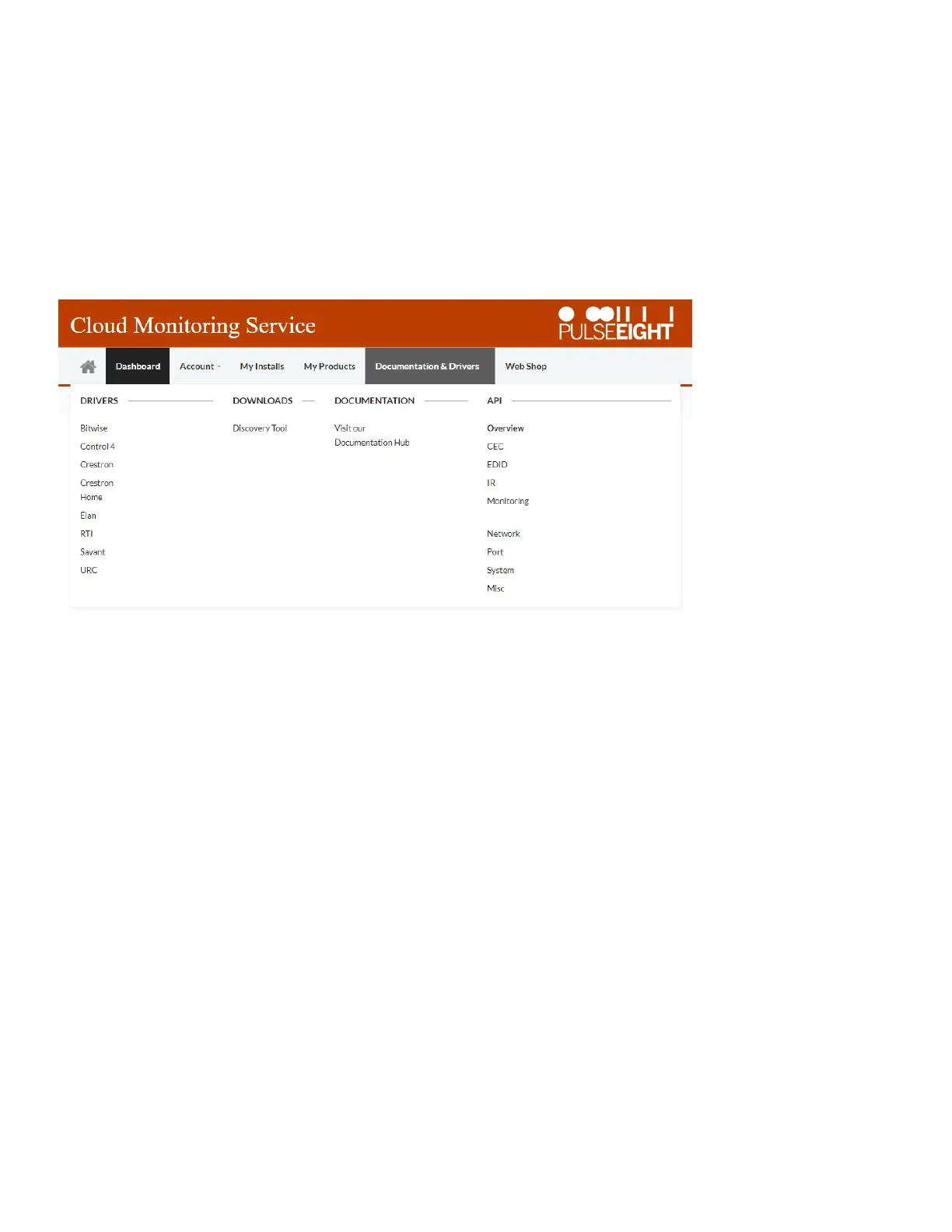
2.Oneloggedin,hoveroverthe"Documentation&Drivers"tapatthetop,thennavigatetothedesired
controlsystem.
3.Selectthedesiredproductdriveranddownload.


 To Next Page