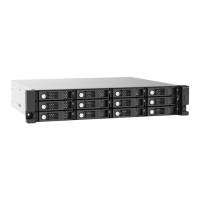
3. Hardware Installation
This section provides information on installing drives and connecting the JBOD enclosure to a NAS or
computer.
Drive Installation
QNAP JBOD enclosures are compatible with 3.5-inch hard drives, 2.5-inch hard drives, and 2.5-inch solid-
state drives.
Installing 3.5-inch Drives on 3.5-inch Trays
Warning
Observe electrostatic discharge (ESD) procedures to avoid damage to components.
1. Power off the JBOD enclosure.
2. Remove a drive tray.
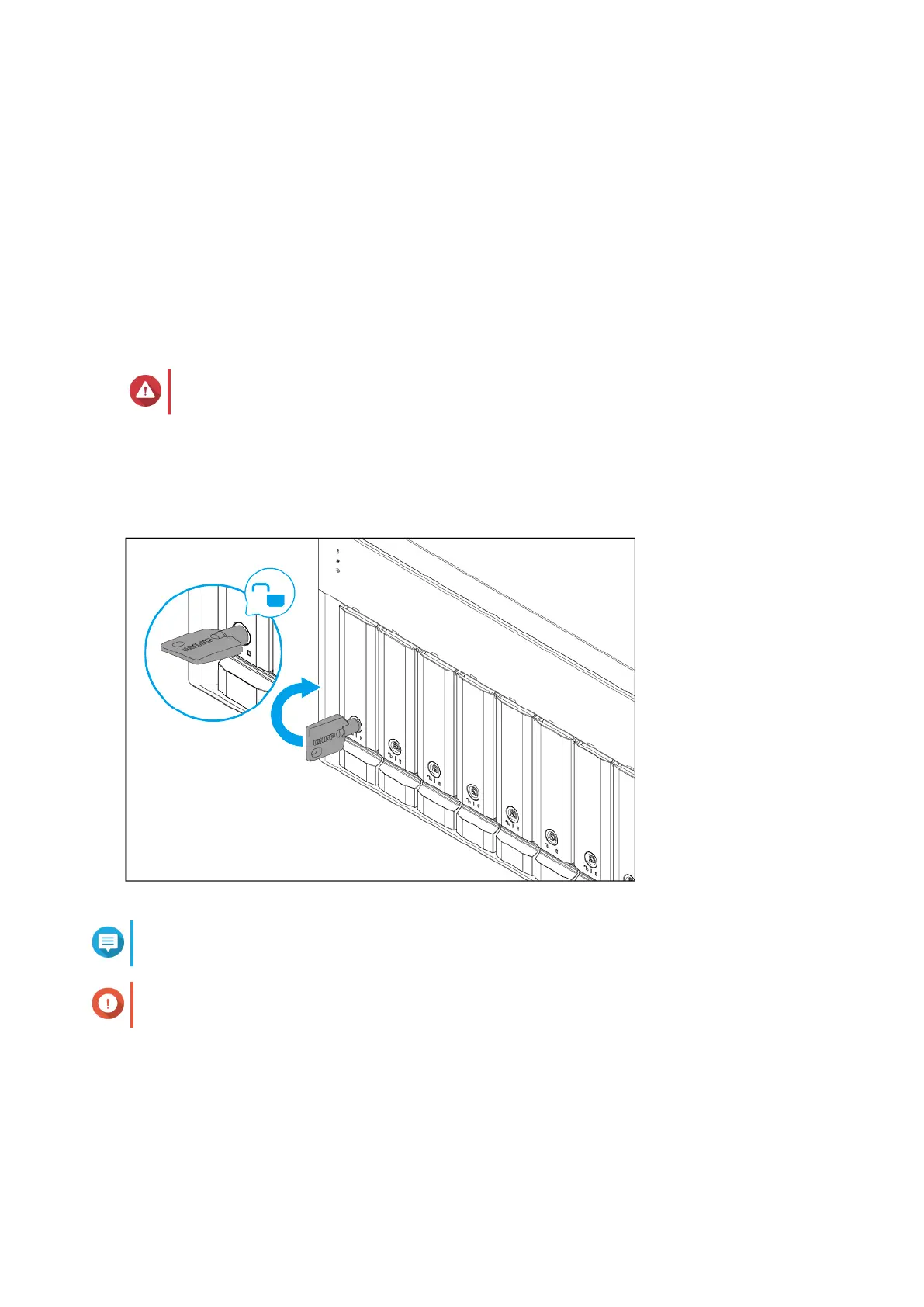
a. Optional: Unlock the tray.
Note
The preinstalled drive trays come unlocked.
Important
Ensure that the drive tray keys are stored in a safe place.
b. Pull the handle to release the tray.
c. Pull the tray out.
TL-D800C User Guide
Hardware Installation 8



 To Next Page
 Loading...